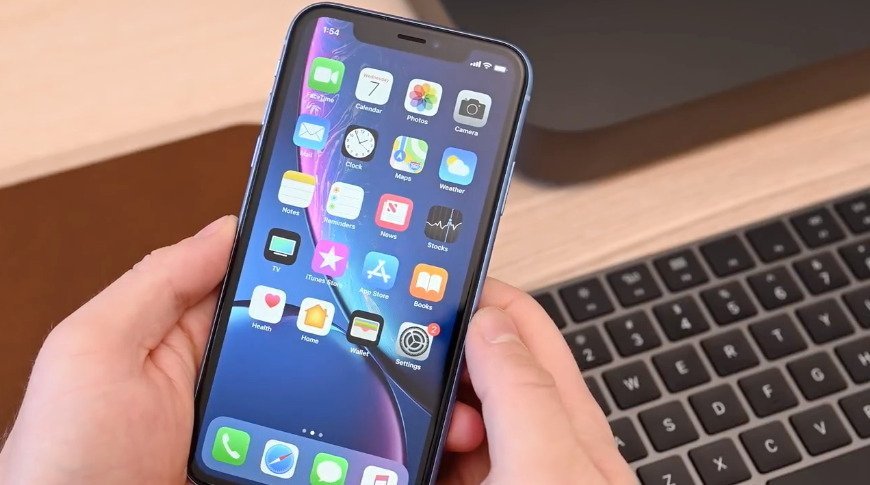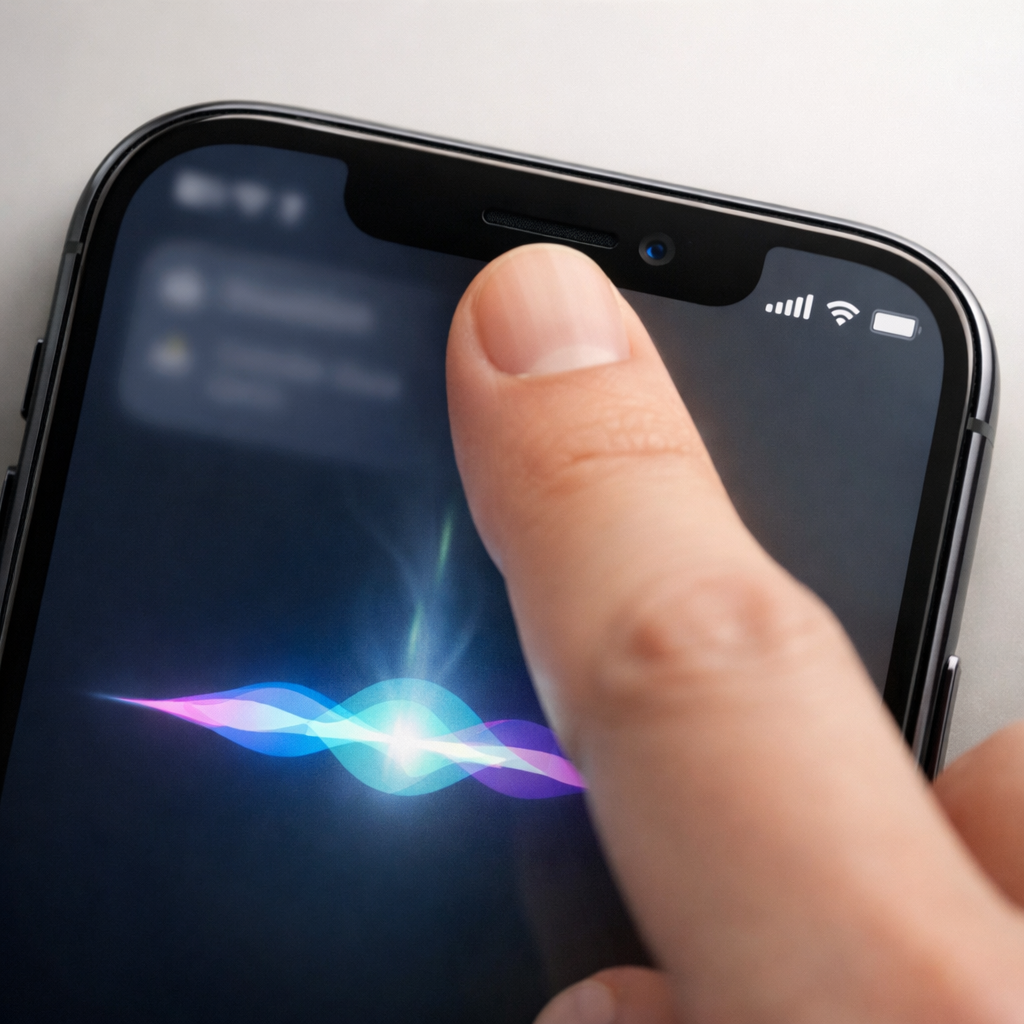
With the rollout of iOS 27 today, Apple is reshaping a core interaction that users have relied on since 2011. The familiar gesture of swiping down from the center top edge—used for years to open Notification Center—is now the trigger for Siri AI on both iPhones and iPads, once the Siri AI feature is enabled. To still access Notification Center, users must swipe down from the top-left corner instead.
A Swipe Gesture Transformed
Once Siri AI is activated, the gesture map changes significantly. Swiping down from the top-center region activates Siri AI rather than bringing up Notification Center. Window-pan handled alerts and recent notifications now animate in from the upper left corner. That repositioning shrinks the reach area for Notification Center, and the gesture to access it shifts accordingly.
Why This Breaks a Decade and a Half of Habit
For more than 15 years—since the release of iOS 5—users have been conditioned to expect Notification Center to come from the top center. The only major gesture overhaul since then was when Control Center moved to a swipe-down from the top-right on iPhones fitted with Face ID. Now, with iOS 27, the top-center space is mostly reserved for Siri AI, relegating Notification Center to the top-left corner swipe—provided Siri AI is turned on.
Adjustments & User Feedback
During the beta phase—particularly in iPadOS 27 beta 1—users noticed the region for invoking Siri AI was dominating the top edge, and the Notification Center’s area was noticeably reduced. Removing date or AM/PM display made this even more apparent. Apple responded in beta 2 by balancing the space: Notification Center on the left, Control Center on the right, and Siri AI access in the middle.
Early reactions are mixed. Some appreciate the stronger presence of Siri AI and see potential in a more centralized voice-first interaction model. Others, however, are grumbling about losing muscle memory built over years and express frustration that this change can’t be fully disabled—unless one avoids swiping from the center altogether.
Why It Matters & What to Watch
This redesign signals Apple’s commitment to embedding AI more centrally in the iOS experience. By transforming a long-standing gesture, the company is not just adding a feature—it’s reallocating one of the key interaction zones at the top of the screen. As Siri AI gets more capable, this gesture shift becomes more of a statement than a mere convenience.
For end users, this will mean retraining parts of an ingrained workflow—especially for those who often swipe down from the center for notifications. It also raises questions around discoverability and whether newer users or those with accessibility needs will find the top-left corner reach more difficult. Going forward, it will be important to watch how responsive Apple is to feedback and whether future updates introduce customization options for swipe behavior.