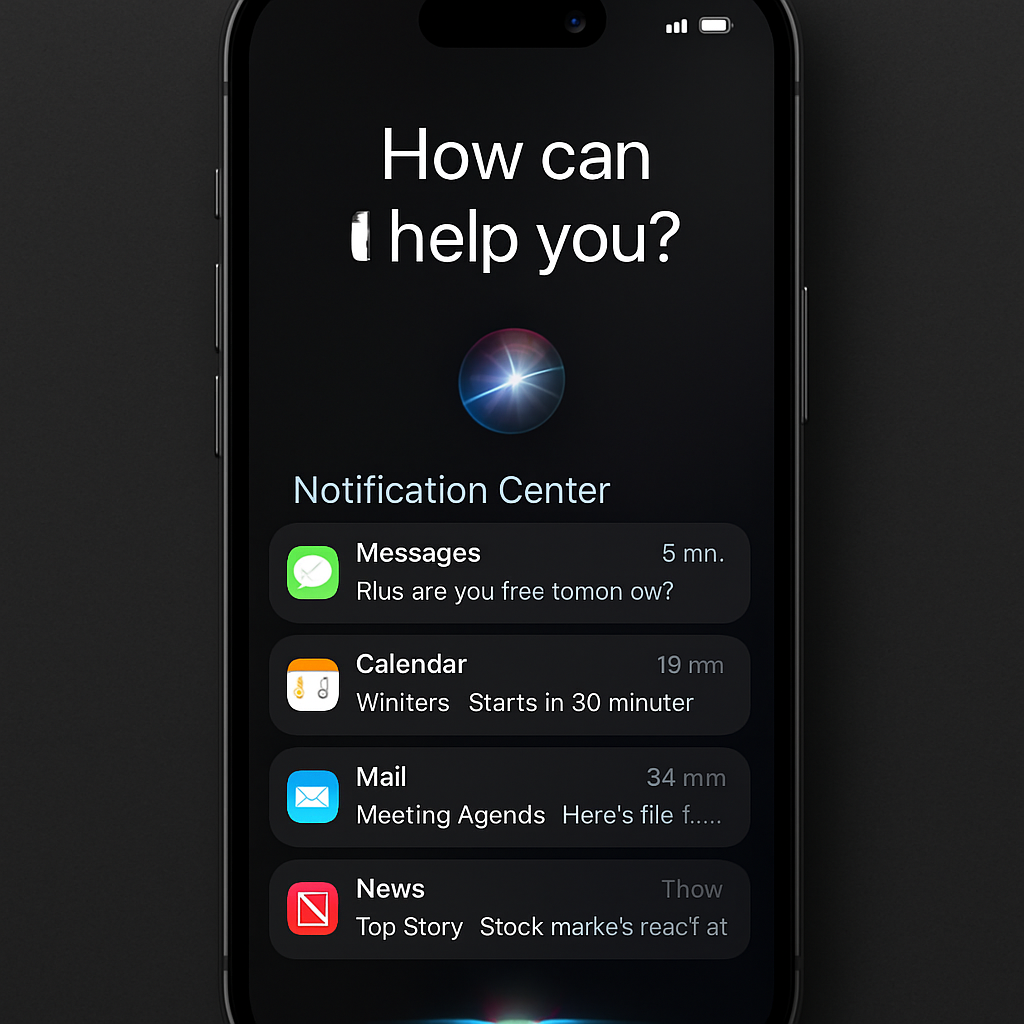
Apple’s iOS 27 introduces a significant change to the way users access the Notification Center on iPhones and iPads, marking a departure from a 15-year-old gesture. Since the introduction of the Notification Center in iOS 5 (2011), users have accessed it by swiping down from the top-center of the screen. With iOS 27, this gesture has been reassigned to invoke the new Siri AI interface, necessitating a shift in user behavior.
In the latest beta versions of iOS 27, enabling Siri AI changes the function of the top-center swipe. Instead of opening the Notification Center, this gesture now activates Siri AI. To access the Notification Center, users must swipe down from the top-left corner of the screen. This adjustment aligns with the new animation where alerts slide in from the left side, emphasizing the Notification Center’s new position.
The Control Center remains accessible by swiping down from the top-right corner, maintaining its established location. This layout ensures that the top-left and top-right corners are dedicated to the Notification Center and Control Center, respectively, while the central area is reserved for Siri AI activation.
Apple’s decision to prioritize Siri AI access reflects the company’s focus on enhancing its virtual assistant’s capabilities and integration within the iOS ecosystem. This change is reminiscent of the 2017 shift when the Control Center moved from a bottom swipe to the top-right corner with the release of the iPhone X.
Adapting to this new gesture may require an adjustment period for long-time users. However, the reallocation of swipe gestures aims to streamline user interactions and promote the use of Siri AI. As iOS 27 progresses through its beta phases, user feedback will be crucial in determining the effectiveness and acceptance of this change.
iOS 27 is currently available in beta, with a public release anticipated in the coming months. Users interested in exploring these changes can participate in the beta program, keeping in mind that beta software may contain bugs and is not recommended for primary devices.
While altering a long-standing gesture may initially disrupt user habits, this change underscores Apple’s commitment to evolving its interface to accommodate new features and technologies. The emphasis on Siri AI suggests a strategic move towards more integrated and intelligent user interactions within the iOS environment.