Apple’s latest iOS 27 update brings a significant enhancement to the iPhone’s user interface with the introduction of a customizable Liquid Glass transparency slider. This new feature allows users to fine-tune the transparency levels of system elements, offering a personalized visual experience.
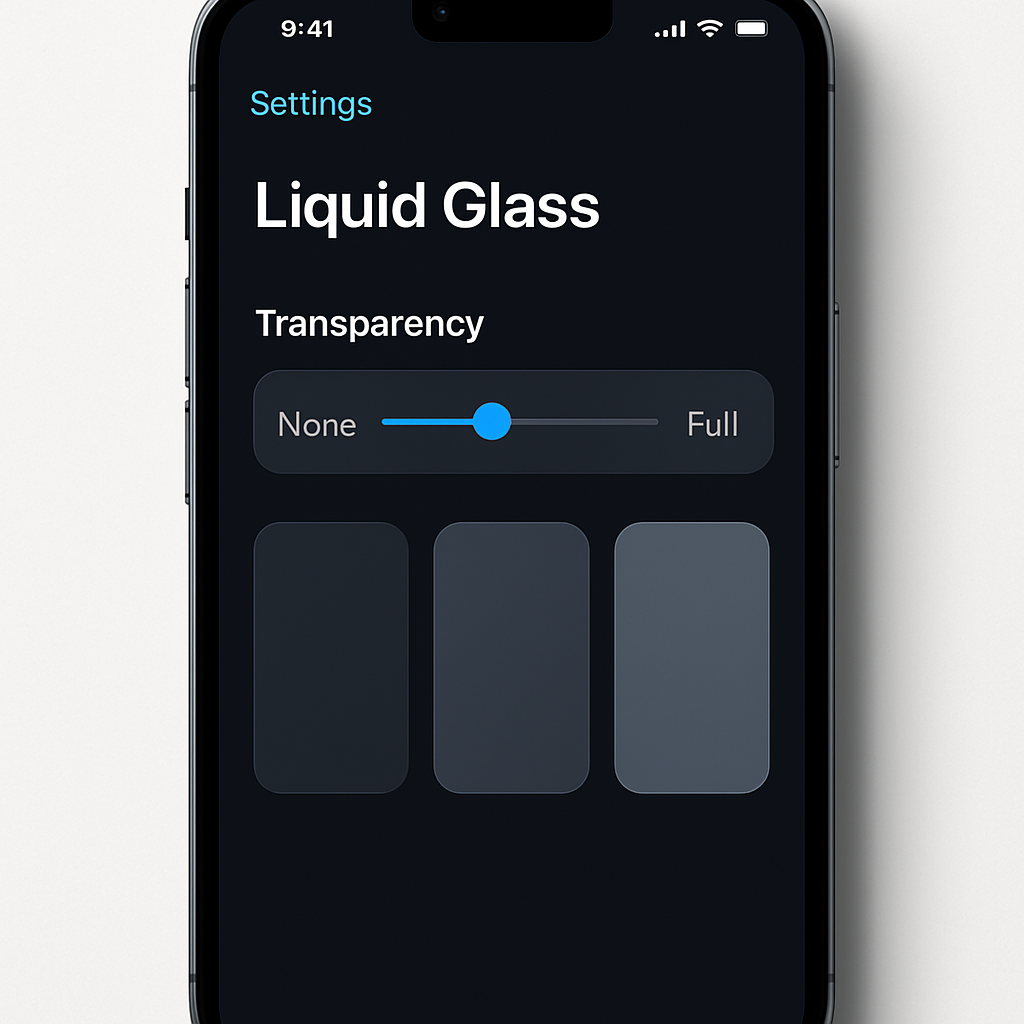
Previously, iOS 26 provided two fixed options for Liquid Glass: ‘Clear’ and ‘Tinted’. The ‘Clear’ setting offered full transparency, while ‘Tinted’ increased opacity to resemble earlier iOS designs. With iOS 27, Apple has replaced these binary choices with a dynamic slider located in Settings under Appearance. This slider enables users to adjust the transparency to their exact preference, ranging from fully transparent to heavily tinted.
For instance, adjusting the slider to the most transparent setting results in a clear, glass-like appearance for system elements, enhancing the depth and layering effects of the interface. Conversely, moving the slider towards the tinted end increases opacity, providing a more solid and traditional look. This flexibility addresses user feedback from iOS 26, where some found the default transparency levels either too subtle or too pronounced.
Beyond the slider, iOS 27 also introduces refinements to the Liquid Glass design. The rendering of app icons has been updated to improve contrast and vibrancy. The new design pipeline adds more visual separation between layers, resulting in sharper edges and more defined refractions. This change aims to address previous concerns about icons appearing blurry at smaller sizes.
These updates are part of Apple’s ongoing efforts to enhance user customization and interface clarity. By providing a spectrum of transparency options and refining visual elements, iOS 27 caters to a broader range of user preferences and improves overall usability.
Looking ahead, this move signifies Apple’s commitment to user-centric design. The introduction of the Liquid Glass slider not only offers aesthetic flexibility but also sets a precedent for future interface customization options. Users can anticipate more personalized control over their device’s appearance in subsequent updates.