With the arrival of iOS 27 on September 14, Apple rolled out what may be the biggest CarPlay update in years. But while some new features are immediately usable in any CarPlay-equipped vehicle, others depend heavily on having the right car or hardware. Here’s what works today, and what still requires manufacturer or device support.
Always Available Features
If you have a recent iPhone running iOS 27 and connect it to any CarPlay-compatible car, these features are live:
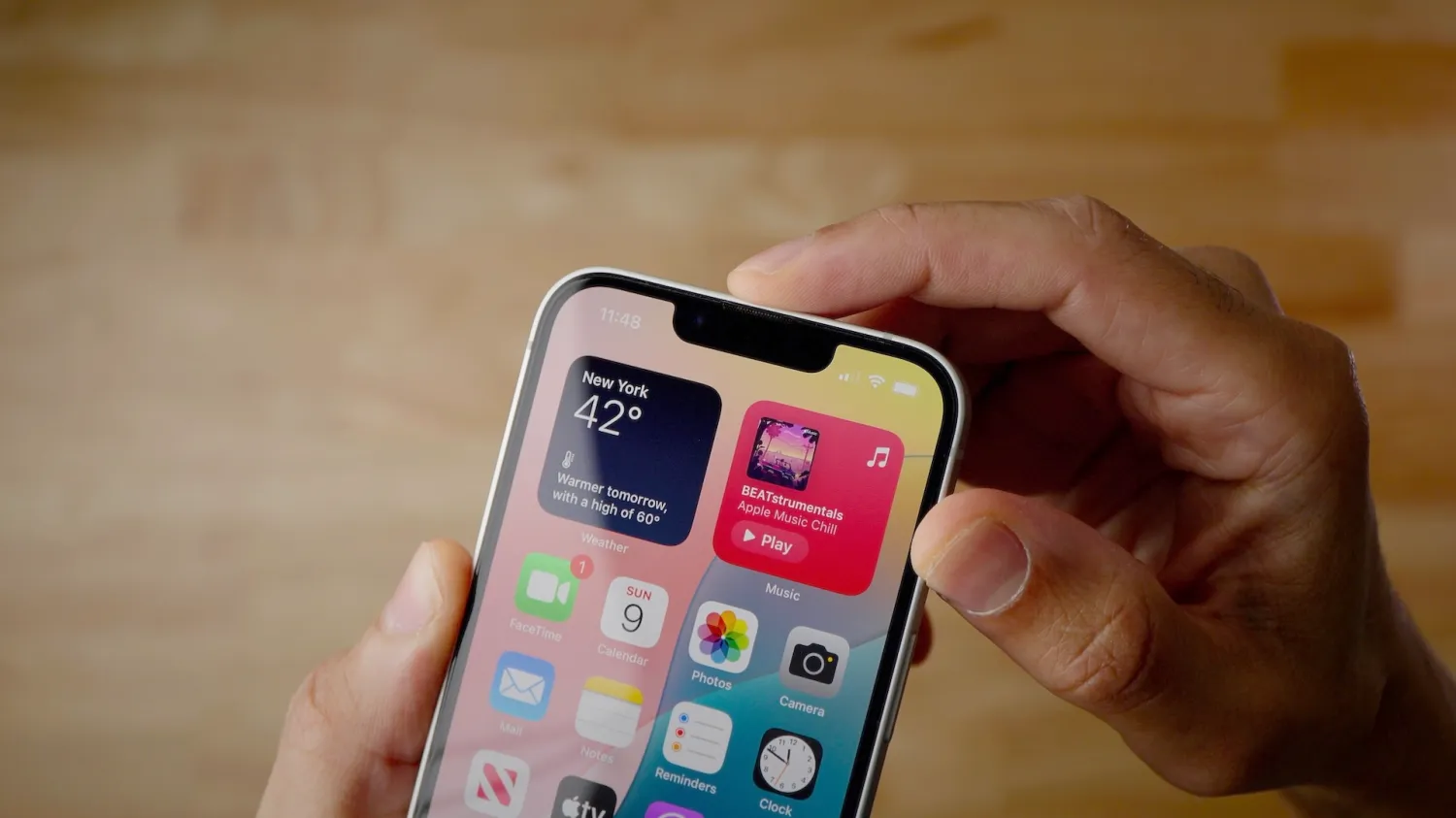
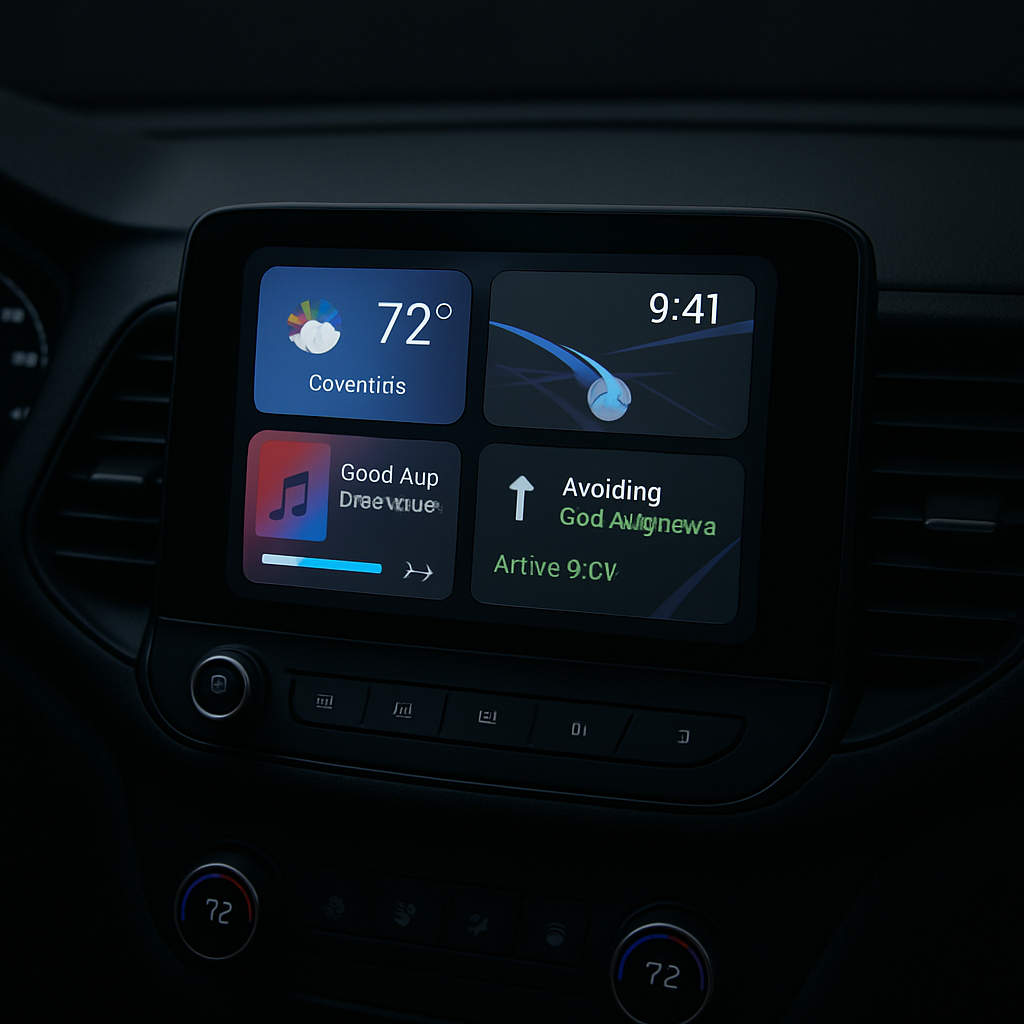
- Custom widgets:Widgets from your Home Screen—beyond Apple’s own—can now be added to CarPlay’s dashboard. Through Settings > General > CarPlay, you select your car, then tap Widgets > Add Widgets. Widgets can be reordered, removed, and you can toggle Smart Rotate and Widget Suggestions.
- Audio scrubbing:The Now Playing screen gains a true progress bar letting you jump to any moment in a track or podcast by dragging, instead of repeatedly tapping skip. A mini-player also stays visible with artwork and media controls while browsing other menus.
- Library filters in Apple Music:You can now filter your music library by Favorites, All Playlists, Artists, Albums, or Songs when using Apple Music via CarPlay. Third-party music apps may adopt similar filtering in future.
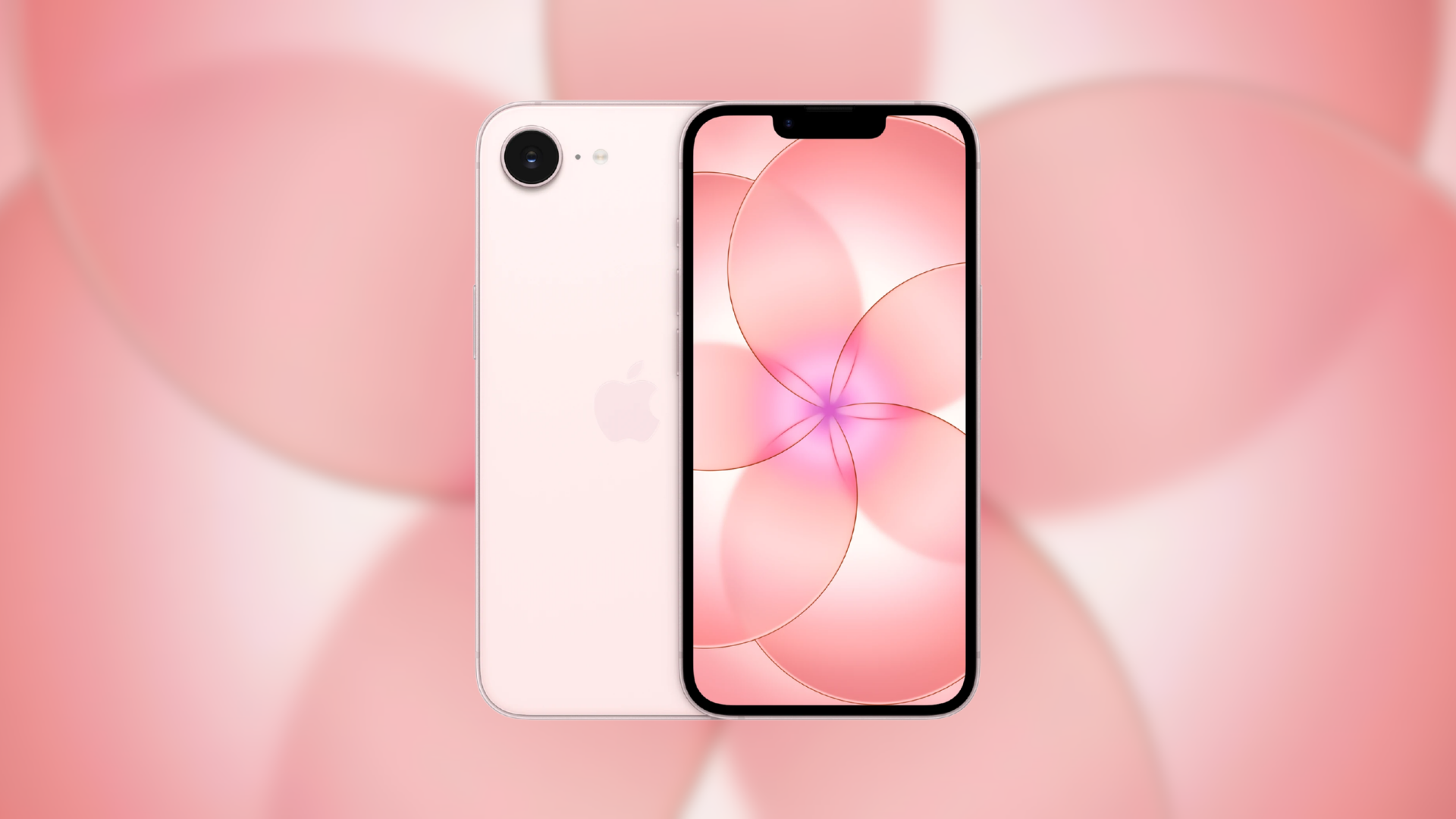
- Updated wallpapers:CarPlay joins iOS and macOS this year with a shared wallpaper design—”Celosia,” featuring curved overlapping shapes and soft shadows—in 14 color choices.
- Maps improvements:Natural language search is now supported in Apple Maps during CarPlay sessions. You can ask for directions that avoid highways or toll roads using Siri.
- Wireless performance upgrades:CarPlay’s wireless mode has been improved, with better GPS accuracy and enhanced heading detection. These enhancements are delivered entirely via software, so no new hardware—or new car—is needed.
Features That Depend on Your Car or Device
Certain new CarPlay features won’t work unless your vehicle or iPhone has specific support. These include:
- Video apps:Though Apple mentioned video playback via CarPlay, this feature isn’t usable yet. For one, automakers must certify integration of AirPlay video in the vehicle. Also, playback only works when parked, and the car must relay its drive state to iOS. As of now, no automaker has confirmed plans to support video apps.
- Route sharing to native displays:Some navigation apps can send routing—including EV charging stops and range info—to a car’s built-in infotainment system or instrument cluster. But this requires explicit support from the vehicle manufacturer.
- Siri AI:iOS 27 brings more natural conversation-like Siri interactions, with chats syncing to the Siri app on the iPhone so you can continue later. To use it, you need an iPhone that qualifies for Apple Intelligence, and you’ll have to join a waitlist via Settings > Siri.
What to Watch Next
One promised improvement is a developer template for voice control, which allows any CarPlay app category to support conversational voice interactions. However, adoption depends on individual app updates, so progress there will be gradual.
Bottom line: if your car has CarPlay and your iPhone is updated to iOS 27, you’ll immediately get features like widgets, music filters, wallpapers, and Map improvements. But for video playback, route output, and Siri AI, everything hinges on car or device being on board. This update marks a big step forward, though many of its headline features are future-bound rather than present.
Analysis:CarPlay has long been overdue for reinvention, and iOS 27 brings it closer to what drivers have wanted: more customization, smarter navigation, and clearer media control. But the split between what Apple controls (iPhone/OS updates) and what automakers need to enable (hardware certification, carOS updates) means the full CarPlay vision remains patchwork for now. The progress here is real and meaningful—but the value you get will depend largely on your car. Keep your eyes on new car announcements and OS roll-outs; that’s where the biggest gains will come.