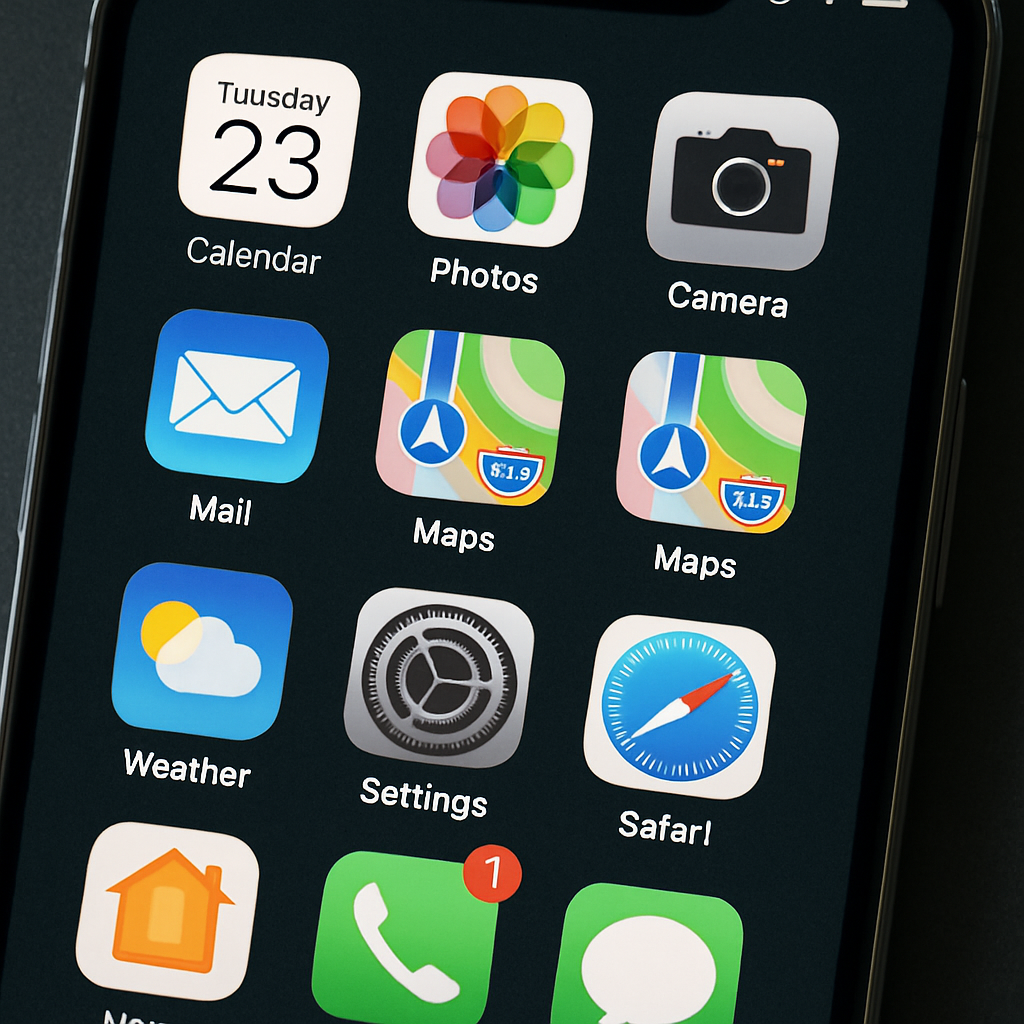
Some iPhone users running iOS 27—or the more recent iOS 27.2—are encountering an irritating bug: a stubborn red badge on the Settings app persists, urging them to “Activate iCloud Storage,” even when they have sufficient or even top-tier iCloud plans.
For people with plenty of storage—say, on a 2 TB Apple One family plan—the badge still shows. Tapping it leads to the iCloud storage purchase screen, but dismissing or navigating away doesn’t remove the notification, leaving the red dot hanging around on Settings.
How widespread and persistent is the issue?
The notification glitch crops up under the official iOS 27 release and also in iOS 27.2. So far, it appears to affect both beta testers and users on stable versions. There’s no consistent way to make the badge disappear.
Some users report that signing out of their Apple ID completely (from the device) and then signing back in temporarily removes the alert. But that’s more of a workaround than a true fix. There’s no evidence yet of a permanent solution, beyond hopeful backend action from Apple.
Is this just another upsell trick or a genuine bug?
This kind of badge notification feels familiar—Settings has been used in the past to push services like AppleCare or TV trials. But this particular “Activate iCloud Storage” alert seems to be a glitch rather than an intentional move to prompt additional purchases, especially given that it appears even when users already have adequate storage.
While Apple hasn’t issued an official statement yet, it looks like a server‐side misfire rather than something rooted in the client software. iOS 27 and its follow‐ups are mentioned, which suggests it isn’t limited to a single device generation or region.
At this stage, affected users can do one of two things: (1) live with the badge, or (2) sign out and back into their Apple ID to temporarily push it away. Neither feels ideal, especially when the underlying issue isn’t fixed.
Why this matters: Badges in iOS are powerful cues—they drive attention and sometimes worry. When one sticks around despite being irrelevant, it chips away at trust in the system’s alerts. If constant nags like this persist, they risk backfiring, making users ignore critical notifications in the future.