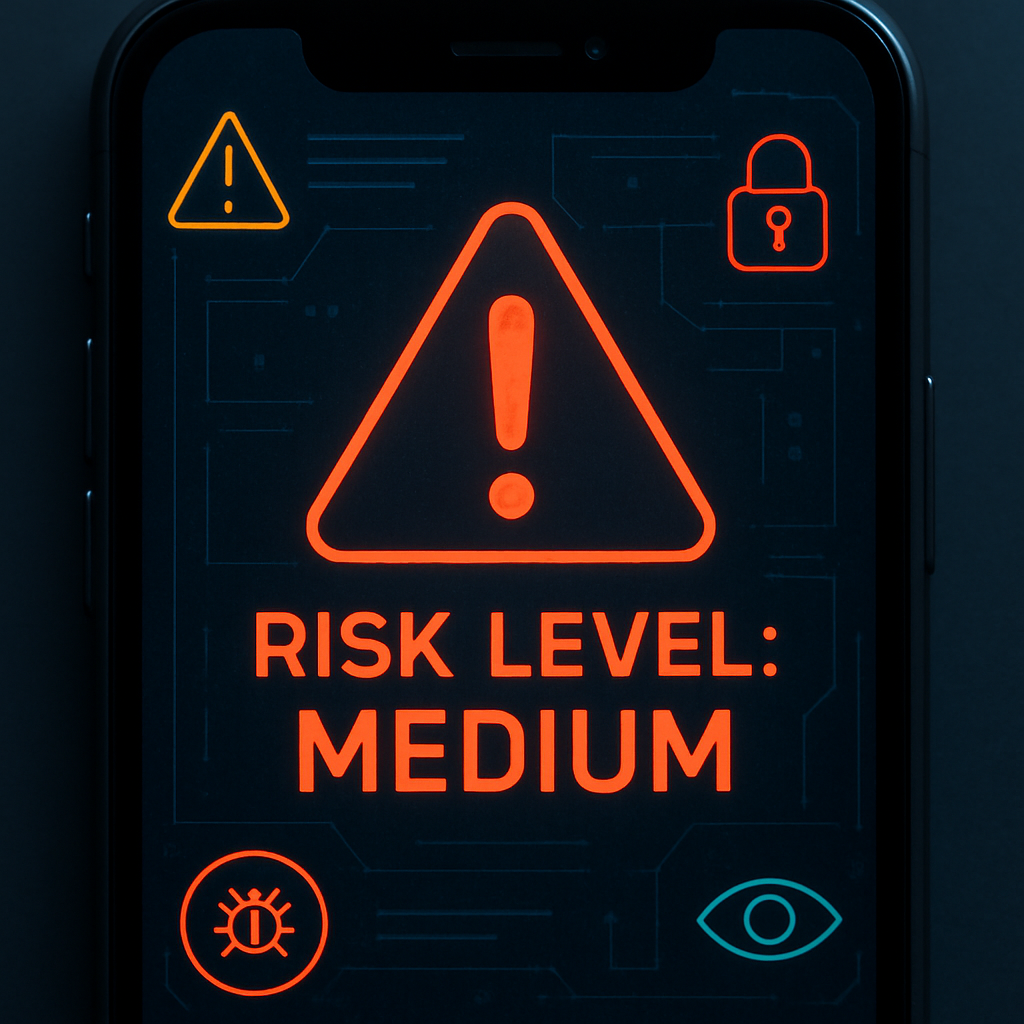
In iOS 27, Apple introduced a new feature called Impersonation Risk Detection designed to help apps identify when users might be in the middle of a scam. Rolling out with the full public release, this marks a first for Apple’s built-in defenses—adding a layer focused specifically on combative deception rather than traditional threats like malware or phishing. Previously, iOS’s anti-scam tools were more generalized, making this a notable shift in approach.
How It Works
When you’re using a supported app and perform an action like making a payment or changing your account password, the app can request a risk assessment from your iPhone. The system evaluates the situation based on past interaction patterns, timing, context, and simple sensor data. It does not, however, access the content of your Photos, Messages, or Emails, nor does it try to determine how any breach might have occurred. What the app gets in return is a single risk status: “Unknown,” “Medium,” or “High.” An “Unknown” flag does not guarantee safety—just that nothing in the app’s request immediately raises concern.
What Apps Can — and Can’t — Do with It
If the system returns a Medium or High risk, it’s up to the app developers to decide how to respond. That might involve verifying identity again, introducing delays, or other protective measures. Apple explicitly does not intervene—there’s no automatic blocking of money transfers or password changes, and the system does not generate system alerts. The risk flag is a tool for apps, not a universal safety net.
Users can monitor which apps have queried the risk detection feature, what triggered the assessment, and can revoke an app’s ability to request it all together via Settings. The feature lives under Privacy & Security > Impersonation Risk Detection > Share with App Developers.
Drawbacks, Defaults & Challenges
The biggest practical hurdle is that Impersonation Risk Detection is off by default. It’s buried several layers deep in iOS’s settings under a toggle labeled “Share with App Developers,” which isn’t obviously connected to risk monitoring. That means many of those who could benefit may never enable it—and those who do might not even realize it’s turned off.
One smart design decision: even if a user turns the feature off, there’s a mandatory 24-hour delay before it actually disables. The idea is to prevent scam artists from quickly navigating victims through disabling the protection in real time—similar to security delays on other Apple features.
This feature joins a broader wave of increased focus on optical threat detection in operating systems: not just malware and data leaks, but deceptions that unfold in real life by tricking users through impersonation and social engineering. Impersonation Risk Detection doesn’t replace tools like two-factor authentication or Face ID, but it adds something new to the mix.
Why it matters: scams involving fake customer support calls, phony bank fraud notifications, or directed instructions to move money into “safe accounts” are often effective because they escape traditional security checks. By focusing on context and behavior—and handing risk flags to apps—Apple is acknowledging those gaps.
Keep an eye on which apps adopt support, how they use risk flags, and whether users will actually enable the toggle. For Impersonation Risk Detection to live up to its potential, it needs both broad adoption by app developers and clear communication to users. Only then can the system move from a useful tool to a deeply embedded shield against evolving scam tactics.