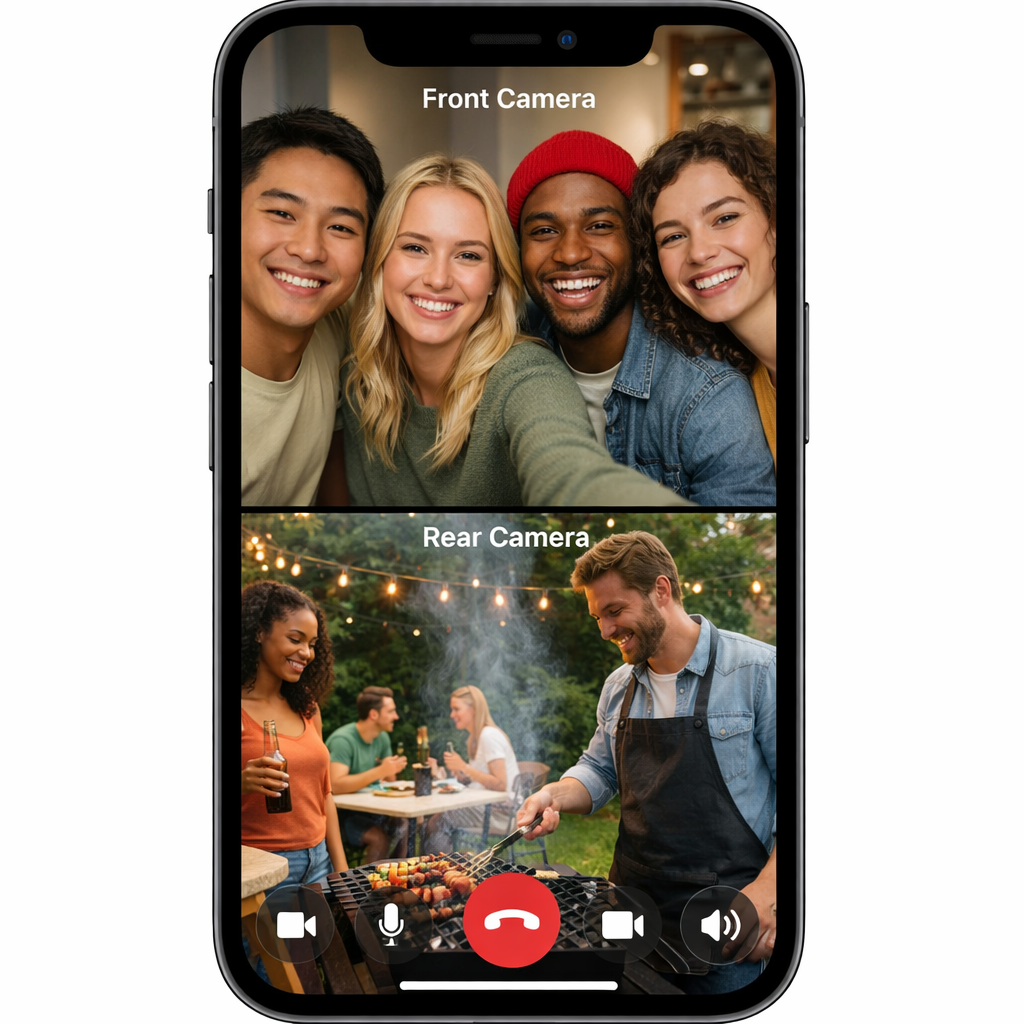
Apple’s latest update, iOS 27.2, now supports Dual Capture during Group FaceTime calls, enabling users to stream video from both front and rear cameras simultaneously. Previously limited to one-on-one conversations, Dual Capture can now be used in multi-person FaceTime sessions on compatible devices. During a call, switching the camera activates the feature automatically.
Which Devices Can Use Dual Capture
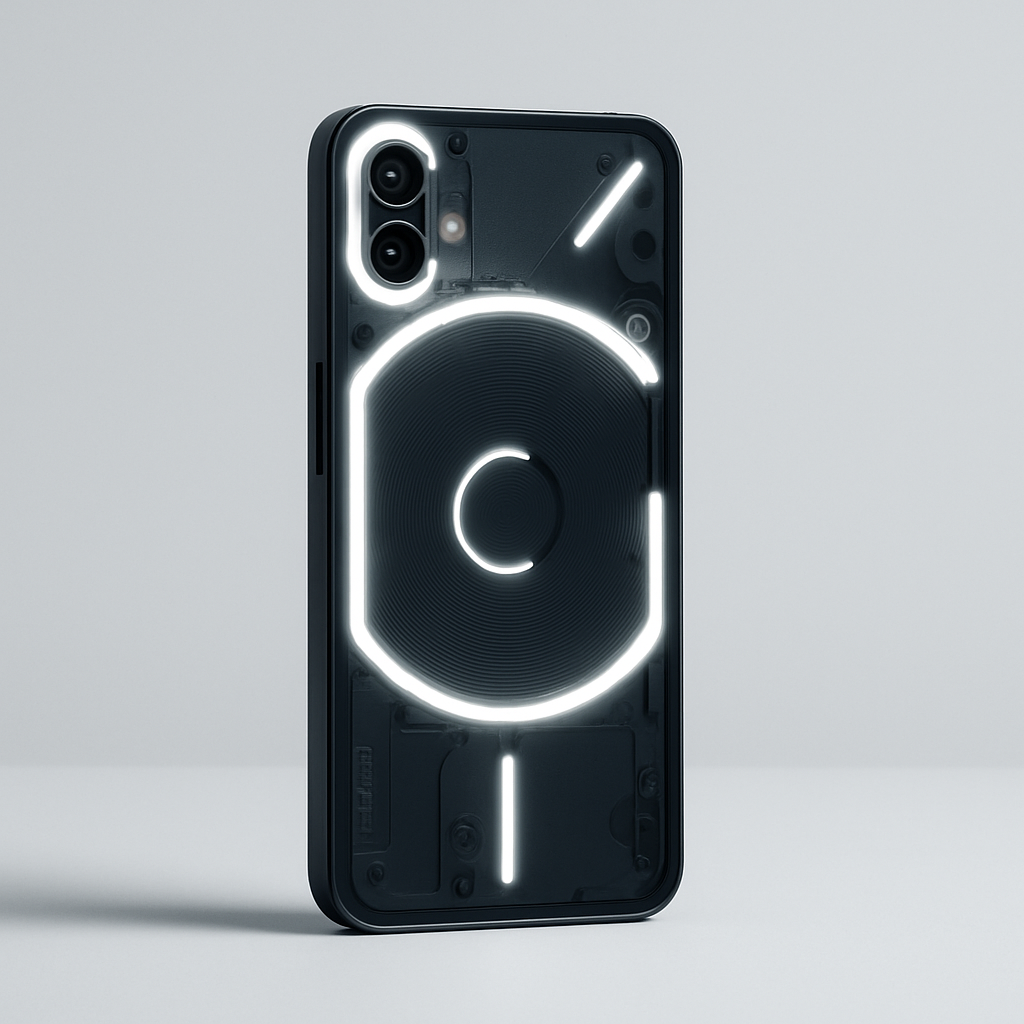
This Camera-on-front-and-back feature is available on the iPhone 17, iPhone 17 Pro, iPhone 17 Pro Max, iPhone Air, iPhone 18 Pro, iPhone 18 Pro Max, and the iPhone Duo. The Duo also supports a special “Duo FaceTime” mode that uses its under-display front camera alongside the rear camera on its outer display—so two people can appear from different angles without crowding into a single frame.
Additional Features in iOS 27.2
Beyond expanded Dual Capture, the update introduces accessibility enhancements: users in FaceTime calls can now add a third-party sign language interpreter or live captioner. It’s a move that makes group discussions more inclusive to those who are deaf or hard of hearing.
Apple first introduced Dual Capture in iOS 27. The feature allows seamless camera flipping—sharing both perspectives during FaceTime calls—and was restricted to flat one-on-one conversations until today’s update. Delivering it to group settings adds a new dynamic to group calling.
Background: FaceTime Dual Capture uses simultaneous video feeds from front and rear cameras during calls. For example, you can show your face and whatever you’re looking at without ending up with awkward moments of switching. While super useful, the feature requires compatible hardware: newer models like the iPhone 17 line, Pro-level iPhone 18s, Air, and Duo. The iPhone Duo’s under-display camera adds extra flexibility.
Why this matters: letting Group FaceTime users tap into Dual Capture transforms how remote collaboration, teaching, and social video communication can look. The inclusion of interpreters or live captioners also signals Apple pushing to make FaceTime more accessible to all.
What to Watch: Users with supported devices will want to explore settings once the iOS 27.2 rollout reaches their region. Apple’s past releases suggest the update will reach all compatible users via Settings › General › Software Update. It’s also worth monitoring whether Apple extends Dual Capture support to more devices down the line.