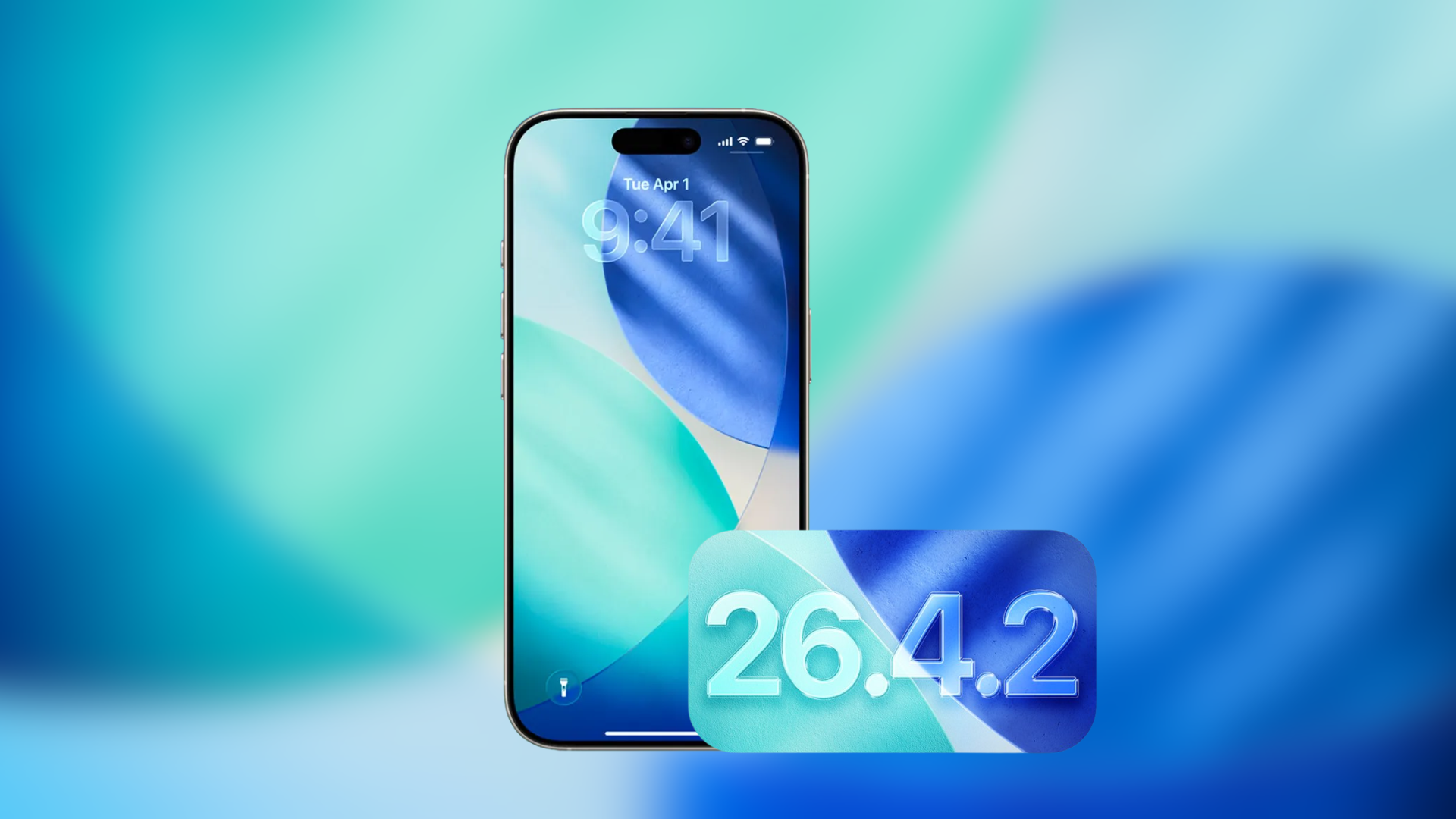
iOS 26.4.2 Bug Causes Deleted Apps to Reinstall Without User Consent
A perplexing issue has emerged for iPhone users following the release of iOS 26.4.2, where previously deleted applications are unexpectedly reappearing on devices without user authorization. This anomaly has been reported by multiple users, raising concerns about potential flaws within Apple’s app management and cloud synchronization systems.
User Reports Highlight the Problem
Several iPhone owners have taken to online forums to share their experiences with this bug. One notable case involves a user who deleted the Headspace app over a year ago, only to find it reinstalling itself each morning on their iPhone 13. Despite multiple deletion attempts, the app persistently returned, suggesting a deeper issue within the device’s software or Apple’s cloud services.
Potential Causes of the Reinstallation Bug
The root cause of this problem appears to be linked to Apple’s app restoration mechanisms. When an app is downloaded, it becomes associated with the user’s Apple ID. During processes like background syncing, backup restoration, or due to software glitches, these apps may reinstall without explicit user consent. In the case of the Headspace app, the user was automatically signed in through their Apple account upon reinstallation, indicating that iCloud or App Store purchase history might be triggering these unauthorized reinstalls.
Apple’s Response and User Recommendations
Apple Support has acknowledged the issue and suggested several troubleshooting steps:
– Delete the App Again: Manually remove the app from the device.
– Check App Store Automatic Downloads Settings: Ensure that automatic downloads are disabled to prevent unintended installations.
– Review VPN or Configuration Profiles: Examine any installed profiles that might influence app behavior.
– Sign Out and Back Into Apple Account: This can sometimes resolve syncing issues.
– Restore iPhone from Backup: Reverting to a previous backup may eliminate the problem.
– Perform a Full Factory Reset: As a last resort, resetting the device to factory settings can address persistent issues.
However, some users have reported that even after performing a full device restore, the problem persists, suggesting that the issue may reside within Apple’s cloud synchronization system rather than local device settings.
Broader Implications and User Concerns
This bug not only causes inconvenience but also raises significant privacy and security concerns. The unauthorized reinstallation of apps could lead to unintended data usage, potential exposure of personal information, and disruption of user experience. Users are particularly troubled by the lack of control over their devices and the potential implications for data privacy.
Steps Users Can Take
While awaiting an official fix from Apple, users experiencing this issue can take the following steps:
1. Report the Issue to Apple Support: Providing detailed information about the problem can help Apple identify and address the bug more efficiently.
2. Monitor Device Behavior: Keep an eye on any unexpected changes or app installations and document them for further reporting.
3. Stay Informed: Follow official Apple communications and reputable tech news sources for updates on this issue.
4. Exercise Caution with App Downloads: Be mindful of the apps you download and their sources to minimize potential risks.
Looking Ahead
As Apple continues to investigate this issue, it is anticipated that a software update will be released to address the bug. In the meantime, users are encouraged to remain vigilant and proactive in managing their devices to mitigate the impact of this problem.