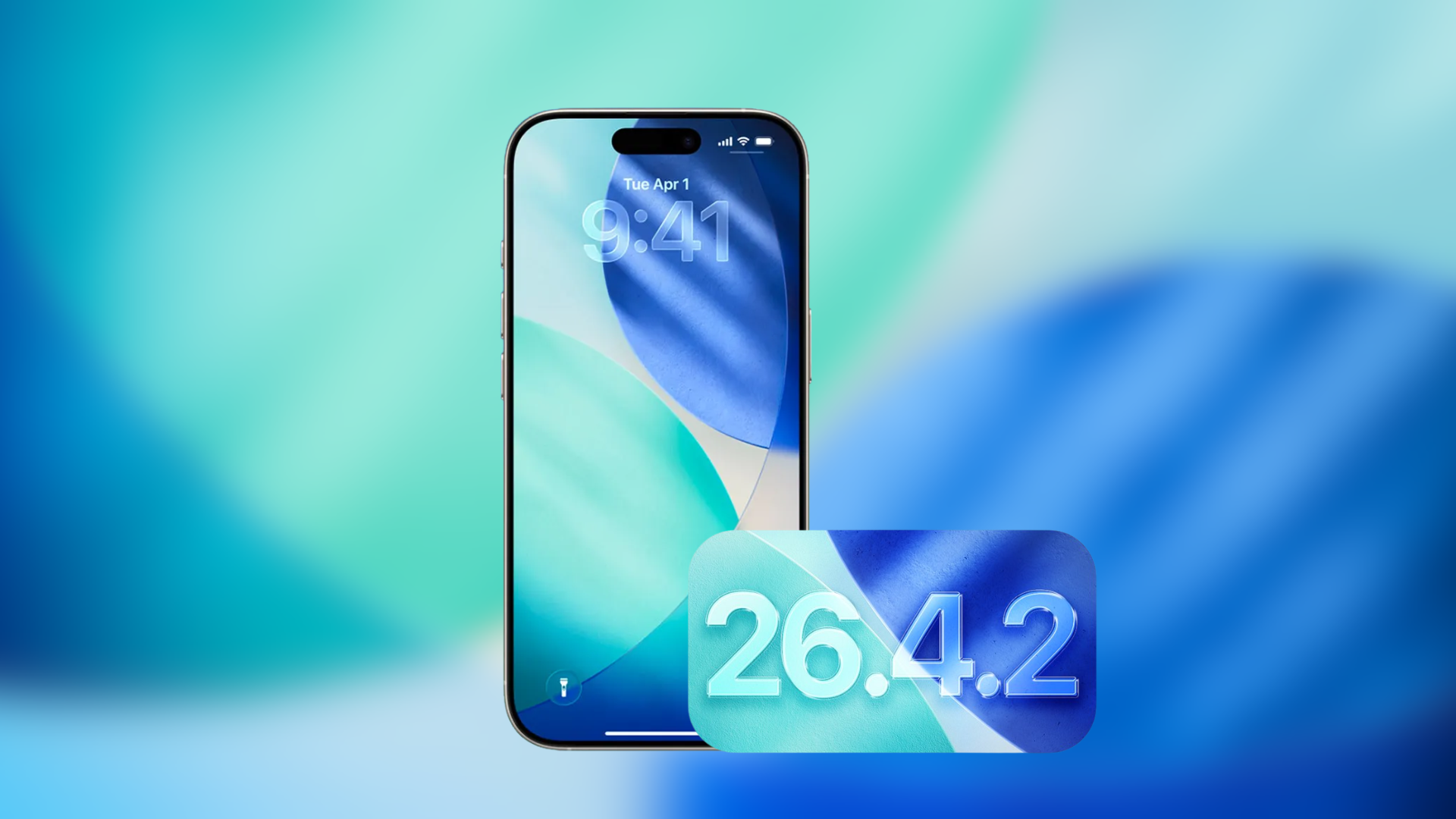
iOS 26.4.2 Bug Causes Deleted Apps to Reinstall Without User Consent
A peculiar issue has emerged with Apple’s latest iOS 26.4.2 update, where iPhone users are discovering that apps they had previously deleted are mysteriously reappearing on their devices without any action on their part. This anomaly has led to confusion and concern among the Apple community, as it challenges the expected behavior of app management within the iOS ecosystem.
User Experiences Highlight the Issue
Reports from various users have surfaced, detailing instances where deleted applications, such as the meditation app Headspace, are reinstalling themselves overnight. One user recounted their experience of removing the app multiple times, only to find it restored each morning. This persistent reinstallation occurred despite the app having been deleted over a year prior, suggesting a deeper issue within the system’s app management protocols.
Potential Causes Behind the Automatic Reinstallations
The root of this problem appears to be linked to Apple’s app restoration mechanisms. Typically, apps associated with a user’s Apple ID can be reinstalled during processes like device syncing, backup restorations, or due to software glitches. In the reported cases, users noted that upon the app’s unexpected return, they were automatically signed in through their Apple accounts. This behavior points towards potential triggers within iCloud syncing or the App Store’s purchase history that may be causing these unauthorized reinstalls.
Apple’s Response and User Troubleshooting Efforts
In response to these incidents, Apple Support has recommended that affected users perform a full device restore from backup. However, this solution has not proven effective for all, as some users continue to experience the issue even after following these steps. This persistence indicates that the problem may reside deeper within Apple’s cloud synchronization systems rather than being a simple device-level glitch.
Recommended Steps for Affected Users
For those encountering this issue, the following steps may help mitigate the problem:
1. Delete the App Again: Manually remove the unwanted app from your device.
2. Check App Store Automatic Download Settings: Navigate to Settings > App Store and ensure that automatic downloads are disabled.
3. Review VPN or Configuration Profiles: Inspect any installed VPNs or configuration profiles that might influence app behavior.
4. Sign Out and Back Into Your Apple Account: This can refresh your account settings and potentially resolve syncing issues.
5. Restore Your iPhone from Backup: Perform a restore to a previous backup where the issue was not present.
6. Perform a Full Factory Reset: As a last resort, reset your device to factory settings, keeping in mind this will erase all data.
The Importance of Reporting the Issue
Users experiencing this problem are encouraged to report it directly to Apple Support. Increased reports can help Apple identify the scope of the issue and expedite the development of a fix in future updates. Until an official resolution is provided, users may continue to face this frustrating software behavior.
Broader Implications and User Concerns
This bug raises significant questions about user control and data management within the iOS environment. The unexpected reinstallation of deleted apps not only disrupts user experience but also brings into question the effectiveness of current app management and data synchronization practices employed by Apple.
Looking Ahead: Awaiting a Permanent Solution
As the Apple community awaits a definitive fix, it is crucial for users to stay informed and proactive in managing their devices. Monitoring official Apple communications and participating in user forums can provide additional insights and potential workarounds as the situation develops.