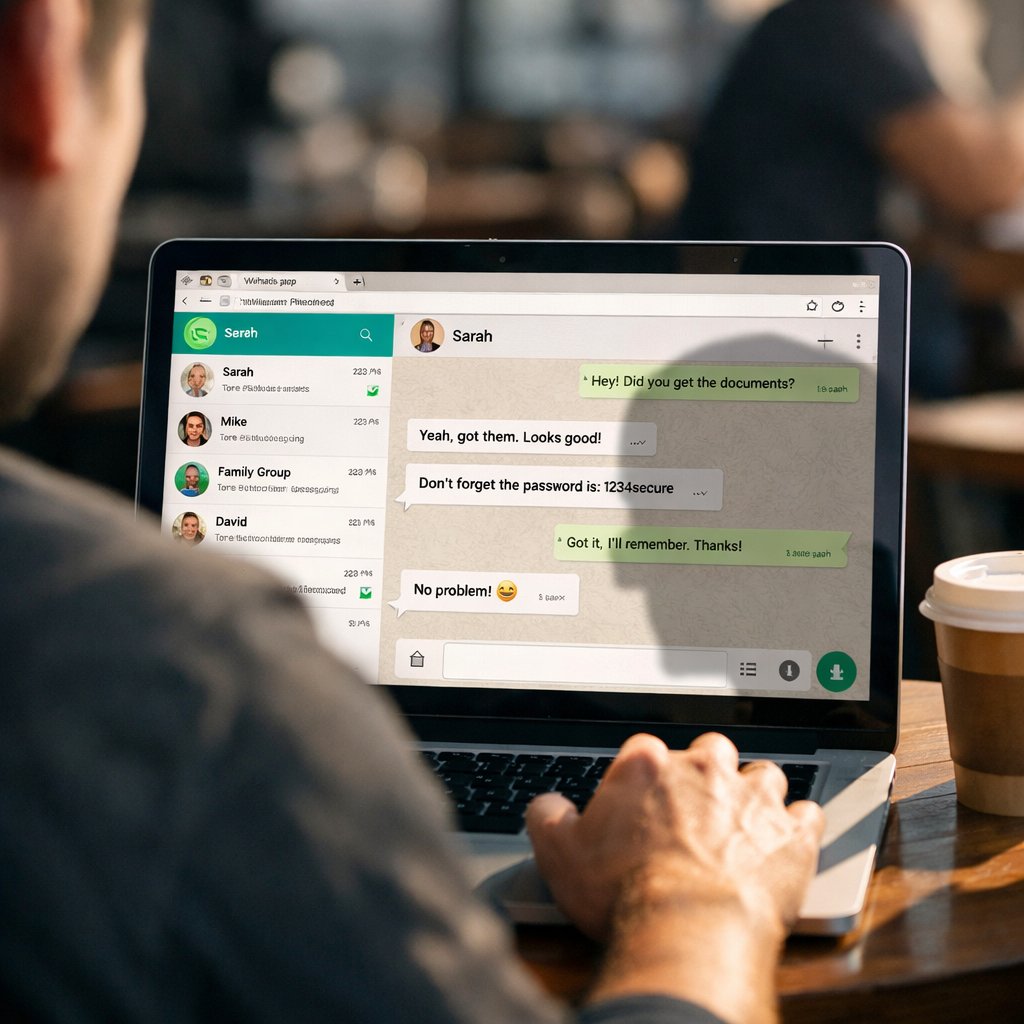
India’s cyber authority has issued a fresh warning: avoid sharing confidential data through WhatsApp Web, especially on public or shared computers. The advisory from the Indian Cyber Crime Coordination Center (I4C) comes after concerns that browser sessions already logged into WhatsApp Web could be misused to access private chats, contacts, and even impersonate account holders. With the nature of remote work and shared devices rising, this precaution isn’t trivial—it’s essential.
On November 18, 2026, I4C’s National Cybercrime Threat Analytics Unit released a security notice underscoring the risk of leaving WhatsApp Web sessions signed in. If someone gets hold of a computer already logged in to WhatsApp Web, they may read your messages, see your group chats, access contact lists, or even send messages under your name. This is particularly problematic in environments like offices, internet cafés, or any scenario involving shared computers. But it’s important to clarify: this isn’t about WhatsApp’s encryption being broken. Rather, it’s about what can happen if someone gains access to your already-authenticated browser session.
How WhatsApp Web Sessions Work — And How They Can Be Misused
WhatsApp Web allows your account to sync with a web browser via a linked device setup. End-to-end encryption protects messages during transit—even on the web interface. But once a browser is logged in, any person using that browser can view existing chats or send messages, acting as if they are you. For instance, they could leverage exchange messages or group chats to fabricate payment requests appearing to come from a friend or colleague.
Another known threat is device-linking scams—techniques where users are tricked into authorizing devices they don’t control. While the current I4C advisory doesn’t link directly to such scams, past warnings have raised alarms over similar risks. The bottom line: authorization is only part of the battle; securing sessions and recognizing misuse are equally important.
Best Practices for Secure WhatsApp Web Use
I4C lays out several safeguards to limit exposure:
- Always manually log out of WhatsApp Web before closing your browser or shutting down a shared system.
- Avoid signing into WhatsApp Web on unfamiliar or public machines—such as hotel business centers, kiosks, or café PCs. If it’s absolutely necessary, use incognito or private mode, and sign out once done.
- Keep your operating system, browser, and security tools current. Steer clear of suspicious downloads, unknown email attachments, or cracked software that could carry malware.
- Stay alert for unexpected prompts—unknown QR codes, messages from devices you didn’t pair, or conversations you didn’t initiate. In the Linked Devices section of WhatsApp, you can remotely log out unknown sessions.
- If you suspect misuse, inform those contacts who might be targeted via fraudulent messages. Verify any unusual instructions through a separate channel. Indian users who suffer financial losses should dial 1930 and report those incidents via the National Cyber Crime Reporting Portal.
This alert is part of a growing wave of advisories urging internet users to re-evaluate how they use encrypted messaging tools in shared digital settings. Though WhatsApp’s encryption remains intact, usability and session security present clear risks. The equal-access convenience of WhatsApp Web must therefore be matched by better habits.
What this means is simple: your data security doesn’t end with strong encryption. If you use WhatsApp Web, treat every browser session like a potential vulnerability. Log out every time. Avoid shared computers. Don’t let the convenience of persistent login compromise your private information. As digital tools become more interconnected, security responsibility shifts back to your behavior—these small steps make a big difference.