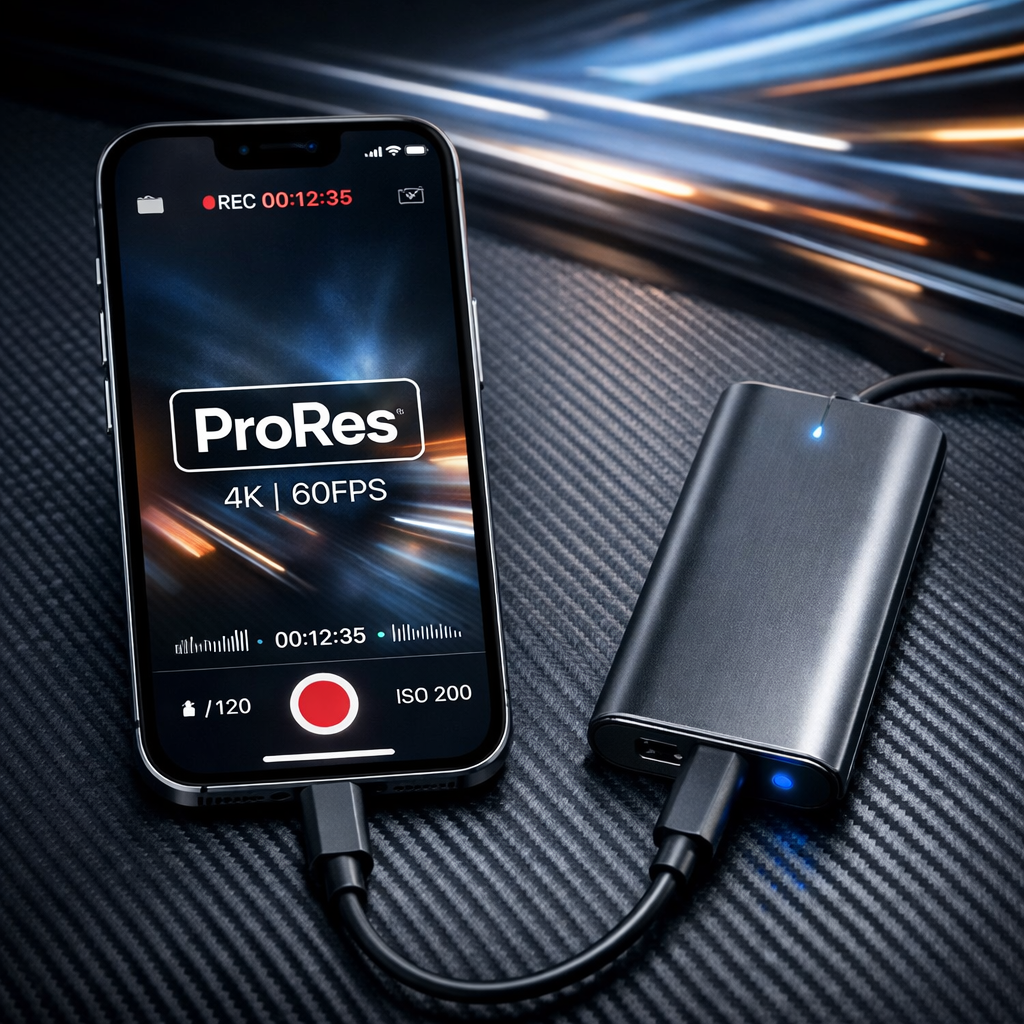
Since the iPhone 15 lineup adopted USB-C ports, users are discovering that these aren’t just universal charging points—they’re gateways to vastly expanded functionality. While plugging in external storage like SSDs or thumb drives is now possible, how useful this is depends on which iPhone model you own and what you want to do with the extra space.
Limited Speeds on Base vs Pro Models
All iPhones with USB-C allow plugging in an external drive. But non-Pro models (including iPhone 15, 15 Plus, and the iPhone Air) ship with USB 2.0 ports—maxing out at roughly 480 Mbps (≈50 MB/s). That makes them fine for simple file transfers, but they struggle with bandwidth-hungry workflows like streaming video directly from a drive at high resolution. If you have a phone with a USB-3 port—such as iPhone 15 Pro, 15 Pro Max, the iPhone Duo, or anything newer in the Pro family—you’ll get transfer speeds up to around 10 Gbps (≈1,000 MB/s), which opens up far more possibilities.
New Use Cases with USB-C Storage
ProRes video recording: On compatible models (Pro and newer high-end devices), you can record high-bitrate ProRes video—such as 4K at 60 fps, and on latest Pro models, even 4K at 120 fps—directly to an external SSD. These files blow up in size—minutes of footage can take multiple gigabytes—so directing them outside internal storage helps preserve room and avoid fills and slowdowns.
File and media management: With the built-in Files app, you can browse, move, copy, rename, and organize files on external drives. Media apps that support external storage allow you to stream or open videos and high-resolution photos without pulling them into internal storage. It also becomes a portable hub for transferring data between devices without relying on AirDrop or cloud services.
Manual backups: External SSDs let you take more control of backup workflows. You can store photos, contacts, and other important files on external storage. While automated system backups (iCloud or via cable to Mac/PC) remain standard, having your own offline copies gives more flexibility and resilience.
What External Storage Still Can’t Do
App installation: Apps can only be installed on the iPhone’s internal storage. External drives can’t serve as installations targets for any apps, regardless of speed or connection type.
System backups: Full device backups still must go to Apple’s iCloud or a Mac/PC. You can’t reroute automated, system-level backups to an external SSD directly.
Regular video and photo capture: Standard modes—photo, timelapse, slo-mo, HEVC/H.264 video—save to internal storage. Only high-end ProRes formats (on supported devices with external drives) can be captured directly to external SSDs.
Encrypted or OS-incompatible storage: Drives using formats like BitLocker or other third-party encryption without a companion iOS app won’t work properly. Supported formats include APFS (encrypted or not), exFAT, FAT32, HFS+, and others. Physical keypad-encrypted drives or those with dedicated iOS apps are more likely to be usable.
Overall, the shift to USB-C has enabled things many iPhone users couldn’t do before—but full leverage requires having one of the models with USB-3 support (Pro or Duo and above), and using fast, properly formatted storage.
What this means: The USB-C port’s arrival on iPhones isn’t just about ending proprietary cables—it’s opening new creative and power-user possibilities. Photographers, videographers, and anyone who pushes large file workflows now have tools that weren’t usable before. The catch is in history: older or base models don’t have the bandwidth, and Apple’s software boundaries (apps install internal, backups restricted) limit what external storage can replace. Going forward, watch for faster SSDs, better formatted drive support, and whether Apple might loosen restrictions around system backups or app installs.