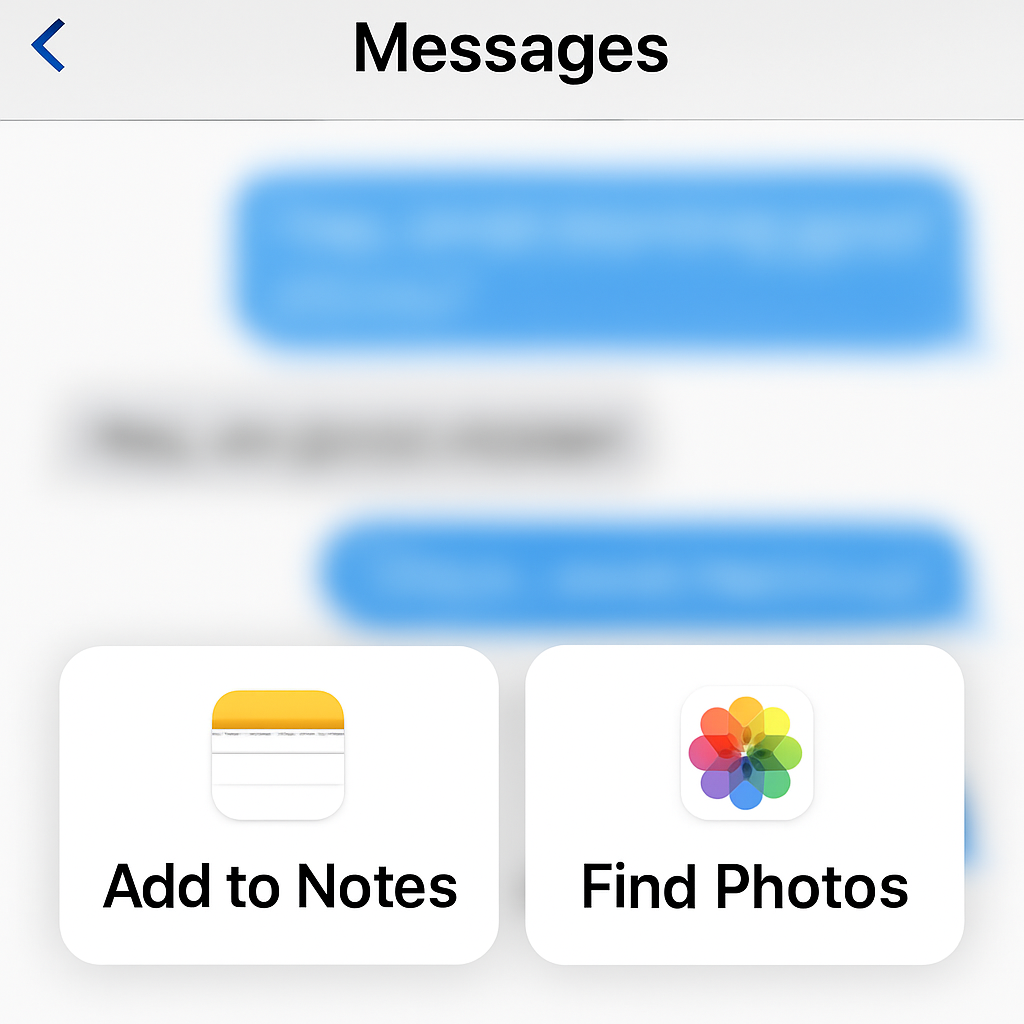
iOS 27.2 beta is introducing an update to the Messages app’s “Suggested Actions” feature which some users find useful but others find disruptive. The system detects conversational cues—like someone asking for photos or reminders—and surfaces contextual suggestions, like adding items to Reminders or Notes, or jumping directly to photo search. However, not all of these suggestions hit the mark, leading to mixed reactions.
What’s the issue?
When iOS 27 first launched, Suggested Actions were part of Messages. But after receiving feedback that many suggestions felt random or unhelpful, Apple removed the feature. It’s now back in the iOS 27.2 beta. While it offers convenience—turning mentions of errands or media into quick-tap actions—it sometimes generates prompts that users just don’t want. For people who dislike the constant pop-ups, this can be more annoying than helpful.
Granular control is coming
The latest iOS 27.2 beta (beta 3) adds new settings to help users manage or silence these suggestions. You’ll be able to disable specific categories of Suggested Actions so Messages stops offering certain kinds of prompts. Additionally, Messages will track which suggestions a user ignores and will auto-hide those kinds that haven’t been used in 30 days. The control is built into the beta, giving early testers the option to tailor the feature to their preferences.
These options follow Apple’s pattern of introducing powerful new AI-driven experiences, then refining them based on feedback. Contextual and generative tools are no longer optional extras—they’re core to modern messaging expectations, but they still need to feel useful rather than invasive.
What to expect when iOS 27.2 launches
Once iOS 27.2 rolls out publicly, users should see the same toggle settings revealed in the beta. This will let you disable specific suggestion types in Messages and reduce clutter by letting the system drop suggestions you consistently ignore. It’s ideal for people who like most AI suggestions, but hate just the ones that feel irrelevant.
As a reminder, Suggested Actions depends on Siri AI to scan conversations for keywords, photos, location, and other context to decide when to offer suggestions. If you disable too many categories, the feature could lose much of its usefulness—but that’s a trade-off some users are willing to make.
When Apple introduced Siri AI and deeper intelligence in Messages, it was part of a bigger push into features that help users get things done without leaving the app—setting reminders, finding photos, organizing thoughts. But features like Suggested Actions show that execution matters: too much AI without control leads to frustration.
Keep an eye out when iOS 27.2 appears for everyone. The fine-grained controls for Suggested Actions are a strong sign that Apple is listening—and that it’s increasingly committed to balancing automation with user preference. This update could shift how comfortable people feel with AI-powered messaging.