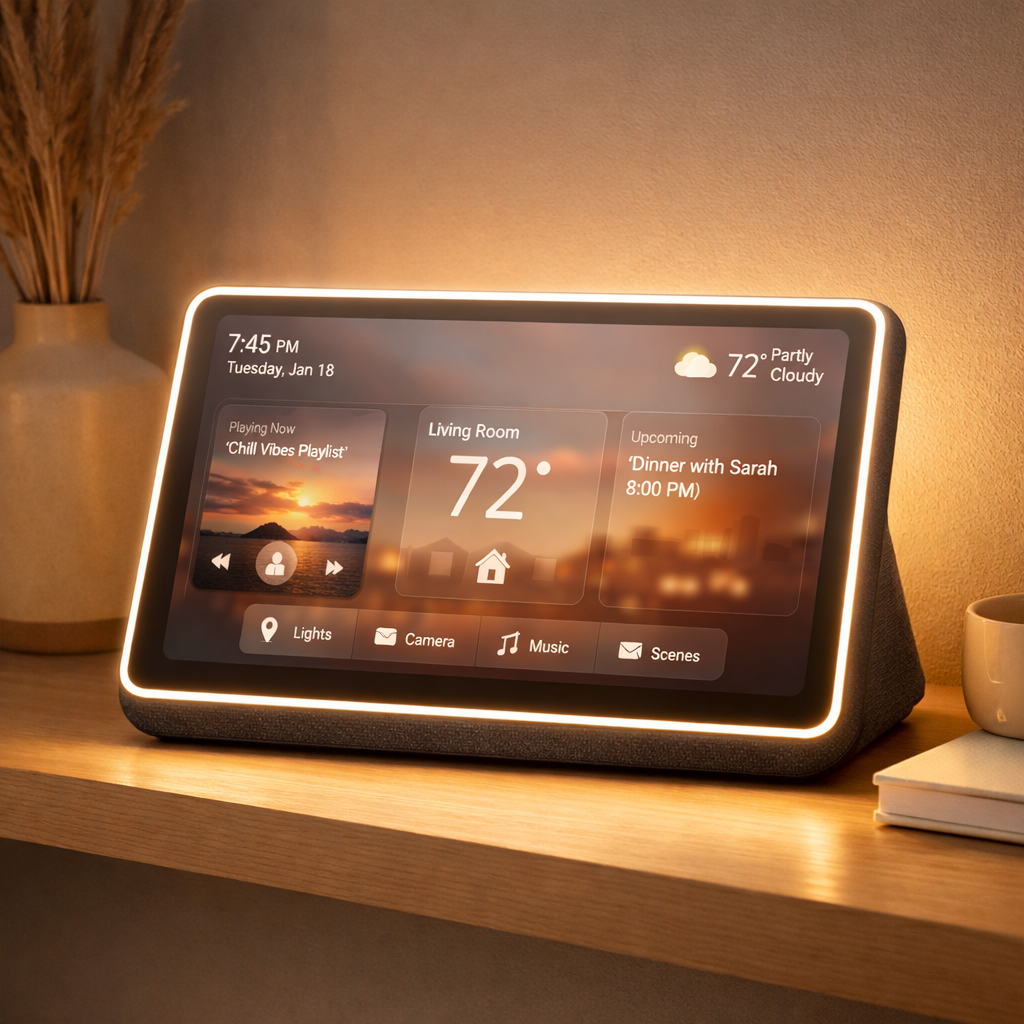
With Apple’s HomeView now officially out, users are getting a clearer picture of what this new smart home hub offers. These are the key features, quirks, and safeguards that make HomeView unique—and what to expect as you set it up.
Vision & Controls
HomeView uses face recognition to identify you—but it’s sensitive to obstructions like sunglasses. If your face can’t be seen clearly, users might be misidentified. The device also needs to be oriented toward your face, with good lighting and an unobstructed view. Even furniture or shelves above it can block detection.
Built into the Control Center is a “Mirror” mode that turns the camera on so you can see yourself on screen. It supports an edge-lit “face illumination” feature and offers 1x and 2x zoom.
User Access & Permissions
As a homeowner, you have fine-grained control over what guests can do. Safari access can be toggled on or off; there is also an option to block adult content. Siri’s default permissions for general knowledge, writing help, and math can be disabled entirely. Unrecognized users can also use Apple Music, but you get to pick which subscription it draws from.
Unlocking personal content requires dual verification: your face must be recognized and your iPhone must be nearby, recently unlocked, and on the same Wi-Fi network. If Wi-Fi goes down, cellular can act as a fallback—provided you’re still in the same location and have recently used Wi-Fi.
Features & Limits
Media control gets a timer feature: set a sleep timer and HomeView will pause whatever media you’re playing when it runs out.
You won’t find any buttons for turning HomeView on/off or restarting it. Rebooting has to be done through the Settings app or by unplugging and reconnecting it.
Website and app logins can be handled via your iPhone in a manner similar to Apple TV. Notifications are pared down: you’ll get alerts for phone calls and smart home device changes, with an optional toggle for critical alerts—but no extensive notification settings beyond that.
Interface & Security Enhancements
The visual interface—called Liquid Glass—can be tuned between clear and opaque, much like Apple’s other displays on iPhones, iPads, and Macs.
If wrong authentication attempts stack up—say, someone repeatedly tries to access personal content—face recognition via the camera can be disabled. In that case, you’ll need to use a registered device to regain access.
All told, HomeView combines convenience, advanced security, and strict privacy controls. While it’s feature-rich, its reliance on face recognition does require careful setup of lighting, positioning, and device proximity. For homes where multiple people share space, those limitations matter.