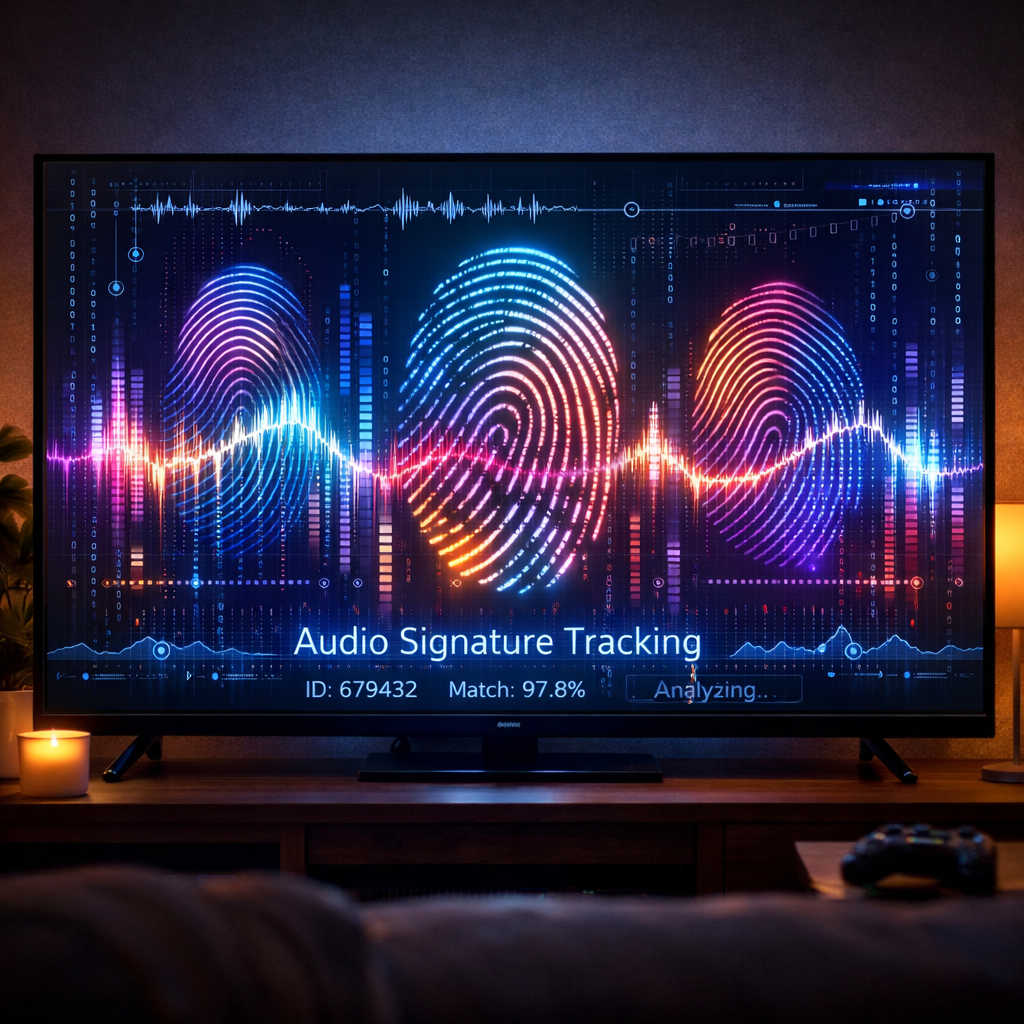
Owners of Hisense TVs are being tracked more than expected—even when opting out of personalized ads. A recent technical analysis of a Hisense 55U65QEVS model revealed that the television continued collecting viewing data via a background service, despite having advertising personalization turned off.
Automatic Content Recognition Still Active After Opt-Out
The study focused on HamService, a system-level process that employs what’s known as automatic content recognition (ACR). Rather than using the room microphone, this service captures audio directly from the TV’s audio decoder, which means HDMI sources like cable boxes and game consoles are also within scope. The service analyzes a full second of audio in roughly 72 frequency bands about four times per second, then sends a 90-byte fingerprint roughly every 2.7 seconds during playback, over an encrypted connection.
Opt-Out Settings Don’t Always Work
Even after disabling “Personalized Ads,” the tested Hisense model continued to share these fingerprints. Turning off the “Enhanced Viewing Service” and disabling the automatic content recognition feature under Enhanced Viewing Settings are required to stop the viewing data collection. These settings can be found under Support → Disclaimer and Privacy → Data Sharing, followed by Privacy and EULA, then System → Advanced Settings.
The captured data packets also included metadata like device ID, timestamp, app name, and input source. While the fingerprint isn’t a playable recording, the researchers showed that matching it against known audio (such as using “Big Buck Bunny” footage) yields high similarity—about 88.5% across test messages for related content versus ~55% for unrelated audio. In one test, although Nexxen—the company receiving the data—did not match the test film, it did report a match for a documentary in another viewing session.
After revoking consent to data sharing, however, outbound data packets from HamService dropped during menu browsing, though it wasn’t verified whether the opt-out held during content playback or after device reboots or firmware updates.
The study was limited to one specific UK-unit model and firmware version; it does not confirm whether all Hisense TVs or other regions behave identically.
What to Do if You’re Concerned
If you’ve got a Hisense smart TV and want to disable its tracking capabilities, check two settings: the “Enhanced Viewing Service” in the privacy disclosures under Support → Disclaimer and Privacy, and the “Enable Automatic Content Recognition” option located in System → Advanced → Enhanced Viewing Settings. Turning both off appears necessary, even if you’ve already disabled personalized ads.
Why This Matters
This case highlights the rising complexities around digital privacy in connected devices. Smart TVs have evolved into data collection hubs, constantly gathering information about what users watch—even when settings imply otherwise. Features like ACR, often embedded deeply in firmware, are turning passive viewers into data sources. For privacy-conscious users, this reveals how transparency and control must catch up with technology: simple opt-outs may not be enough.