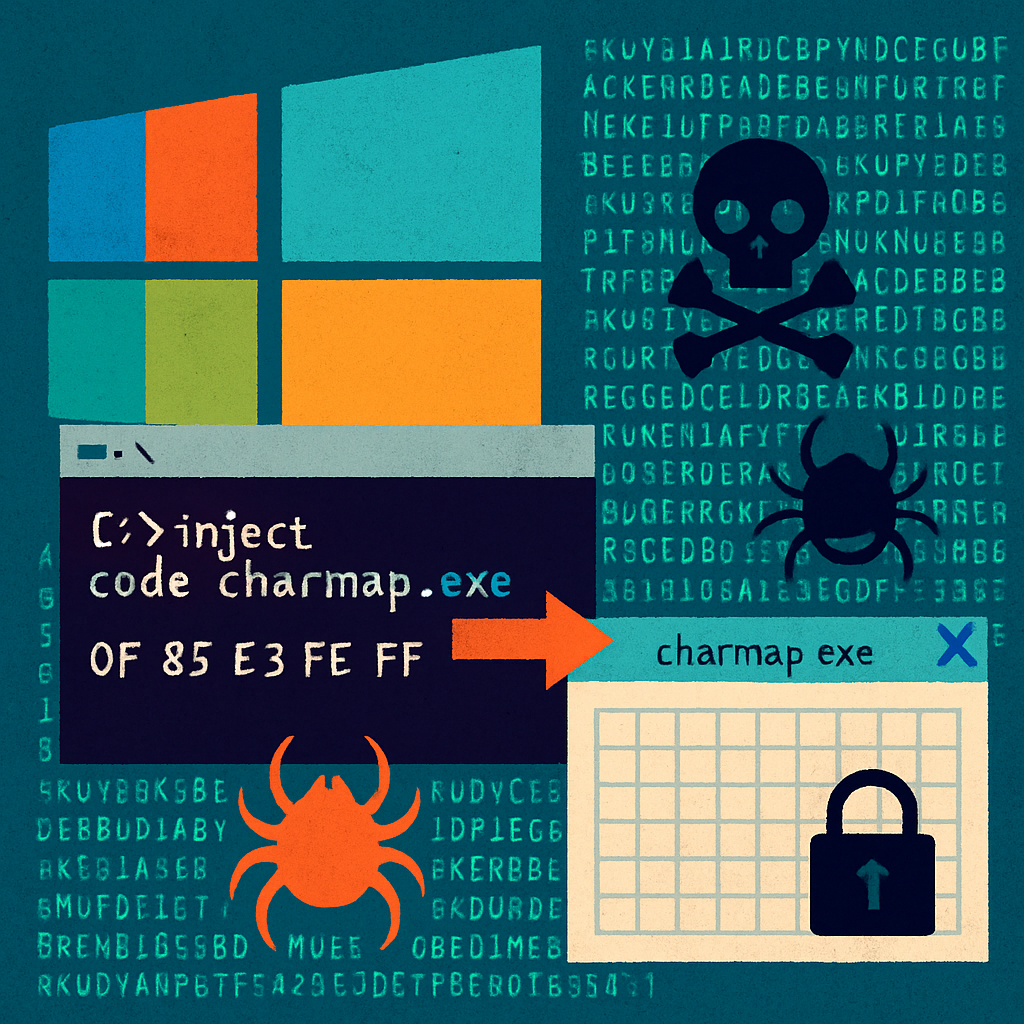
Security researchers have uncovered a stealthy attack chain that uses AutoIt, a Windows automation tool, to embed AsyncRAT—a remote-access Trojan—into a trusted Microsoft-signed process. The threat begins with a batch file disguised as an invoice, leading ultimately to the malicious code being executed within Windows’ own Character Map (charmap.exe), making detection far more difficult.
How the Attack Unfolds
The intrusion sequence kicks off when a user opens a malicious file titled “Right-click to open Invoice Details.bat,” often received via email attachments, links, or shared documents. Once activated, the batch file launches PowerShell in hidden mode. The attacker reconstructs code fragments that are stored in Base64 with added junk characters and obfuscated through XOR operations. These components are dropped into a randomly named folder under %TEMP%. Key parts include a renamed AutoIt interpreter, a loader script called kojuyn.ini, and an encrypted payload without a file extension.
Persistence is established by placing a file (h73la8.bat) in the user’s Startup folder, ensuring execution without needing administrator privileges or altering the Registry. The loader decrypts its payload only in memory. Next, the exploit uses Windows API calls to inject a .NET-based malicious DLL into charmap.exe, a signed Microsoft utility. Because the payload runs inside a legitimate process, there is no corresponding file on disk—making detection far more challenging.
Payload and Post-Infection Behavior
The final payload is named Veukuzmw.dll. Once active, it gives the attacker classic remote-access tools. The malware includes screen capture functionality: it grabs the primary display, converts the image data to bytes, and can send it to its command-and-control server. Additionally, it patches AMSI, Windows’ built-in anti-malware scanning interface, from within the compromised process, reducing the visibility of scripting and injected assembly-based actions.
Anomalous behavior such as hidden PowerShell activity writing to %TEMP% and the Startup folder, launching unexpected signed executables like charmap.exe with foreign arguments, and creating remote threads are important detection flags. Security teams should monitor these patterns closely to identify malicious operations masquerading within trusted processes.
Indicators of Compromise
- Lure Batch File:
Right-click to open Invoice Details.bat— SHA-256:ae4144ff75a9b6371fd4d0ce0cce0e1d7be82f3c28eeea62ed5b9b0bea3 - Loader Script:
kojuyn.ini—4affb923504ddf5fdd5f4a1185bf5259110bcf96cc3f0c740e7cf217bfb89a - AutoIt Interpreter: Renamed legitimate binary
ogftogcyiblzjccmcbnw.exe - Injected DLL:
Veukuzmw.dll—61056e4c274694ca2553e715c93dc2768def716de750598d99df79252b - Persistence Batch File:
h73la8.batin the Startup folder - Command & Control Address:
158.51.122.136:4944
Organizations need to prioritize detection of behavior over file signatures alone. Legitimate signatures won’t signal malicious control flows when executables like charmap.exe are subverted to carry out malware tasks.
Defense strategies should include alerting on hidden PowerShell sessions, monitoring file writes to %TEMP% and Startup paths, unexpected usage of signed Windows utilities, and DLL injections. User training can reduce risk by discouraging the opening of suspicious attachments or links, especially those promising routine business items like invoices.
This campaign underscores a key trend in modern malware: blending social engineering, built-in scripting tools, and trusted components to evade traditional detection. It’s essential for defenders to shift focus toward behavior-based detection—watching for anomalies rather than relying solely on trusted signatures.
What This Means
Malware operations are increasingly using legitimate Windows binaries and trusted signatures to bypass defenses: mild-looking files become major threats when paired with obfuscation, in-memory execution, and process hijacking. As defenders, expanding our detection lens to cover anomalous behavior—from hidden PowerShell activity to signed processes doing unexpected work—is the only way to stay ahead. Watch closely for the hallmarks: persistence without registry edits, fileless payloads, and signed utilities running dubious code.