Cybersecurity defenses are being tested by a deceptive campaign uncovered in July 2026 that uses commonly trusted formats—Zoom installers, PDF tools, invites, delivery notices—to trick users into installing remote access tools on enterprise PCs. These social engineering tactics lead victims to attacker-controlled sites or compromised cloud-based services hosting files disguised under familiar names. Once executed, the software grants the attackers remote control.
What’s actually happening
Threat actors are distributing a legitimate remote monitoring and management (RMM) application—MSP360 RMM version 2.5.0.67—under misleading names. The apps are presented as benign software like PDF readers, Zoom installers, or document portals. Once launched, and with administrator privileges granted, MSP360 is installed along with a firewall rule that opens UDP port 48678. This allows the agent to communicate, enabling remote control over the device.
In many cases, deployment doesn’t stop there. Attackers also install a second remote control tool—ConnectWise ScreenConnect—using the already active MSP360 agent. That tool lets them run additional utilities, extract browser data, steal passwords, launch hidden windows, and establish multiple access pathways so simply removing one piece of software doesn’t cut them off.
Infrastructure & tactics
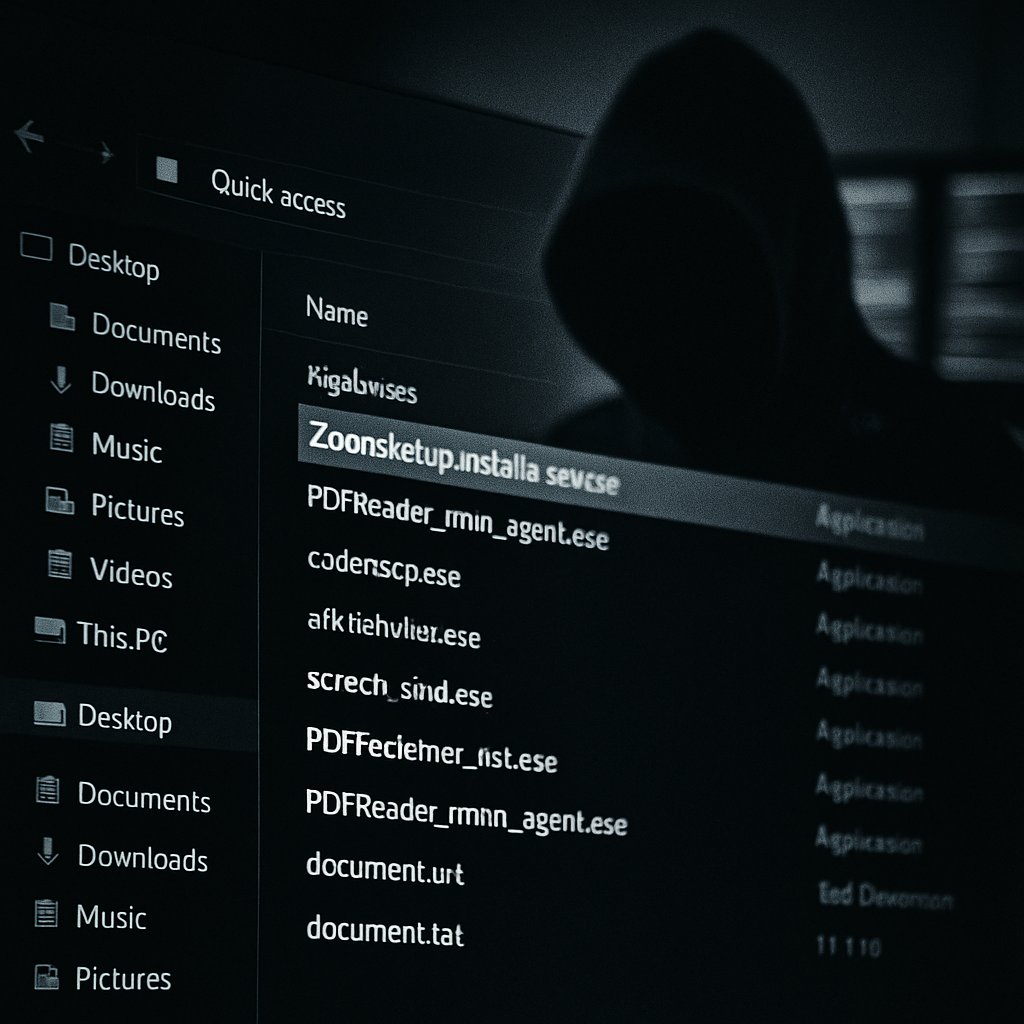
The delivery infrastructure is constantly changing. Files are hosted on attacker-controlled domains, compromised websites, and cloud storage services including Amazon S3, Cloudflare R2, Dropbox, GitLab, and Supabase. Filenames are crafted to look harmless or familiar—for example “ZoomSetup_Installation_v2.5.0.67.exe” or “PDF Reader & Editor the Adobe Acrobatte_rmm_v2.5.0.67.exe.” Signatures are valid, which makes the execution appear trustworthy.
Also observed was use of another legitimate deployment tool to deliver ScreenConnect directly, revealing that this approach isn’t limited to MSP360. The layered approach—first with a signed RMM tool, then a second tool under its control—raises the chances of detection failure.
Defensive steps organizations can take
Organizations are urged to maintain strict inventories of approved RMM tools—including publisher certificates—and to block unauthorized software. Multi-factor authentication should be enforced for all remote access tools. It’s also essential to keep endpoint detection systems enabled, set tight email filtering to catch deceptive links, and ensure that any surprise installer activities get evaluated before they become full-blown breaches.
Watch for the appearances of new MSP360 or ScreenConnect services, unexpected PowerShell activity triggered by installed remote agents, silent invocations of Windows Installer, and examine abnormal service certificate usage. If unauthorized tools are found, reset account credentials used in installations—especially for system-level access—and carry out extensive investigations.
Below are indicators observed in the campaign:
• MSP360 RMM installer version 2.5.0.67 (SHA-256 & SHA-1 hashes) using misleading filenames.
• ScreenConnect utilities and installer files downloaded post-compromise.
• Domains such as adswre[.]cfd, trews[.]cfd, swedcorry[.]stefneyv[.]com, bunstar[.]harej[.]si, among others, contacted by these tools.
• Use of cloud-storage platforms and compromised legitimate hosts to deliver malicious payloads.
This campaign underscores a serious shift: remote management tools—often trusted and essential in corporate environments—can become the main attack vector when abused. By pretending to be benign, they evade many detection systems and complicate response efforts.
What this means going forward: security teams must accept that trust isn’t enough. Limiting admin privileges, verifying digital certificates, and treating any installer that comes without recent approval as suspect will increasingly become the baseline. The battle now isn’t only against malware, but against misuse of the tools organizations already use.