Google has unveiled a major Android update introducing five features focused on making smartphones more accessible, personalized, and comfortable to use — especially in motion or for users with visual challenges. Released on September 1, 2026, the upgrades span motion sickness reduction, improved vision assistance, smarter item tracking, and more expressive messaging tools. All are rolling out to devices across multiple Android versions, some of which leverage the Gemini AI platform.
Comfort in motion: Motion Assist
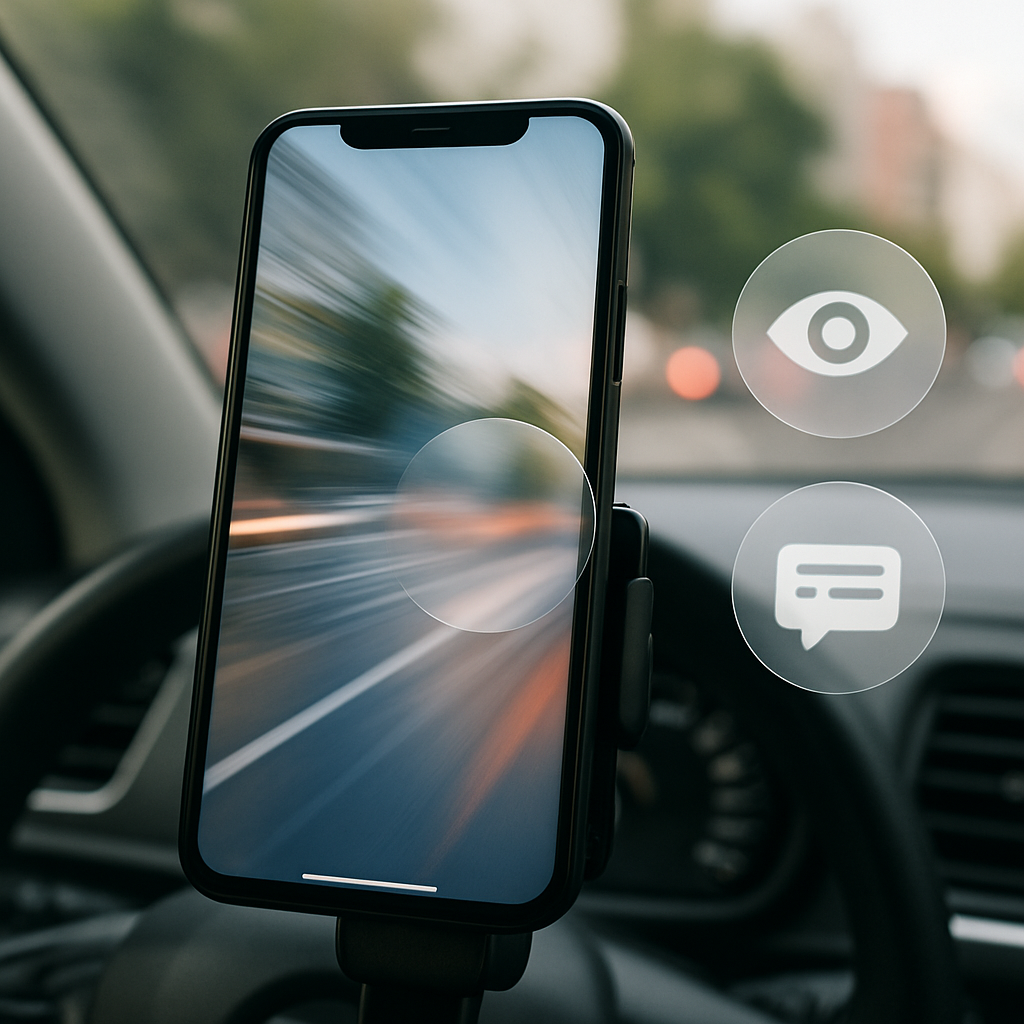
One standout addition is “Motion Assist,” aimed at reducing motion sickness when using a phone in a moving vehicle. The feature overlays a floating “bubble” on the screen that shifts according to the vehicle’s movement, helping to align what users see with what they feel—mitigating the sensory mismatch that causes nausea. Users can activate it automatically, pin it in Quick Settings, and tweak its color, transparency, and shape. Motion Assist is available to anyone running Android 17.
Vision tools and item tracking with Gemini
Another new feature called “Guided Vision” targets blind and low-vision users by pairing the phone’s camera with Gemini AI. It can read small text—such as on food packaging or menus—clarify whether the frame is aligned correctly, or detect objects nearby. Voice instructions prompt users to reposition the camera when needed. Guided Vision works on Android 9 and later in regions where Gemini is supported.
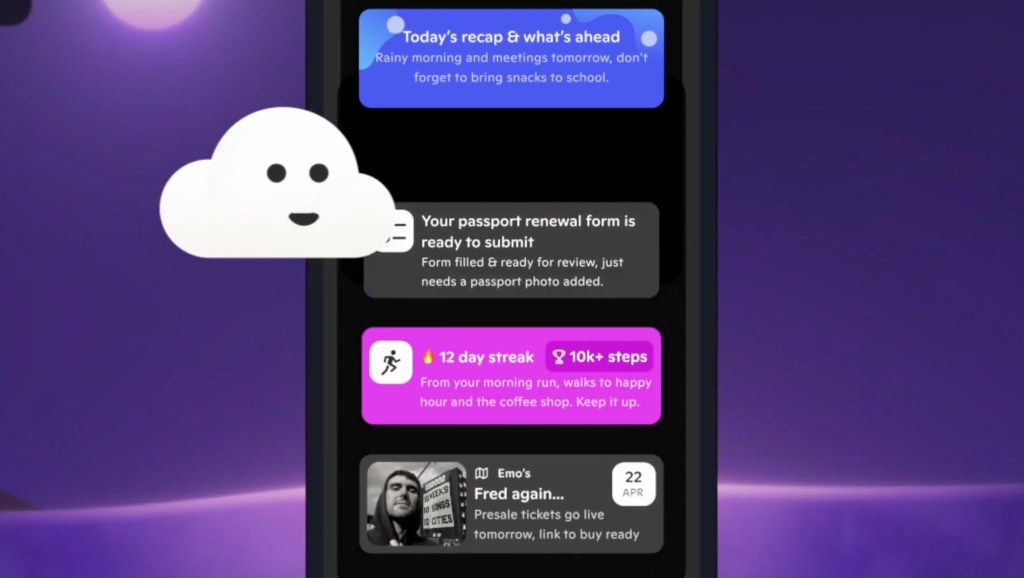
Google is also expanding the role of Gemini with “Remembered Items” inside the Find Hub tool. Users can tell Gemini where they stored a valuable object—like placing a passport in a drawer—and optionally attach a photo for visual reference. Later, Gemini will help retrieve that item by recalling its location.
More personal messages: Chat styling and shared notes
On the messaging front, Google Messages users are getting customization tools that allow chat-level theming. Backgrounds, photos, and color choices can now be tailored per chat, and text bubble styles will automatically harmonize with the chosen background. A related improvement adds Google Keep integration inside conversations, letting people share, edit, or build lists—such as vacation plans or grocery items—directly while chatting.
While some of these upgrades align with features already available on iPhones—like custom chat backgrounds introduced by Apple last year—others stand out for their AI integration or inclusivity angle.
These additions reflect Google’s aim to broaden Android’s usability across situations and user needs. The focus on motion sensing and vision assistance shows a deeper investment in users whose needs haven’t always driven mobile design.
What this means: Android 2026’s rollout suggests Google is zeroing in on comfort and inclusive experiences. As AI like Gemini becomes more embedded in daily tasks—from tracking items to understanding the visual world—expect smoother grip on how your smart device adapts to your environment. The battle for features is no longer just about performance or hardware specs: it’s about crafting tech that works for everyone. Keep an eye on which regions get Guided Vision and how users respond to Motion Assist’s real-world effectiveness.