Google’s Find Hub Introduces Location Notifications for Enhanced User Connectivity
Google has recently updated its Find Hub application for Android devices, introducing a significant feature: location sharing notifications. This enhancement allows users to receive alerts when their contacts arrive at or depart from specified locations, such as home or work.
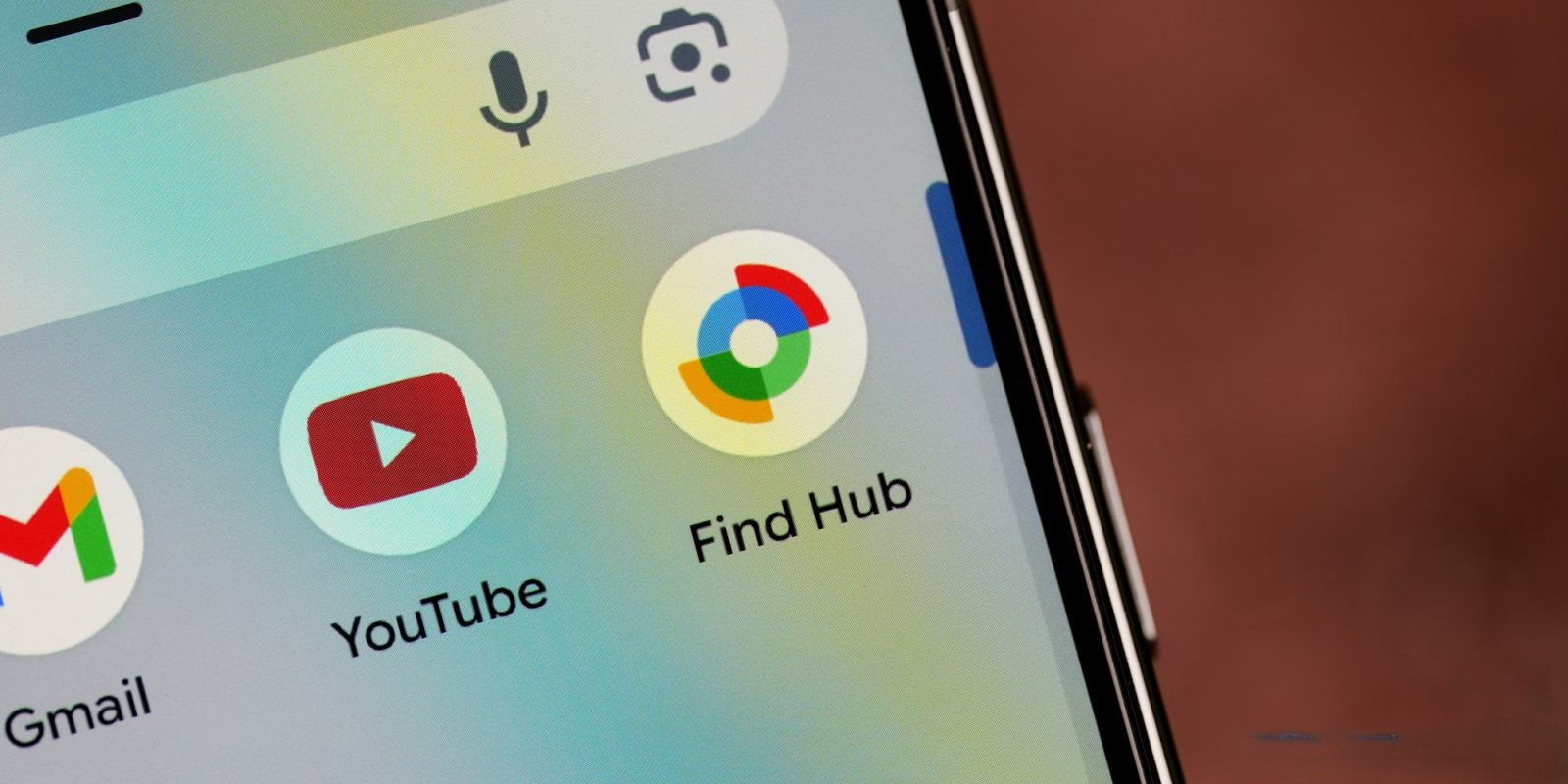
To utilize this new functionality, users should first ensure their Find Hub app is updated to version 3.1.608-5. Once updated, navigate to the ‘People’ tab and select a contact who has shared their location with you. A prompt will appear, introducing the option to Add a location notification: Get notified when someone arrives or leaves a location, like home or work.
The Get location notifications button is conveniently positioned between the Get directions and Share your location options at the bottom of the interface. Users can customize notifications by specifying:
– When: Choose to be notified when the person arrives at or leaves the designated location.
– Where: Select the specific location for the notification.
The app provides an intuitive Choose on map interface, featuring a Material 3 Expressive range slider for precise location selection. After configuring the desired settings, tap Save. It’s important to note that the individual being monitored will receive a notification informing them that you have set up this alert.
In the main map view, users can review, delete, or create additional notifications as needed. This feature enhances the app’s utility, offering users a more connected and informed experience regarding the whereabouts of their contacts.
The Find Hub app, formerly known as Find My Device, has undergone several transformations to improve user experience. In May 2025, Google rebranded the service to Find Hub, expanding its capabilities beyond merely locating devices to include tracking people and various items. This evolution reflects Google’s commitment to providing comprehensive solutions for users to stay connected with their devices and loved ones.
The introduction of location notifications aligns with Google’s broader strategy to enhance user connectivity and safety. By allowing users to set up alerts for specific locations, the app facilitates better coordination among family members, friends, and colleagues. For instance, parents can receive notifications when their children arrive at school or return home, ensuring peace of mind. Similarly, colleagues can be alerted when team members reach the office, streamlining workflow coordination.
To access this feature, users should update their Find Hub app to the latest version available on the Google Play Store. Once updated, the process of setting up location notifications is straightforward:
1. Open the Find Hub App: Launch the app on your Android device.
2. Navigate to the ‘People’ Tab: This tab displays contacts who have shared their location with you.
3. Select a Contact: Choose the individual for whom you want to set up a location notification.
4. Add a Location Notification: Tap on the Get location notifications button.
5. Configure Notification Settings: Specify the conditions for the notification, including the location and whether you want to be notified upon arrival or departure.
6. Save the Notification: Confirm your settings by tapping Save.
It’s essential to respect privacy and obtain consent when setting up location notifications. The app ensures transparency by informing the selected contact that a notification has been set up regarding their location.
In addition to location notifications, Find Hub offers a suite of features designed to help users locate their devices and stay connected with their contacts:
– Device Location Tracking: View the real-time location of your devices on a map, even if they are offline.
– Play Sound: Trigger a sound on your device to help locate it if it’s nearby.
– Secure Device: Remotely lock your device or display a custom message to assist in its recovery.
– Erase Device: If necessary, remotely erase all data on your device to protect sensitive information.
These features collectively enhance the app’s functionality, making it a comprehensive tool for device management and personal safety.
The evolution of Find Hub from a simple device locator to a multifaceted tool underscores Google’s dedication to user-centric innovation. By integrating features like location notifications, the app not only helps users keep track of their devices but also fosters stronger connections with their contacts.
As technology continues to advance, the importance of staying connected and informed becomes increasingly paramount. Tools like Find Hub play a crucial role in this landscape, offering users the means to manage their devices and maintain connections with their loved ones effectively.
In conclusion, the latest update to Google’s Find Hub app introduces a valuable feature that enhances user connectivity and safety. By enabling location notifications, users can stay informed about the movements of their contacts, facilitating better coordination and peace of mind. As always, it’s important to use such features responsibly, respecting privacy and obtaining consent from all parties involved.