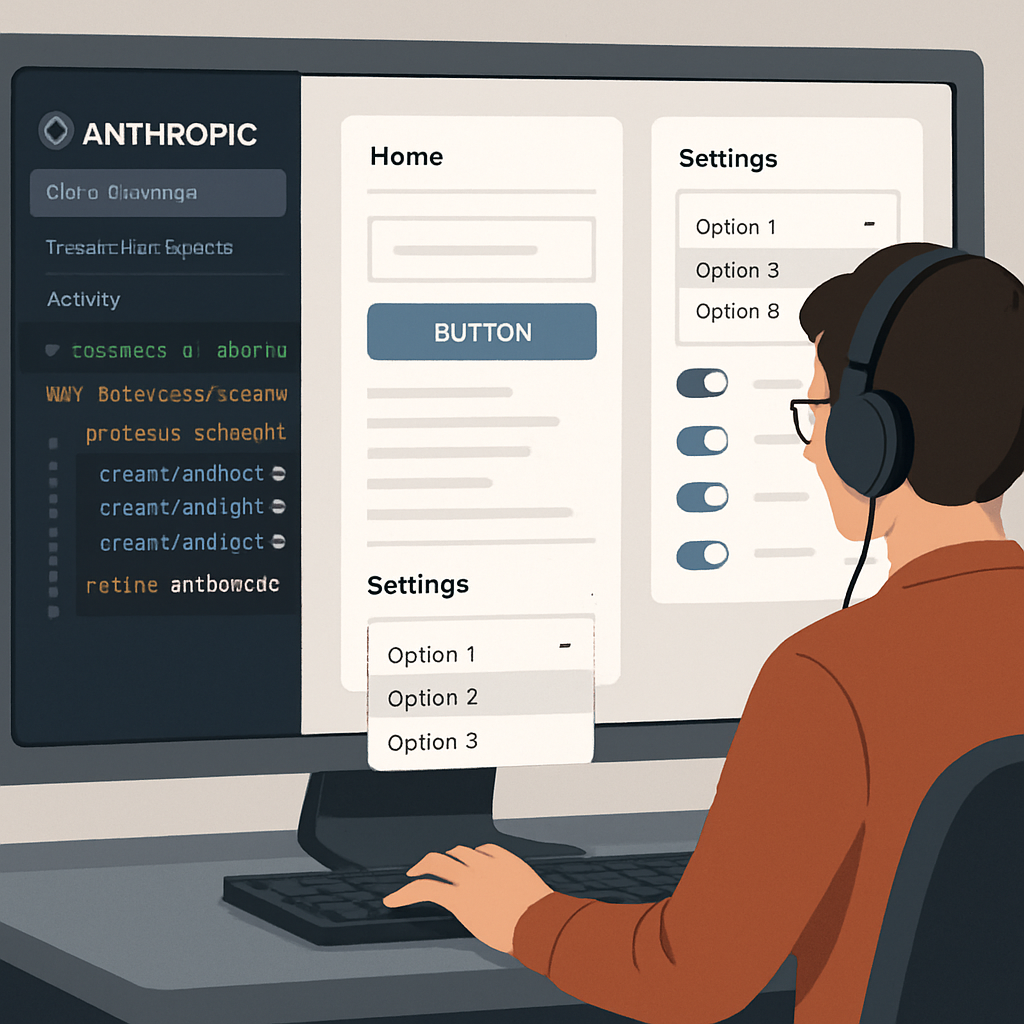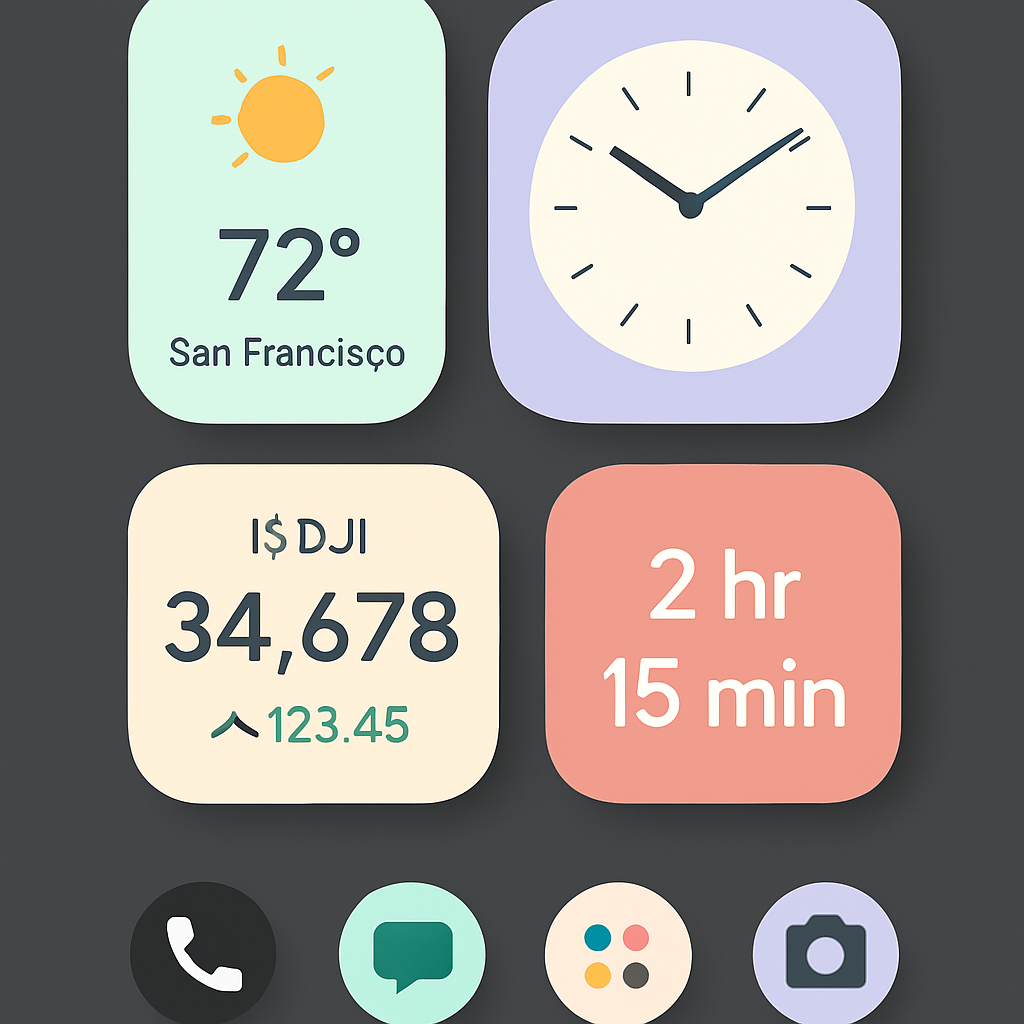
Google is preparing to roll out “Create My Widget,” a tool for customizing homescreen widgets, as part of the upcoming Googlebook release. The app’s interface has surfaced via the Play Store, giving us a glimpse of how users will build personalized widgets on Android phones starting early October. Notably, the package name for the app is com.google.android.apps.yourwidget. The version available now is 1.27.983746769.0-desktop_release, clearly aimed at Googlebook.
What the Widget Creator Looks Like
Users will see a guided setup divided into themed categories, including “Combo” (for mixing topics), “Weather alerts” (UV, wind, tides), “My world clock” (time zones, daylight savings), “Daily Brief” (recipes, horoscopes, facts, affirmations), “Important dates” (birthdays, holidays), and “Markets” (stocks, crypto, exchange rates). Each category comes with a carousel of suggested widget templates. For more customization, there’s a prompt box at the bottom of the interface where users can describe their widget vision. The final step places the widget onto the homescreen.
The Googlebook interface introduces even more categories: Weather; Sports & Fitness; Events & Travel; Daily Habits; Important Dates; Finance; Tools & Tips. Within each category, there are multiple templates showcasing potential styles and uses. Widgets can adopt simplified, low-information visuals using Material 3 Expressive shapes.
Timing & Availability
Create My Widget is set to debut on September 24, coinciding with the release of Googlebook. For now, the Play Store listing reveals how it will function on phones; broader rollout—especially for Googlebook—will follow shortly after launch.
This development fits into Google’s broader push to deepen personalization across Android. As users increasingly expect interfaces tailored to their routines and aesthetics, tools like Create My Widget could set a new standard for how widgets are conceived—not just selected. What to watch: user feedback will likely focus on how well the widget prompts translate into real designs, how polished the templates feel, and whether performance holds up once Create My Widget goes mainstream. Products in Google’s design system (Material 3, etc.), template flexibility, and compatibility across devices will be especially critical.