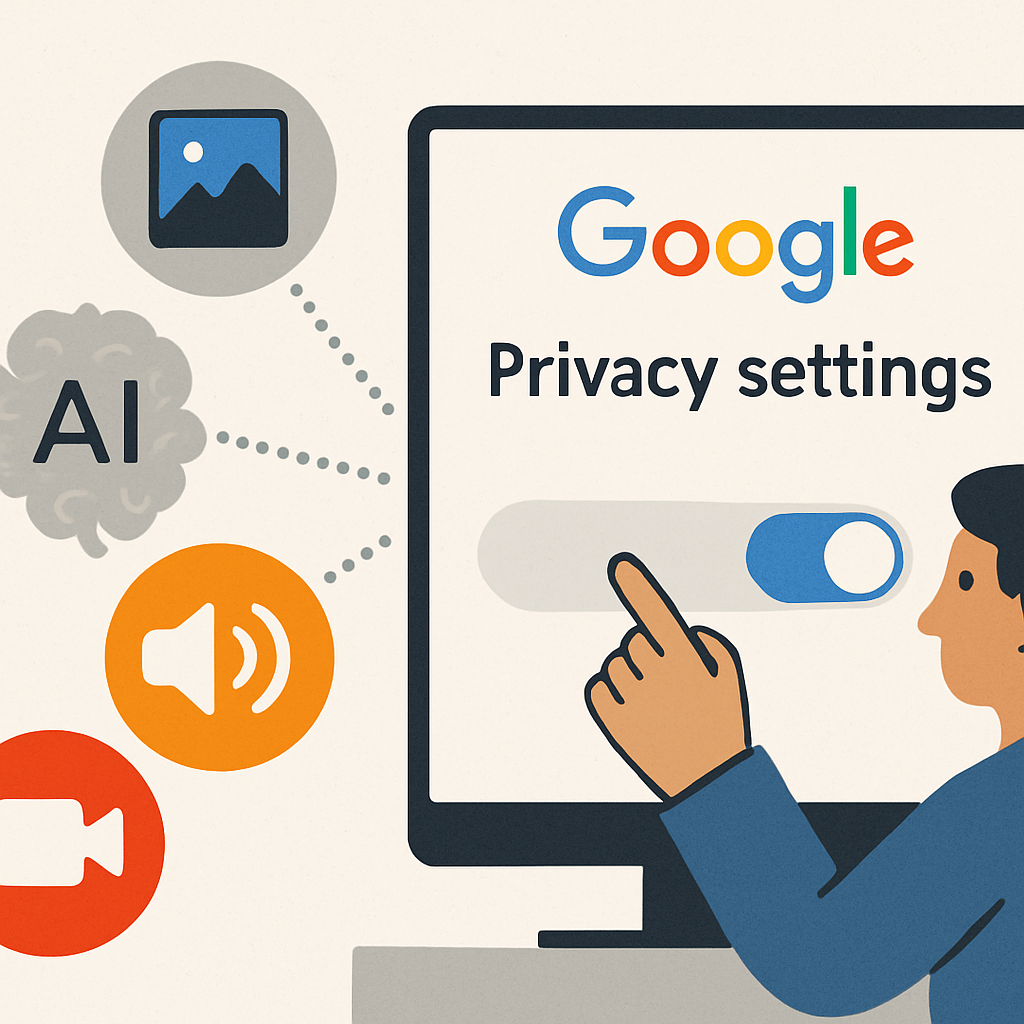
Google has recently updated its privacy settings, allowing the company to utilize user-generated media—such as images, audio, and video recordings—to enhance its artificial intelligence (AI) models. This change means that any media you upload through Google’s Search services is now being used for AI training unless you actively opt out.
This adjustment was introduced through a subtle update to Google’s Search services privacy settings, communicated to users via email in June. The update presents two new settings: Search Services History and Personalized Recommendations. These settings enable users to manage how their activity is used to personalize their Google experience and determine the duration for which their web and app activity is stored.
Importantly, this update extends beyond Google Search to encompass other services like Maps, Shopping, Flights, Hotels, Translate, and News. For example, when using Google Lens to perform a visual search by taking a photo, that image may now be saved for AI training purposes. Similarly, audio recordings from voice searches or spoken queries in Google Translate could be stored and utilized in training AI models.
This development reflects a broader industry trend where companies are increasingly leveraging user-generated data to improve AI services. Instead of relying solely on publicly available web data, firms like Google are collecting data directly from user interactions with their services. This approach is not unique to Google; other tech companies are also employing similar strategies to train their AI systems.
Google has confirmed this practice, stating in its communication to users that saved media is used to develop and improve Google services and technologies, including AI models and safety measures. The company’s help documentation further notes that user history is utilized to provide, develop, and improve services, such as training generative AI models, and to protect Google, its users, and the public with the assistance of human reviewers.
While some of this data storage is temporary and necessary for product functionality, Google’s language indicates that saved media can also be retained specifically for AI training purposes.
How to Adjust Your Settings
Users have the option to manage these settings to control how their data is used. To adjust your preferences:
- Navigate to the Search Services History page.
- Uncheck the “Save Media” box to prevent your media from being saved for AI training. You can also uncheck the “Search Services History” box if you prefer not to save any search history.
- Configure the automatic deletion of saved data, choosing intervals of 3 months, 18 months, or 36 months.
Additionally, you can explore other privacy settings, including Web & App Activity, Timeline, and YouTube History, to further manage your data preferences.
Beyond saved media, Google also utilizes your search history, location, and information from the websites you visit to personalize your experience, including the ads you see. Previously, Google allowed users to configure what historical search data was saved through its “Web & App Activity” settings. This has now been separated into two settings: the existing Web & App Activity data and the new Search data setting, which is enabled by default. Consequently, changes made to the Web & App Activity data retention settings will no longer affect your use of Google Search services, as it is now a separate option.
As AI continues to play a significant role in enhancing user experiences, companies are increasingly seeking diverse data sources to train their models. While this can lead to more personalized and efficient services, it also raises important questions about user privacy and data usage. By proactively managing your privacy settings, you can make informed decisions about how your data contributes to AI development and ensure that your preferences are respected.