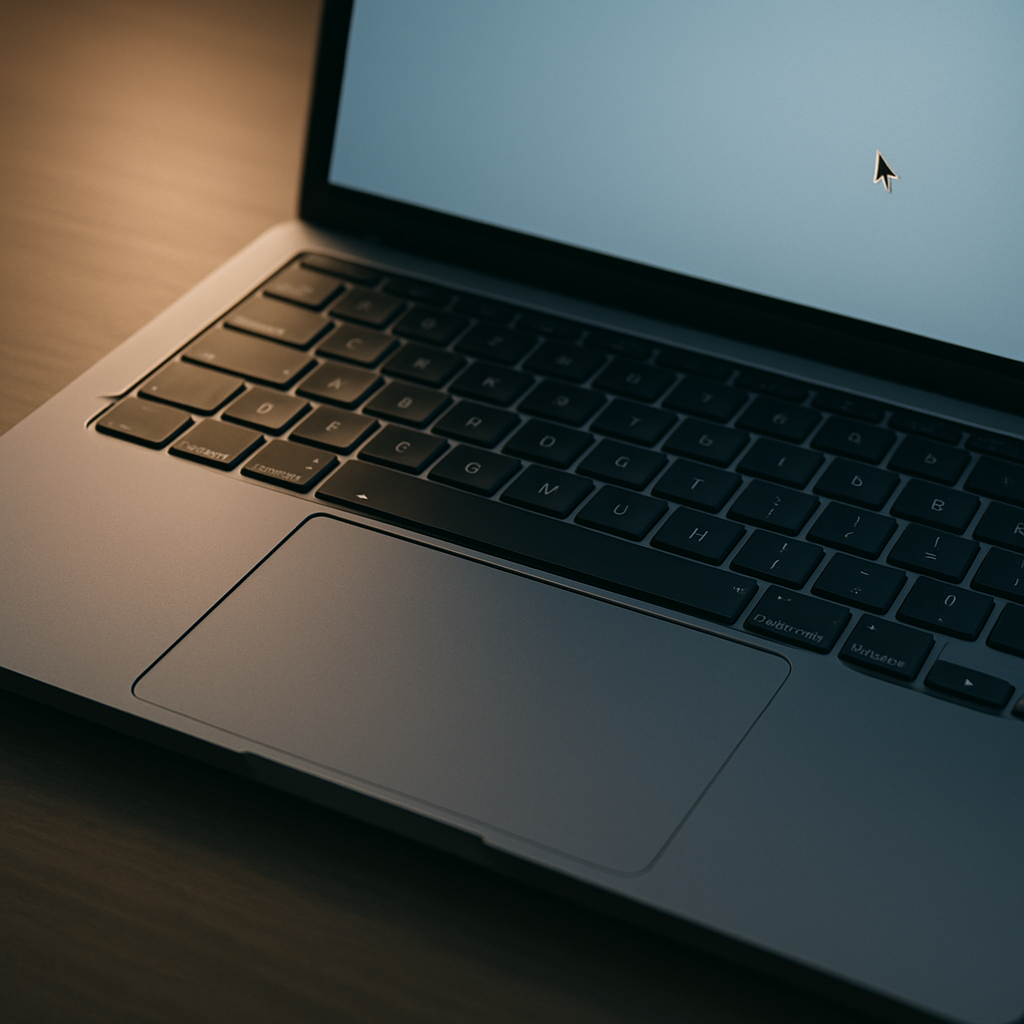
Early users of Googlebook machines are finding a common frustration: the trackpad’s cursor speed comes way too slow out of the box. Though the haptic touchpad is high-end hardware, its default “touchpad acceleration” setting delivers a sluggish experience that feels particularly laggy compared to Windows or macOS laptops.
What Happens at First Use
From the moment initial setup is completed, users notice that cursor movement is far more restrained than they’re used to. The default acceleration is tuned low, resulting in slow cursor traversal even with brisk finger swipes. While it doesn’t completely cripple usability, it does feel awkward, especially coming from other high-performing systems.
How to Adjust Trackpad to Your Liking
Fortunately, there’s a quick fix. Once the setup process is done, owners can go into Settings > Device & accessories > Touchpad > Cursor speed and bump the slider up. At maximum, the Googlebook trackpad can deliver responsiveness more in line with what users expect from other premium laptops.
This adjustment applies to all Googlebook models in this first wave; the issue isn’t isolated to specific chipsets or builds. It’s a system-wide default that many will want to tweak immediately after powering up their device.
Keep in mind: you can’t change the cursor speed during the initial setup. That option only becomes available once you’ve completed all first-time configuration steps.
Deep dive coverage of Googlebook has already called out this slow default setting among other odd behaviors—less-responsive cursor motion being one of the first things users notice. It’s become among the top tweaks recommended to get the experience to feel normal.
For those trying to assess whether the trackpad issue points to larger hardware or software problems: so far, it seems purely a matter of settings rather than a flaw. But user impressions do matter. A sluggish cursor might impact perception of quality—especially at Googlebook’s price point.
Bottom line: Adjusting the cursor speed is one of the first tweaks every Googlebook user should make.
What this means going forward is broader. Trackpad behavior is a key touchpoint in the user experience; when a flagship device ships with a default that many find unacceptably slow, it reflects how software calibration choices carry weight. For Google, this may become part of the feedback loop that shapes future updates—and for buyers, a reminder to always check settings before judging any new machine’s performance.