Google Photos Integration Restored for Aura Digital Photo Frames
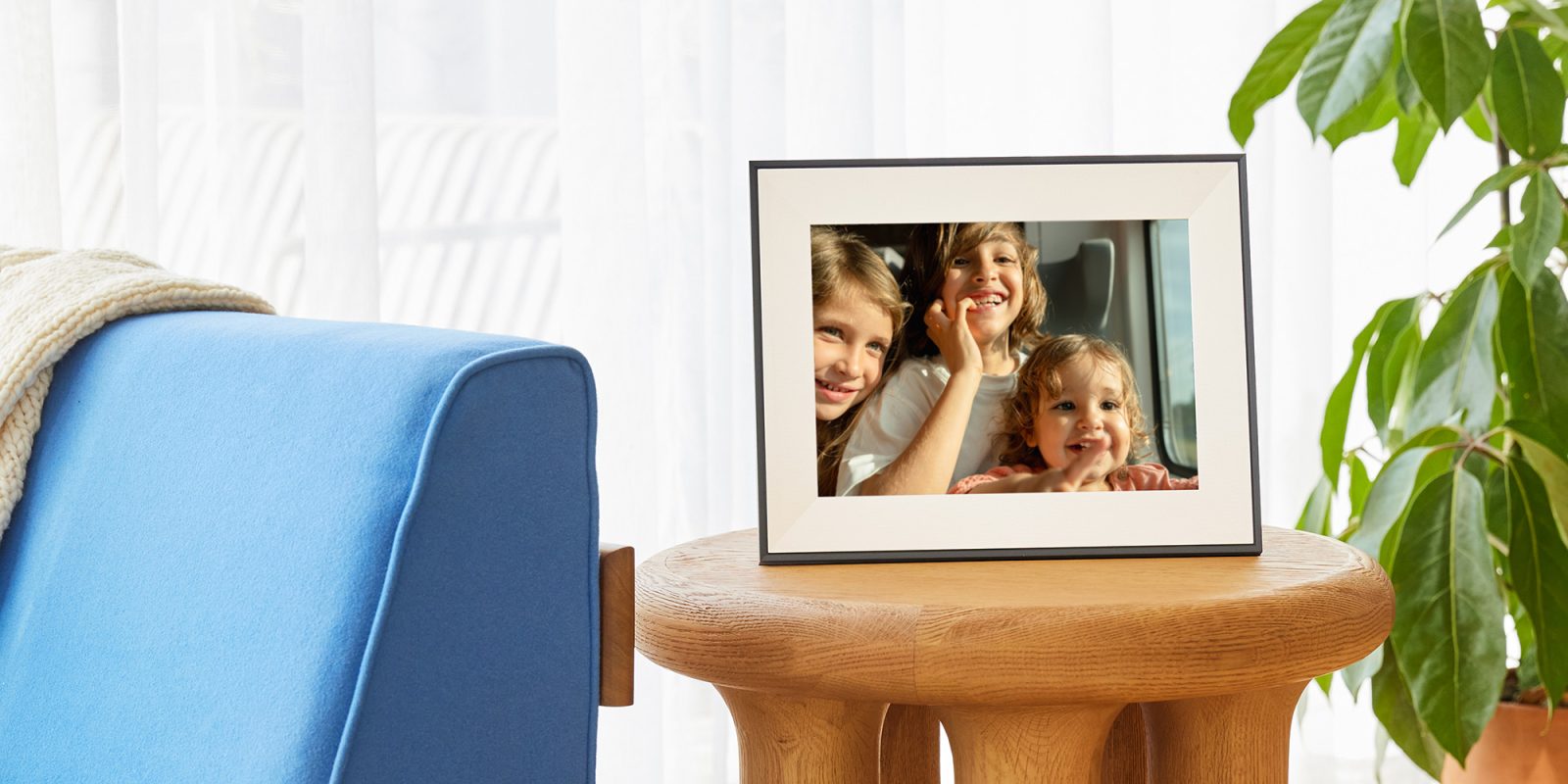
Digital photo frames have become a popular way to showcase cherished memories in homes, offering a dynamic display of family photos and more. A key feature enhancing their appeal is integration with cloud-based photo services like Google Photos. However, in March 2025, Google implemented changes that limited third-party app access to Google Photos, disrupting this seamless integration for devices such as Aura’s digital photo frames. This move left users without the ability to sync their photos directly, necessitating manual uploads—a cumbersome process that diminished the user experience.
Recognizing the inconvenience caused, Google announced plans to restore access for third-party photo frames but did not provide a specific timeline. Now, that promise has materialized. With the introduction of the Ambient API, Aura photo frames can once again sync directly with users’ Google Photos libraries. This development marks a significant improvement in functionality and user convenience.
Aura elaborates on the updated integration:
> With our updated Google Photos integration, you can add photos directly from the Google Photos app or sync an entire Google Photos album to keep Aura frames updated automatically. Photos are sent directly to your Aura frames from Google Photos, without the need for manual uploads.
Previously, users were required to download photos from Google Photos and then upload them manually via Aura’s app—a time-consuming and less efficient process. The new integration streamlines this by allowing users to:
– Sync Entire Albums: Utilize the Auto-Add function within the Aura app to sync entire Google Photos albums with the frame. All current photos in the album will be added, and any new photos added to these albums on Google Photos will automatically appear on the Aura frame.
– Select Individual Photos: On Android devices, users can select individual photos (up to 50 megapixels) for their frames directly through the Aura app. For iOS devices, individual photos can be added directly from the Google Photos app using the Share Sheet.
It’s important to note that individual photos added to the frame will remain even if they are deleted from Google Photos. To remove these photos from the frame, users must use the remove option within the Aura app. Conversely, if an entire Google Photos album is synced as an auto-add album, any photos deleted from that album in Google Photos will also be removed from the frame, typically within a day or two.
While the integration may not be as straightforward as the native experience found on devices like the Nest Hub, it represents a significant improvement over the manual processes users have been subjected to since the initial changes in 2025. This renewed functionality enhances the value of Aura’s digital photo frames, which are available starting at approximately $150.
In summary, the restoration of Google Photos support for Aura’s digital photo frames through the Ambient API marks a positive step forward, reinstating the convenience and efficiency that users have come to expect from their digital photo displays.