Google Messages continues to evolve, introducing a suite of new features aimed at enhancing user experience and streamlining communication. These updates, currently in various stages of rollout, encompass improvements in read receipts, integration with Samsung devices, web access, smart replies, and more.
Beta Features Undergoing Rollout:
1. Revamped Read Receipts:
– Design Iteration II: Google Messages has reverted to the traditional two-circle read receipt icons beneath messages, following a brief trial of a single-circle design within the message bubble. This adjustment aims to provide clearer visual feedback on message status.
– Design Iteration I: An earlier redesign introduced read receipts as circular icons at the bottom-right corner of message bubbles and images. Users can swipe left to view timestamps and encryption locks, and swipe right to reply directly. This design has been progressively reaching both beta and stable versions since August 2024.
2. Transition from Samsung Messages:
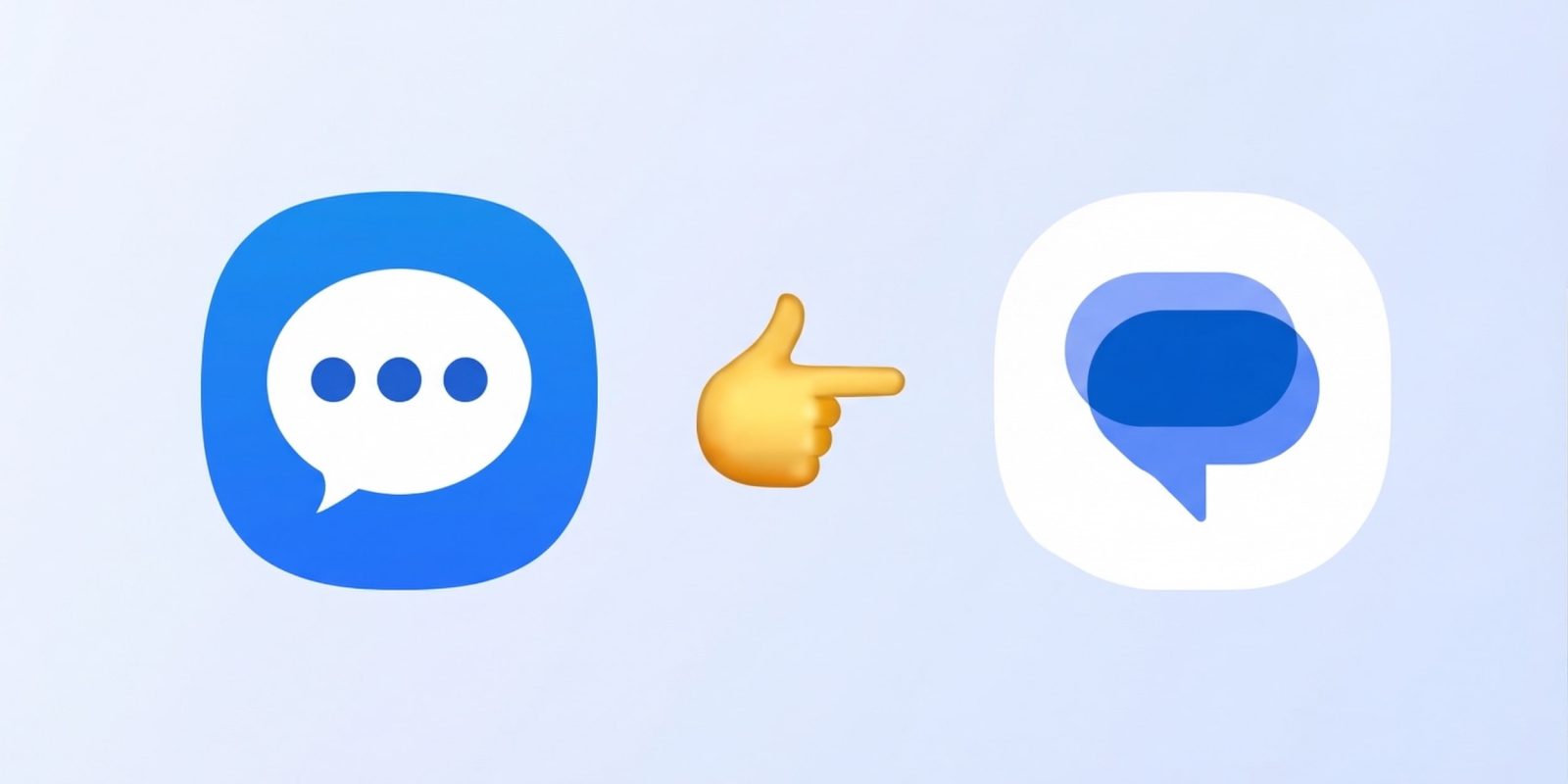
– In the United States, Samsung is encouraging users to migrate from Samsung Messages to Google Messages. For devices running Android 14 and above, Google’s RCS app will automatically position itself in the home screen dock post-transition, facilitating a smoother user experience.
3. Web Access Enhancements:
– The traditional QR code pairing method for accessing Messages on the web is being phased out. Users will soon be required to sign in using their Google Account credentials, enhancing security and simplifying the connection process.
4. Tap to Draft Feature:
– To minimize accidental sending of Smart Replies, a new Tap to Draft option is being introduced. When enabled via Settings > Suggestions, tapping a Smart Reply will place it in the text field, allowing users to edit before manually sending the message.
5. Long-Press Contextual Menu:
– The traditional toolbar is being replaced with a floating menu that appears upon long-pressing a message or image. This menu offers options such as Remix (for photos), Reply, Forward, Copy (for text), Star, Delete, Select more, Info, and Save (for photos). The interface includes haptic feedback and a blurred background for a more immersive experience.
Features Recently Launched in Stable Versions:
1. Consistent Selfie GIF Option:
– An issue where the Selfie GIF option inconsistently appeared in the attachment menu has been resolved. As of stable version 20260428_00_RC02, this feature now consistently appears, ensuring a reliable user experience.
2. End-to-End Encrypted RCS Between Android and iPhone:
– With the release of iOS 26.5, end-to-end encrypted Rich Communication Services (RCS) messaging between Android and iPhone users has been implemented. This ensures that messages exchanged between these platforms remain private and secure. Android users will see a lock icon when communicating with iPhone users, while iOS displays Text Message · RCS | [lock icon] Encrypted. This feature is being gradually enabled for new and existing RCS conversations, depending on carrier support.
3. Introduction of Trash Folder:
– Deleted conversations are now moved to a Trash folder, where they remain for 30 days before permanent deletion. This allows users to recover conversations if needed. The Trash folder is accessible from the account menu, providing options to restore or permanently delete conversations.
4. Real-Time Location Sharing:
– Powered by Find Hub, this feature allows users to share their real-time location for specified durations: one hour, today only, until turned off, or a custom period. An inline map appears in the conversation, which can be expanded for detailed viewing. A prominent banner indicates active sharing, enhancing situational awareness.
5. @Mentions in Group RCS Chats:
– To improve engagement in group conversations, users can now mention individuals using the @ symbol. This ensures that the mentioned person receives a notification, even if they have muted the chat, facilitating more effective communication within groups.
These enhancements reflect Google’s commitment to refining the messaging experience, offering users more control, security, and functionality in their daily communications.