Google Messages, the default messaging app for Android devices, is rolling out a series of new features aimed at enhancing user experience and customization. These updates include a customizable attachments grid, an updated long-press menu, and the introduction of chat themes.
Customizable Attachments Grid
The new customizable attachments grid allows users to personalize the arrangement of their attachment options. This feature enables users to prioritize frequently used attachments, streamlining the process of sharing media and other content within conversations.
Updated Long-Press Menu
The long-press menu has been redesigned to improve usability. Instead of displaying a top toolbar, long-pressing on a message or image now opens a floating menu with a blurred background. This update also introduces the ability to copy specific parts of a message, providing more flexibility compared to the previous option of copying the entire message.
Introduction of Chat Themes
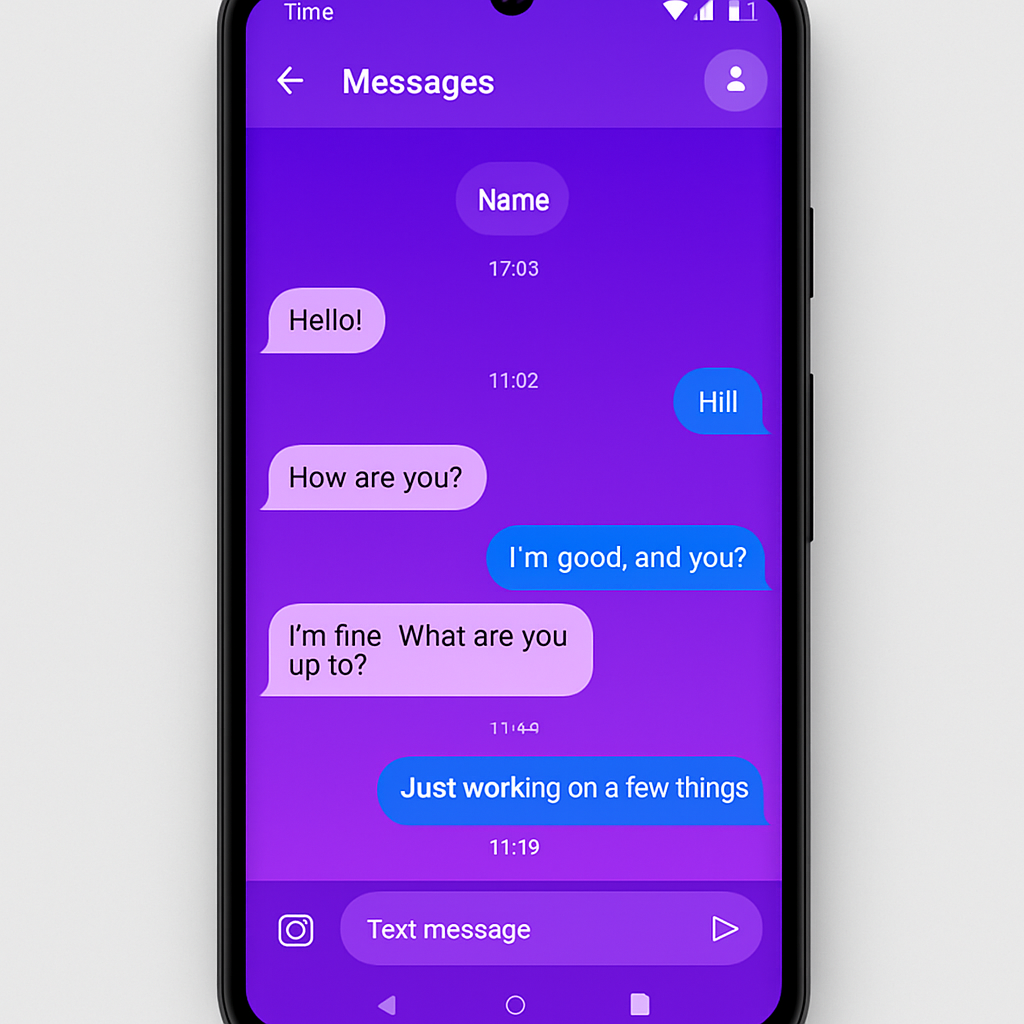
Replacing the earlier ‘Change colors’ option, the new ‘Chat theme’ feature offers extensive customization for individual conversations. Accessible via the three-dot overflow menu, users can select from nine color options, including a ‘Dynamic Color’ that adapts to the chat background. Additionally, users can change the conversation background by uploading their own images or choosing from collections provided by Google, such as Animals, Architecture, and Landscapes.
Enhanced Cross-Platform Compatibility
With the upcoming release of iOS 27, Android-iPhone conversations over RCS will support inline replies with quotes and photo reactions using actual emojis instead of text descriptions. This enhancement aims to improve the interoperability between Android and iOS messaging platforms.
Redesigned Read Receipts
Google Messages is testing a redesign of read receipts. The new design moves the timestamp and encryption lock information, which can now be viewed by swiping left on a message. This change aims to declutter the conversation view while maintaining access to important message details.
Transition to Google Account Sign-In for Web Access
In an effort to streamline access, Messages for web will transition from QR code pairing to Google Account sign-in. This change is intended to provide a more seamless and secure experience for users accessing their messages from a web browser.
These updates reflect Google’s commitment to enhancing the functionality and user experience of its messaging platform. By introducing greater customization options and improving cross-platform compatibility, Google Messages is positioning itself as a more versatile and user-friendly communication tool in the competitive messaging app landscape.