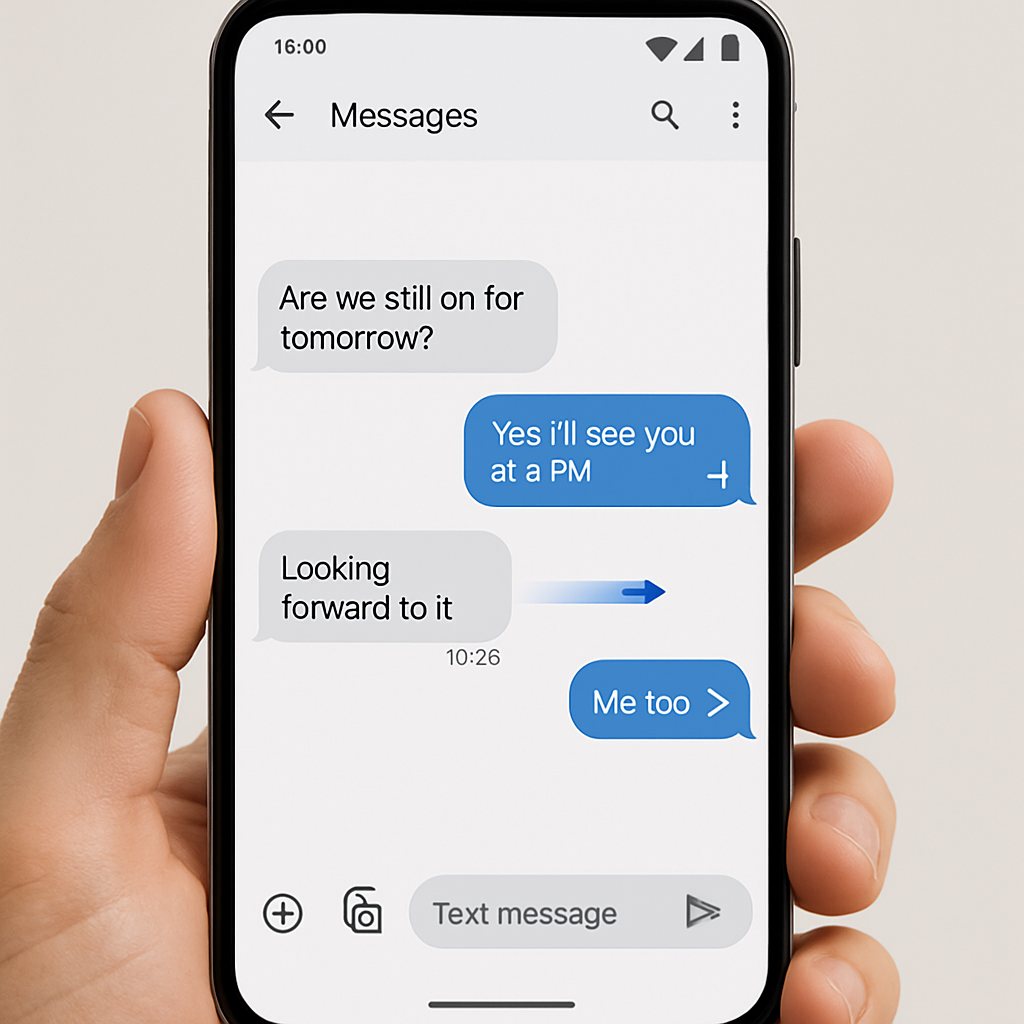
Google is revamping its Messages app by replacing the older Gemini chat interface with a new “tasks” powered messaging experience. The change, part of a broader effort to make Gemini more useful in daily life, rolled out recently to free users in the U.S. and builds on the Gemini app’s new Tasks mode. This isn’t just another update— the fresh integration feels more like an assistant than a chatbot.
From Floating Button to Smart Assistant
Until now, Messages users could interact with Gemini using a floating action button (FAB) above “Start chat.” Tapping it opened a simple chat interface for general queries. The new version retains the FAB— or for some users, the top-right icon in Messages— but it redirects you to a “Channels” view via gemini.google.com/channels, using RCS Business Messaging under the hood. This allows users to switch between texting and emailing Gemini depending on the task at hand.
To access the improved chat, you must be in the U.S., have the Tasks feature enabled in the Gemini app, and install Messages beta version 20261120_01_RC00 (or later). For new installs, the FAB or icon takes you straight to the new Tasks-powered chat; existing users who already have setup will see the shortcut go to the new chat view. Early testers are reporting that the system feels far more proactive and helpful than the old setup.
What the New Gemini Tasks Offers
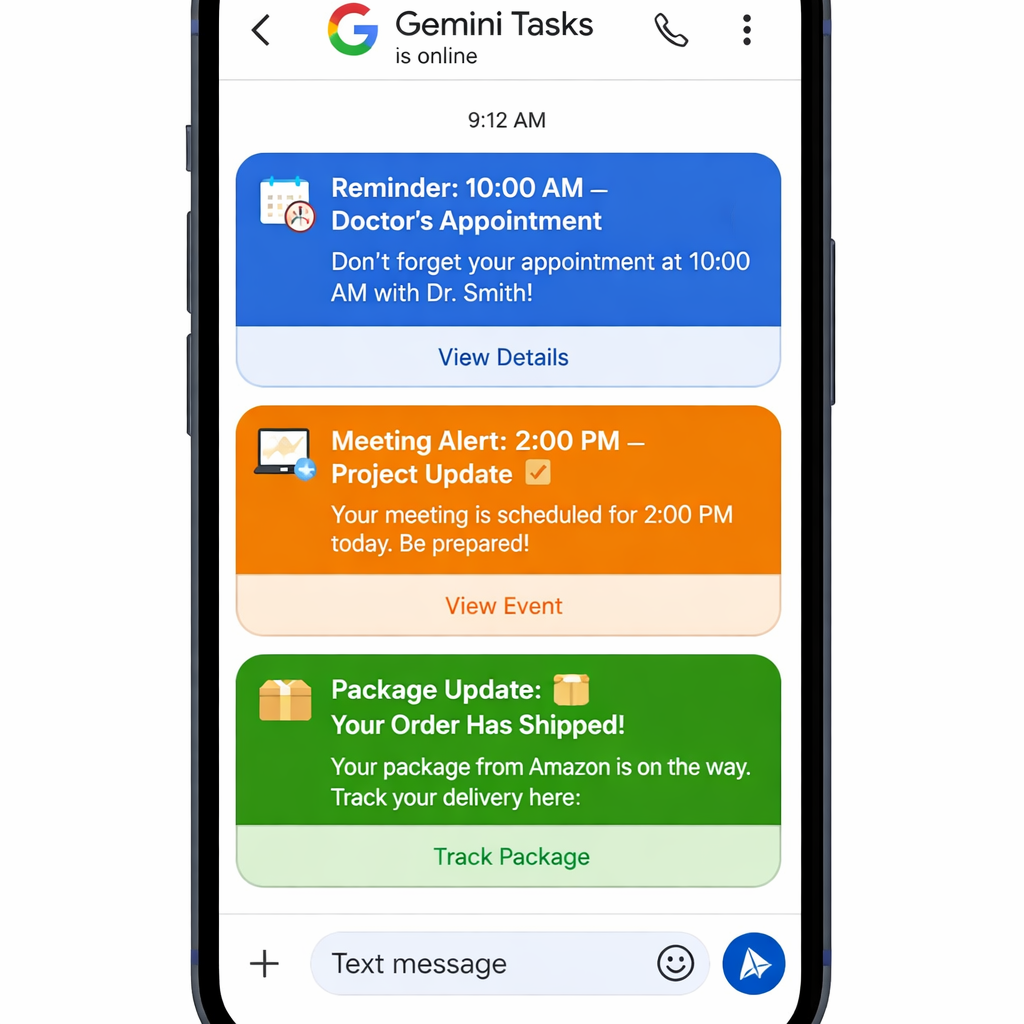
One of the most noticeable differences is how Gemini now occasionally reaches out rather than waiting for you to initiate conversations. Every morning, it delivers summaries of your calendar, alerts about deals like price drops, reminders about subscriptions expiring, upcoming travel dates, and even package delivery updates—including messages when a package lands. That said, Gemini still answers general questions like weather, and you can send images or files into the chat.
Since this update, Gemini Tasks appears designed to blur the lines between messaging partner and digital assistant, offering timely guidance instead of passive responses. It injects itself into your daily schedule and helps you juggle reminders, tasks, and even shopping cues—all through Messages.
This update is currently live only in the U.S. Free-tier users who have enabled Tasks in Gemini and updated to the beta version can access the new smart chat. For others, the original Gemini chat experience in Messages still remains— but it’s a matter of “when,” not “if,” that it becomes the standard.
Why it matters: As messaging platforms evolve into proactive tools, this shift from reactive chat to anticipatory task management marks a turning point for AI in communications. Gemini Tasks in Messages could redefine how we think of “messages”—not just as back-and-forth conversations, but as a channel for getting things done without being prompted.