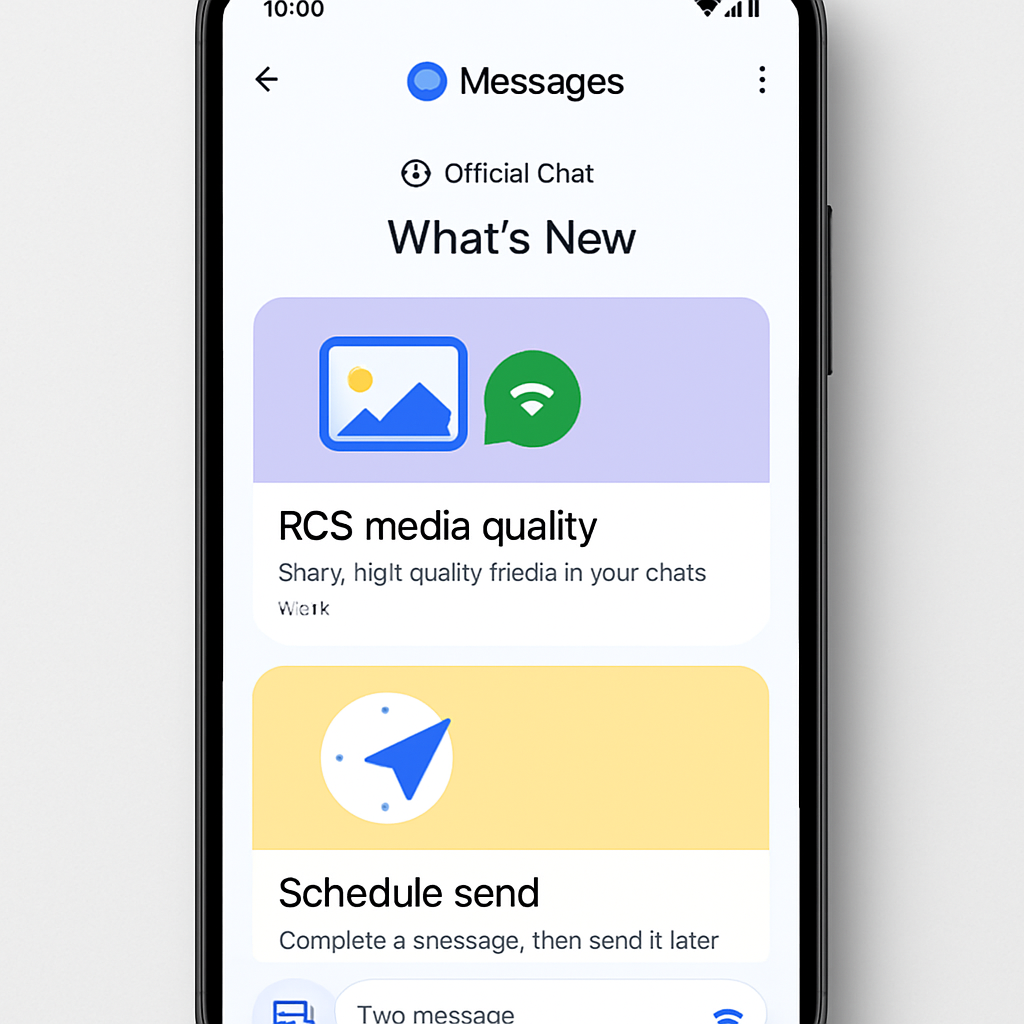
Google Messages is rolling out a new “official chat” feature designed to give users an interactive thread for learning what’s new in the app. It works through an RCS for Business-style chat thread triggered by a main screen prompt inviting users to “discover what’s new in Google Messages.”
Upon joining, the thread currently delivers a message describing how RCS improves photo and video quality. Users can also ask the chat to summarize other recent features — past offerings like scheduled send, real-time location sharing, and selfie GIFs are all included in what’s shared so far.
Where & When It’s Showing Up
The new official chat thread has been seen first appearing to some users earlier in September, and is now becoming more widely available. For example, it has been spotted on a Galaxy Z Fold 8, and several people report encountering it in the last week. Still, this isn’t yet a universal feature — not everyone running Google Messages sees it yet.
Why Google’s Doing This
The setup closely resembles what other messaging apps like WhatsApp or Telegram use to announce official updates or tips. But Google Messages’ version seems more interactive — built to onboard users and help them discover new tools within the app rather than just push out announcements.
In addition to highlighting recent features, the thread serves as a discovery mechanism: prompting users to explore and learn functions they may have missed. So far the features showcased include real-time location sharing (2026 addition), selfie GIFs (from 2024), scheduled send (from 2021), among others.
At the moment, nothing indicates that the chat pushes notifications or uses aggressive prompts — its presence appears fairly understated through the pop-up invite on Messages’ main screen.
What this means: Google’s emerging official chat thread could improve user engagement by surfacing hidden or underused features, especially in a complex, feature-rich messaging app. For everyday users who’ve only tapped the core features, this offers a guided tour of what’s possible — better media quality, scheduled messaging, location features, etc.