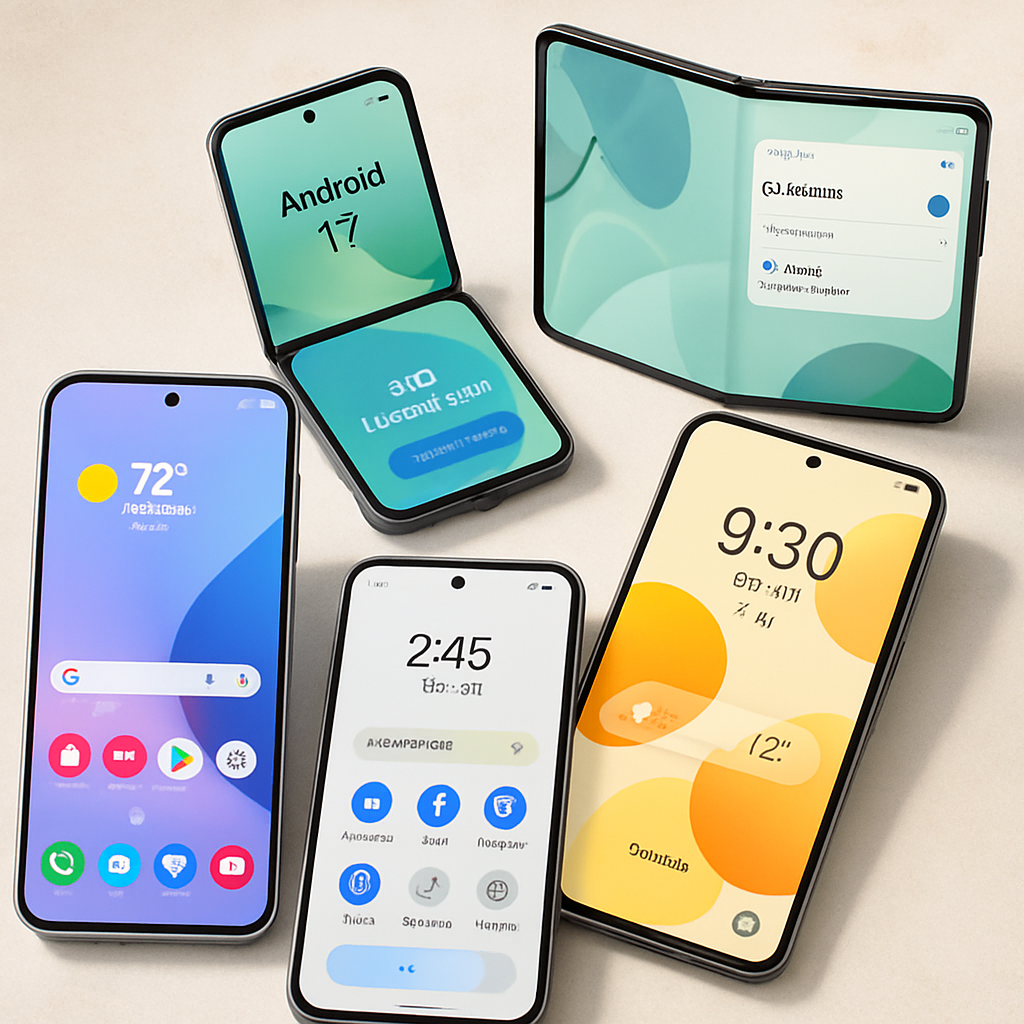
Android users of Google Messages can now take advantage of built-in integration with Keep Notes, making it easier to jot down and share notes directly within conversations. The new feature follows Google’s rollout of its September 2026 Android Drop, and it is now widely available via server-side update.
What’s New
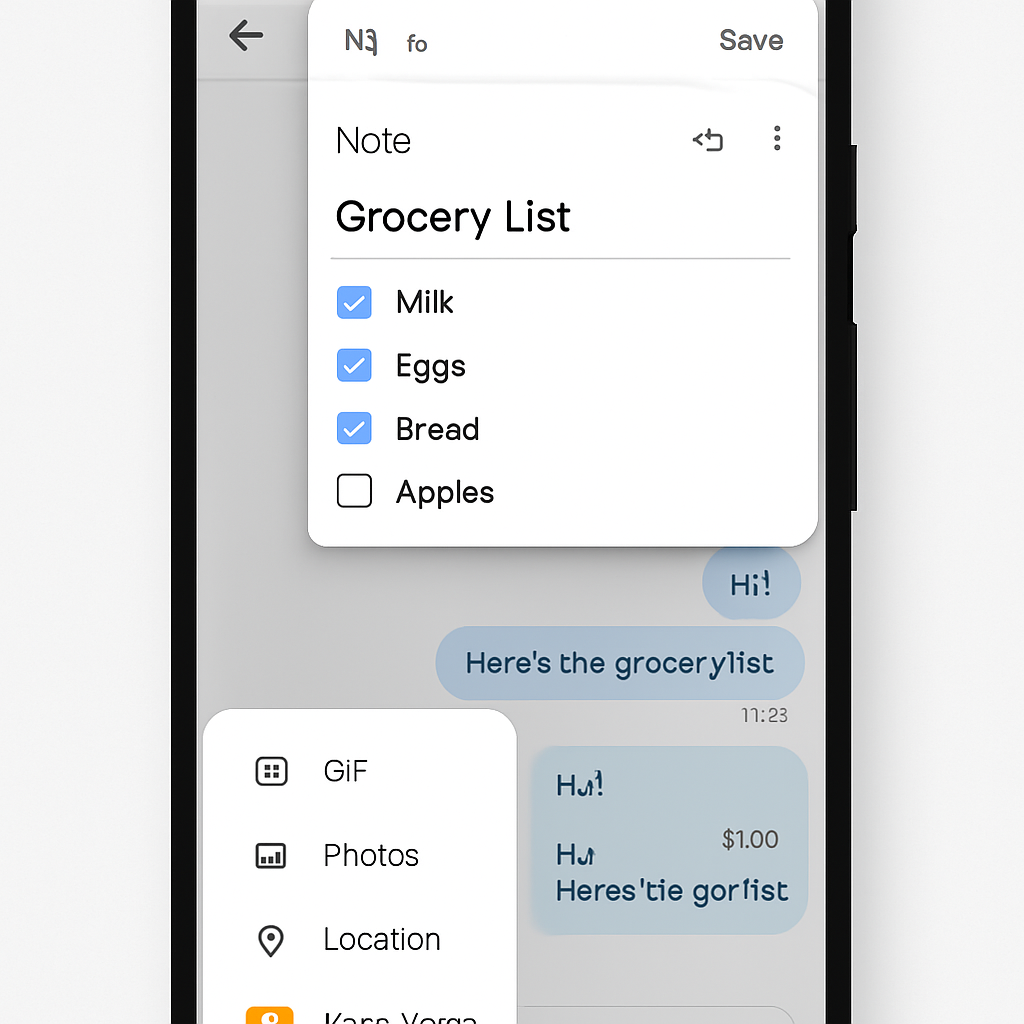
In any conversation, tapping the “+” (plus) menu now shows a new Keep Notes shortcut. Users can also see a contextual “Create list” option if Messages places it in the suggestions bar. Once you tap the Keep icon, a feed of your existing Keep Notes appears, along with a floating action button (FAB) in the lower-right corner to create a new note.
When drafting a new note, the editor has simplified formatting and list shortcuts. The Google Account signed into Messages will be used to create and store notes. After creating a note, sending it in chat presents a live preview. From there, tapping the chat bubble lets you reopen the note for edits, which is especially useful for interacting with list items such as checking them off.
Why It Matters
This integration streamlines workflows for Android users who already rely on Google Keep or want to quickly capture ideas, reminders, or collaborative lists without switching apps. By embedding note-creation and sharing directly into Messages, the change enhances efficiency in everyday communication.
Since this is a server-side update, no manual app update is required. It has already reached a broad audience, meaning many people will have access now or very soon.
***
At a time when multitasking across apps can slow down productivity, this update tightens the integration between messaging and note-keeping. It reflects a trend toward merging tools users already use into single workflows. Going forward, watch for deeper editing features, cross-device sync stability, or perhaps even collaboration tools (e.g. shared note editing) added into Messages and Keep Notes.