Google Unveils Native Gemini App for Mac, Elevating Desktop AI Assistance
In a significant expansion of its AI capabilities, Google has introduced a native Gemini application for macOS, marking the platform’s first venture beyond its established presence on Android and iOS devices. This development aims to provide Mac users with a seamless and integrated AI experience directly on their desktops.
Seamless Integration and User-Friendly Access
The Gemini app for Mac is designed with user convenience in mind. Users can swiftly activate the application using the Option + Space keyboard shortcut, ensuring quick access without disrupting workflow. Additionally, a Gemini icon resides in the Menu Bar, offering a constant presence for immediate engagement. The interface features a sleek, pill-shaped Ask Gemini bar, enhanced by Google’s Liquid Glass design, which provides a modern and intuitive user experience.
Comprehensive Toolset for Enhanced Productivity
Gemini’s Mac application boasts a robust suite of tools tailored to meet diverse user needs:
– File and Media Integration: Users can effortlessly upload various files from their local storage, Google Drive, Google Photos, and NotebookLM. This functionality is accessible via the Add files and tools option, streamlining the process of incorporating external content into the AI’s workflow.
– Creative and Analytical Tools: The app includes features such as Create image, Create video, Create music, and Canvas, catering to creative professionals seeking AI-assisted content generation. For those requiring in-depth analysis, tools like Deep research, Guided learning, and Personal Intelligence are available, with the latter three housed under the More tools submenu for organized access.
– Adaptive Interface Elements: To the right of the main interface, users will find a model switcher, voice input capabilities, and an option to expand to the full application view, allowing for a customizable and flexible user experience.
Consistent Experience Across Platforms
The Mac version of Gemini mirrors the functionality and design of its web counterpart, gemini.google.com. This consistency ensures that users familiar with the web interface will find the transition to the desktop application seamless. All interactions and data are synchronized with the user’s Google Account, maintaining continuity across devices and platforms.
Enhanced Contextual Understanding with Screen Sharing
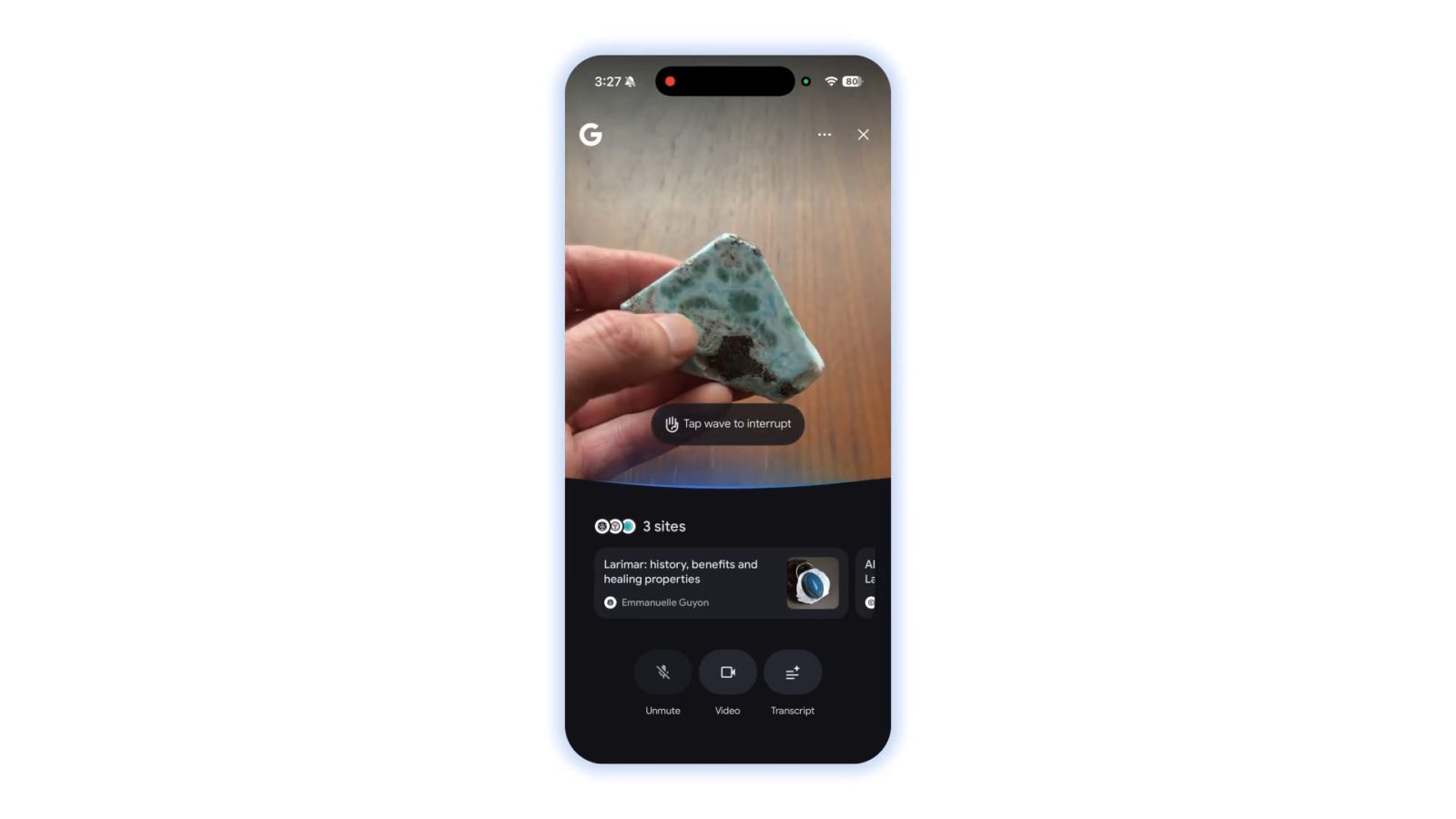
A standout feature of the Gemini Mac app is its ability to share anything on your screen with Gemini, including local files. This capability allows users to:
– Summarize Complex Information: By sharing a window displaying intricate data, such as a detailed chart, users can prompt Gemini with questions like, What are the three biggest takeaways here? to receive immediate, concise summaries. This feature is particularly beneficial for professionals who need quick insights without manual analysis.
– Assist in Document Creation: Whether drafting a market report that requires date verification or constructing a budget spreadsheet needing specific formulas, Gemini can provide accurate information promptly, enabling users to maintain their workflow efficiency.
– Support Creative Endeavors: For creatives, the app facilitates rapid generation of images using tools like Nano Banana or videos with Veo, allowing ideas to materialize swiftly without interrupting the creative process.
Availability and Future Prospects
The Gemini app is compatible with macOS versions 15 and above and is available for free download globally from gemini.google/mac. Google emphasizes that this initial release is merely the beginning, stating:
> We’re building the foundation for a truly personal, proactive, and powerful desktop assistant, with more news to share in the coming months.
This statement suggests that users can anticipate further enhancements and features that will continue to evolve Gemini into an indispensable tool for Mac users.