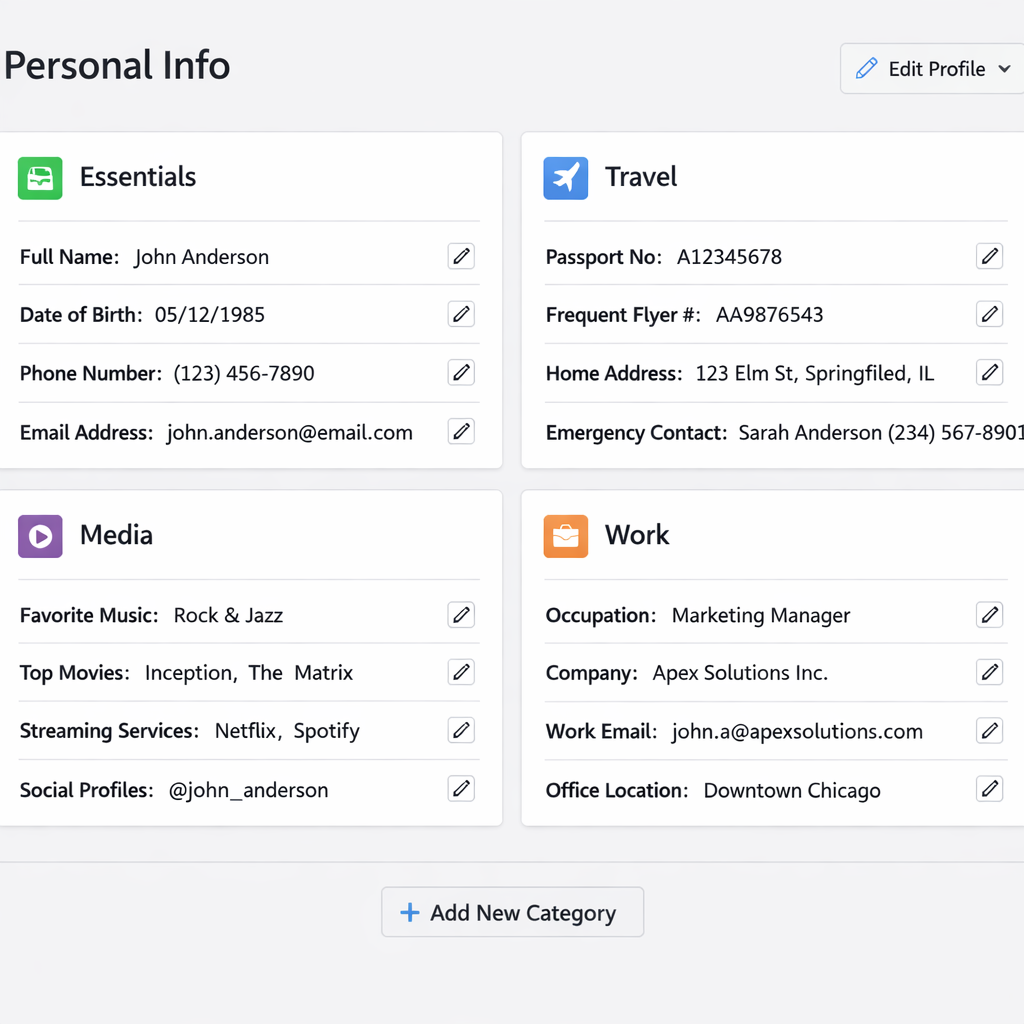
Google Gemini is rolling out a new feature called Memory summary, which gives users a clear look at the personal details Gemini has stored—plus the ability to edit or remove them. Available to Google AI subscribers in the U.S. (English only), with Memory and Keep Activity switched on, this tool aims to put control of personal data in the user’s hands.
What Memory summary includes
Accessable via Settings → Personal Intelligence (or through gemini.google.com/personalization-settings), Memory summary breaks down your data into categories such as Essentials (background info, location, relationships), Career & Professional Projects, Travel & Daily Gear, Media & Entertainment, and Fitness & Lifestyle. Each section lists specific bullet points like “your core background” or “key relationships.”
A text field lets you add or remove items—e.g. “Add to my memory that I speak Japanese” or “Remove my old phone number from your memory.” If your request is vague, Gemini may follow up with questions to ensure accuracy. There’s also a pencil icon for broader edits, and a “Memory history” view in the three-dot menu that shows when particular pieces of information were added or edited.
Who can use it (so far)
Right now, Memory summary is rolling out to Google AI subscribers in the U.S. with English-language settings. It requires Memory and Keep Activity to be enabled in your account. It’s being launched on the web first—there’s no sign yet of Android or iOS versions.
The feature follows Google’s ongoing push for AI personalization that reminds users what’s stored and gives them control over it. Gemini has long held personal context around travel plans, interests, professional goals—Memory summary ties these into one unified dashboard.
By centralizing all this user data and putting editing tools front and center, Memory summary addresses growing privacy expectations. It aims to let people not only see what Gemini knows but also shape its understanding in a more precise way.
This is more than just transparency—it marks a new standard in human-AI interaction. What to watch next: when Memory summary lands on phones, what degree of automation Gemini will use in prompting edits, and whether similar tools become standard across AI assistants. With users demanding both convenience and control, features like this will likely shape the next generation of personal AI.