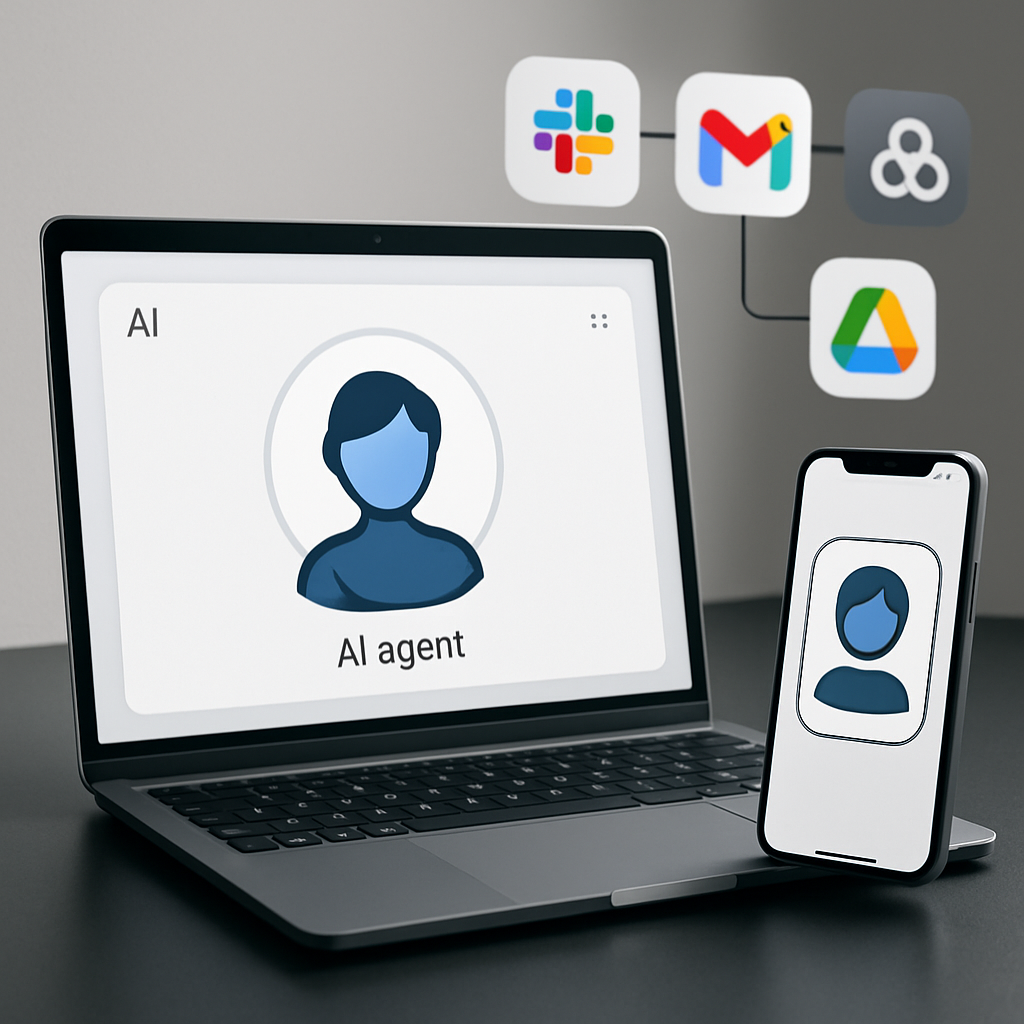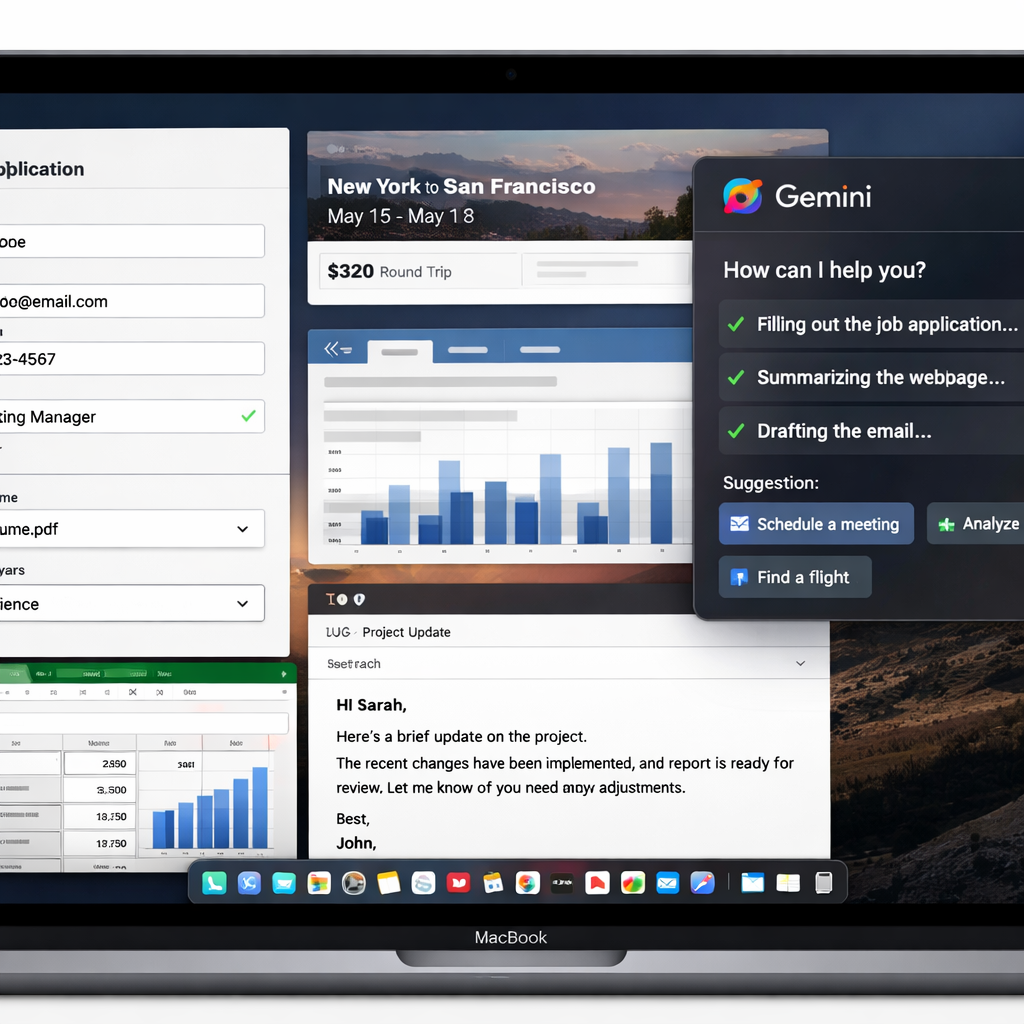
Google is expanding Gemini’s capabilities on Mac by introducing “Computer Use,” a new feature that lets the app manage desktop apps and browser tasks directly in response to user prompts. Unlike the existing Task (formerly Gemini Spark) feature, which could only access local files in conjunction with connected services like Gmail or Google Calendar, the new capability can actually click and type on your behalf across your whole desktop and web. It handles multi-step processes like navigating menus or filling generic forms. The user retains control: Gemini runs in a separate background window with a live preview. Meanwhile, your cursor and main screen stay free; critical actions—like payments or logins—still need your confirmation, and you can stop Gemini at any moment.
How It Works
To activate this, users add @Computer use to their Gemini prompt. Within the app’s settings under Customize > Connectors, new “Desktop” apps like Blender and Autodesk Fusion will appear, alongside existing tools like Git and Obsidian. For safety, you’ll choose which apps Gemini can use, and receive prompts to approve sensitive actions.
Use Cases & Availability
Several use scenarios are being touted:
- Speeding creative workflows—batch color grading photos in 3D tools or adjusting multiple design files.
- Automating form entry—pulling data from PDFs or other docs to fill shipping or address forms.
- Generating presentations—gathering metrics and screenshots from live dashboards to populate slides.
- Managing resale listings—sorting images, researching prices, and staging listings across platforms.
This feature is launching now for US English users who subscribe to Gemini AI Plus, Pro, or Ultra tiers.
Background and Context
Gemini is Google’s conversational AI assistant, integrated across devices and services to help with everything from chat to creative projects. Previously, Task (or Gemini Spark) allowed limited integrations—accessing local files and connected apps, but not full control of desktop programs or browsers. “Computer Use” dramatically widens Gemini’s reach, making it more like a virtual assistant with hands-on access to your machine.
As AI assistants evolve, one key tension is balancing autonomy with safety and control. This update shows Google aiming to give users greater leverage without fully losing oversight, keeping users in charge of sensitive operations.
What This Means Going Forward
This upgrade may shift how users think about AI assistants—not just as helpers giving advice or generating content, but as execution partners. The risk will lie in how securely permissions are managed and how smooth the system performs in live environments. Watch for how other platforms respond—this could raise the bar for AI-powered desktop automation.