Google has initiated the gradual rollout of Android’s new ‘advanced’ sideloading process, designed to enhance user security ahead of the upcoming developer verification requirements set to commence next month.
Earlier this year, Google introduced an ‘advanced flow’ for sideloading applications from unverified developers. This process aims to introduce additional safeguards for users by implementing a one-time, 24-hour waiting period between enabling the installation of apps from unverified sources and the actual installation. This measure is intended to deter impulsive installations and provide users with time to reconsider potential risks.
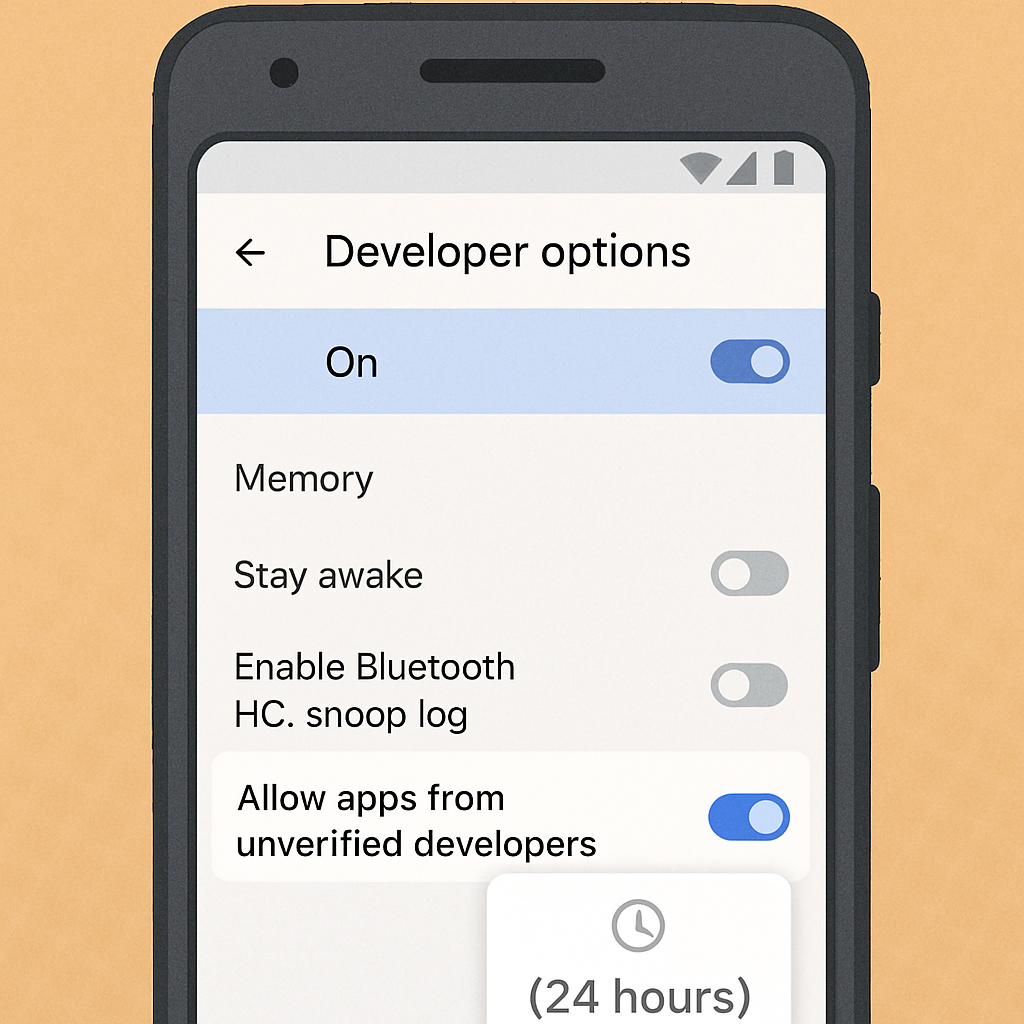
To utilize this new sideloading method, users must first enable Developer options on their device. This can be done by navigating to the Settings app, selecting ‘About phone,’ and tapping the ‘Build number’ seven times until the message ‘You are now a developer!’ appears. Once Developer options are accessible, users can activate the ‘Allow apps from unverified developers’ setting. Following this, a warning will be displayed, and the 24-hour waiting period will commence. After the waiting period, users can choose to enable the setting either temporarily for seven days or indefinitely.
It’s important to note that installations via Android Debug Bridge (ADB) are not affected by this new process. Additionally, users have the option to disable Developer options after enabling the advanced sideloading flow.
This functionality is being delivered through the ‘Android Developer Verifier’ app, which was announced in March. The rollout is occurring gradually, with the developer verification requirements scheduled to take effect on September 30 in regions including Brazil, Indonesia, Singapore, and Thailand. A global implementation is planned for the following year.
By introducing this advanced sideloading process, Google aims to strike a balance between user flexibility and security. While it allows experienced users to install apps from unverified sources, the added friction serves as a deterrent against potential security threats. As the developer verification requirements are set to begin soon, users should familiarize themselves with these new procedures to ensure a secure and informed app installation experience.