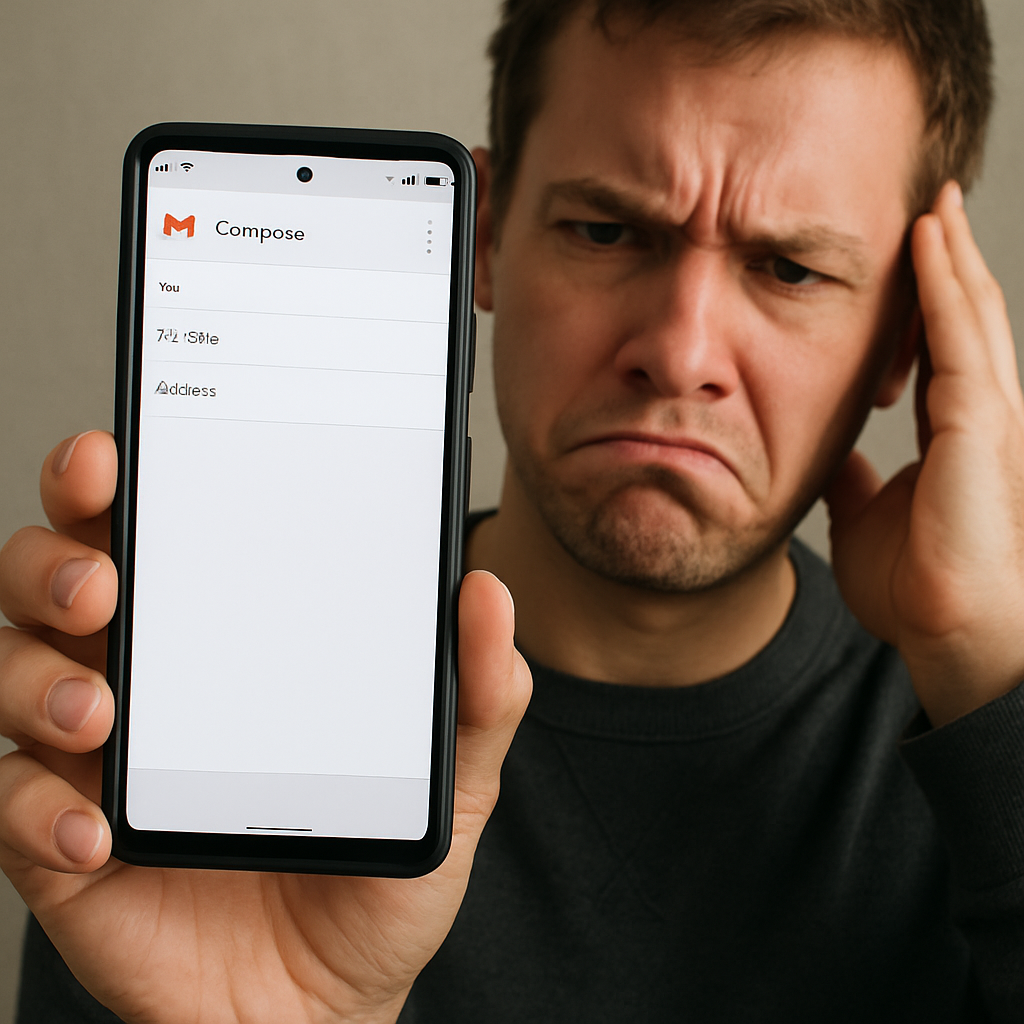
Google Pixel users are encountering a frustrating issue within the Gmail app: the on-screen keyboard fails to appear when attempting to reply to emails. This glitch prevents users from composing responses, as the text input field remains inaccessible.
Reports from affected users indicate that the problem manifests when initiating a reply; the ‘Help me write’ prompt is visible, but the keyboard does not materialize. Some users have discovered that tapping the button typically used to hide the keyboard can temporarily resolve the issue, allowing the keyboard to reappear upon selecting the text field. Additionally, rotating the device to landscape mode has been noted as a temporary workaround, though the problem often recurs.
While the exact cause remains unclear, the issue appears to be isolated to the Gmail application, with no similar problems reported in other apps. This suggests that the glitch may stem from a recent update or change within Gmail itself.
Historically, Google Pixel devices have experienced various software-related issues. For instance, in March 2024, some users reported that the Gboard keyboard displayed with a significantly reduced font size, making it difficult to use. This problem was attributed to a bug affecting the keyboard’s display settings. Similarly, in May 2026, Gmail users on certain Android devices encountered flickering screens and unreadable emails, a problem linked to the Android System WebView component.
These recurring issues highlight the importance of prompt software updates and patches to maintain user experience. Users affected by the current Gmail keyboard glitch are advised to report the problem through official channels and monitor for forthcoming updates that may address the issue.