A new strain of macOS malware called GhostProfile has emerged, enabling attackers to hijack user accounts by cloning browser profiles and exploiting live sessions, without needing passwords.
How GhostProfile Works
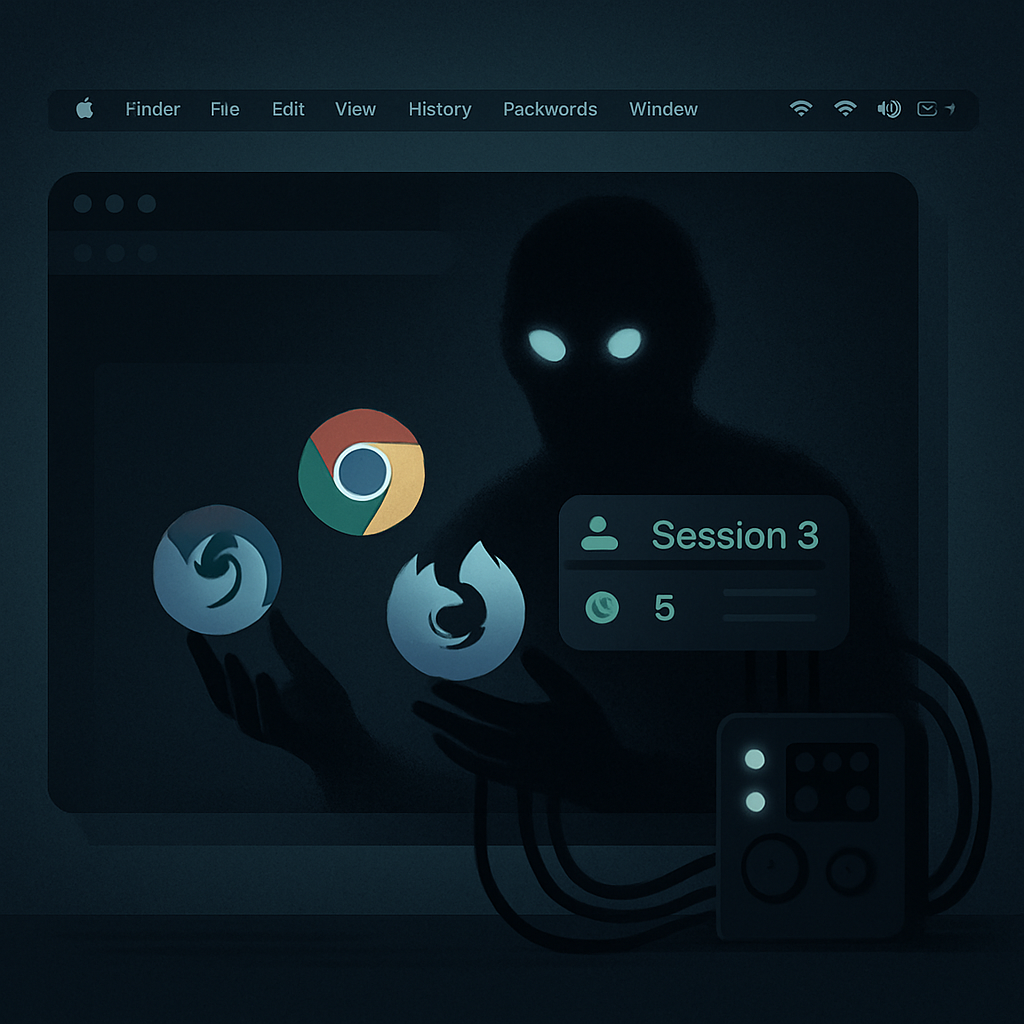
Instead of capturing passwords to log in later, GhostProfile duplicates the victim’s browser profile—Chrome, Firefox, or other Chromium-based browsers—and uses that copy to gain access to active sessions. Through browser automation tools such as Chrome DevTools Protocol (CDP) and WebDriver BiDi, attackers commandeer the copied profile, effectively acting inside the victim’s logged-in state. The actual browser window is hidden from view—moved offscreen—and the automation is masked by spoofing details like WebGL and plugin information, all to avoid detection.
The malware isn’t just passive. GhostProfile’s operators can take screenshots, simulate mouse clicks and keystrokes, and access other privileges tied to the browser environment including location, camera, microphone, clipboard, and notifications. While not all victims have likely been exposed to every capability, the potential for misuse is broad.
Infection Chain, Persistence, and Risk
GhostProfile is delivered via a shell command that downloads content, removes its quarantine status, plants payloads into the \”Downloads\” folder, and registers a fake updater component via LaunchAgents. The malware is set to launch automatically on system startup using RunAtLoad and KeepAlive settings for persistence. The so-called updater carries a name that mimics legitimate components—an established but dangerous trick used by other fake updater campaigns.
Once in place, GhostProfile searches for existing browser profiles, uses SQLite to access cookie data, and reads the macOS system clipboard. It includes modules to accept additional payloads—like ZIP archives or disk images—from a remote operator. These can be unpacked, installed, and run under the guise of trusted software. Although there’s no confirmed evidence yet of a follow-on malware family, the risk of account takeover through cookies and live sessions resembles traits previously seen in other browser-data stealing malware.
Signs & How to Respond
Security teams should watch for unusual copies of browser profiles, hidden browser processes, falsely labeled updater LaunchAgents, or unexpected connections to suspicious domains. Recommended corrective actions include isolating compromised devices, preserving evidence meticulously, and not relying solely on password resets—fully revoking session tokens and updating logins from trusted devices is key.
Here are confirmed indicators of compromise (IoCs): the SHA-256 hashes of the Mach-O agent and the delivery script; a C2 command-and-control domain txrouteuifbfewfubewfbhgrabbing[.]xyz; a payload path ~/Downloads/wohnung; a LaunchAgent identifier com.system.updater; session artifacts like .hvnc_id; temporary working folder prefix hvnc_clone_; and an embedded banner reading \”HVNC session agent\”.
GhostProfile was discovered by researchers at Moonlock Lab following a sample shared by MalwareHunterTeam. Public disclosure came on October 12, 2026—while some parts of its delivery are now detectable, the malware’s core profile-cloning component was initially unseen by many anti-malware defenses.
The emergence of GhostProfile highlights an evolving threat landscape where live session hijacks are supplanting traditional password-theft campaigns. Attackers are increasingly targeting the tokens and cookies that keep users logged in across browsers. For users and organizations alike, the lesson is clear: security tools must adapt to detect cloned profiles, fake updater agents, and any hidden browser automation. Going forward, the ability to monitor active sessions, enforce multi-factor checks, and audit browser internals will be critical to stay ahead of malware like GhostProfile.