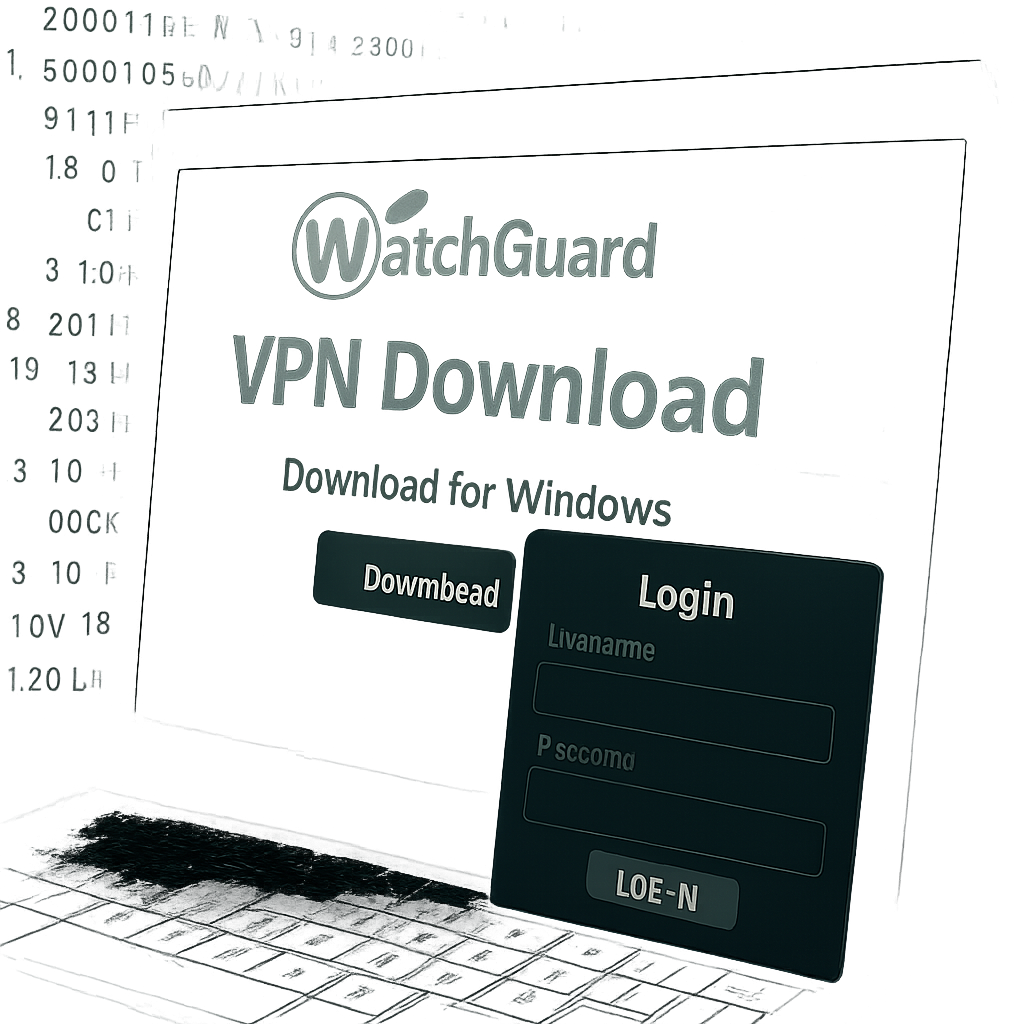
A newly discovered phishing campaign is exposing users to credential theft by spoofing the WatchGuard VPN installer page. Attackers used a convincing fake download site to harvest server addresses, usernames, and passwords before delivering a genuine WatchGuard VPN client installer.
How the Scam Works
Researchers investigating an incident at a managed service provider found that the attack began when an administrator searched Bing for “watchguard vpn ssl download.” Eight seconds after selecting an organic result, they were taken to a fraudulent website masquerading as an official WatchGuard download page. The site featured well-known branding, product details, and a support-style layout—including a fake “download” button which actually led to a page structured to collect credentials.
The credential capture mechanism was simple yet deceptive. Once users selected any “download option,” they received a browser prompt requesting a VPN server, login, and password. A small JavaScript script then collected whatever was submitted: all entries were sent via an HTTP POST to a remote server. Interestingly, the first submission was always rejected with an “Incorrect data” message—likely designed to coax out correct credentials on a second try.
Real Installer, But Not Before the Phish
After a second submission, users saw a confirmation message and a download link for the official WatchGuard VPN with SSL version 12.11.5. The installer came directly from WatchGuard’s content delivery network and passed all digital signature checks—meaning the downloaded software itself was legitimate. However, the real damage occurs beforehand: credentials had already been harvested.
The script did not manifest visible network errors to users—only browser console warnings, which most people would never notice. In the case studied, there was no evidence the victim completed both credential prompts; but even partial input likely exposed sensitive login info. The domain responsible—watchguard-vpn[.]net—has since been taken offline. Experts recommend immediate action in response: reset exposed credentials, assess unusual VPN logins, enforce multifactor authentication, and treat any disclosed server address as compromised.
Technical Indicators & Mitigations
Investigators identified several indicators of compromise tied to this attack:
- Fake download site domain:
watchguard-vpn[.]net - Landing page URL:
watchguard-vpn[.]net/index.php - Lure IP hosting:
80.249.132[.]140 - Credential collection domain:
watchguard-ssl[.]onlineat IP158.94.209[.]19
To avoid falling victim to similar threats, users should bookmark official vendor portals instead of relying on search results. A valid installer signature doesn’t guarantee the supply chain or credential handling is safe. Organizations should verify links, watch for deceptive credential prompts, and ensure multi-layered security controls.
The threat was discovered in early October, with the rogue domain deactivated by October 13. Huntress, the firm that reported the campaign, stressed that even though the final software was authentic, the real risk surfaced before any legitimate client was downloaded.
This kind of attack—blending phishing, fake sites, and valid software—shows how tricked trust can be misused. Digital signatures protect software integrity, but not what comes before the download. Training users, locking down browser paths, and verifying all prompts are essential defenses.
Why It Matters
This incident exposes a dangerous gap in common security assumptions. Many users believe that if a download installs successfully and the digital signature is valid, the whole chain of trust is intact. But this attack proves otherwise: credential theft can happen without malware by exploiting browser interaction space and legitimate download sources. As organizations rely more on remote access tools like VPNs, protecting credentials becomes crucial.
What to Watch Going Forward
Look out for search engine poisoning—a rising tactic where malicious domains rise in search results to expose users. Vendors need to strengthen domain monitoring and issue clear communications about correct software sources. For users, whenever prompted for VPN credentials or server info in unusual ways, pause and verify. Security isn’t just about what software does, but who asks for what and how.
Ultimately, this event is a reminder that cyberattackers are evolving beyond malware and focusing on procedure and trust. Only a combination of technical controls, user education, and strict verification practices can keep these phishing strategies in check.