Attackers are increasingly using deceptive software downloads to take control of Windows systems and monetize them without the user’s knowledge. These schemes hide multiple payloads—each offering its own method of profit—behind installations advertised as cracked apps, free games, plugins, or utilities.
Victims typically begin when they try to download once-popular software titles—like cracked activation tools, Roblox executors, plugin bundles, or cracked versions of Navicat Premium or plugin packs resembling Echo Client and FabFilter Total Bundle. What looks like a standard installer is actually a multi-stage wrapper disguising malicious “offers” that run in the background even if one component fails. These hidden installs can share internet bandwidth, run distributed computing tasks, or add unwanted utilities that persist long-term.
How the Campaign Works
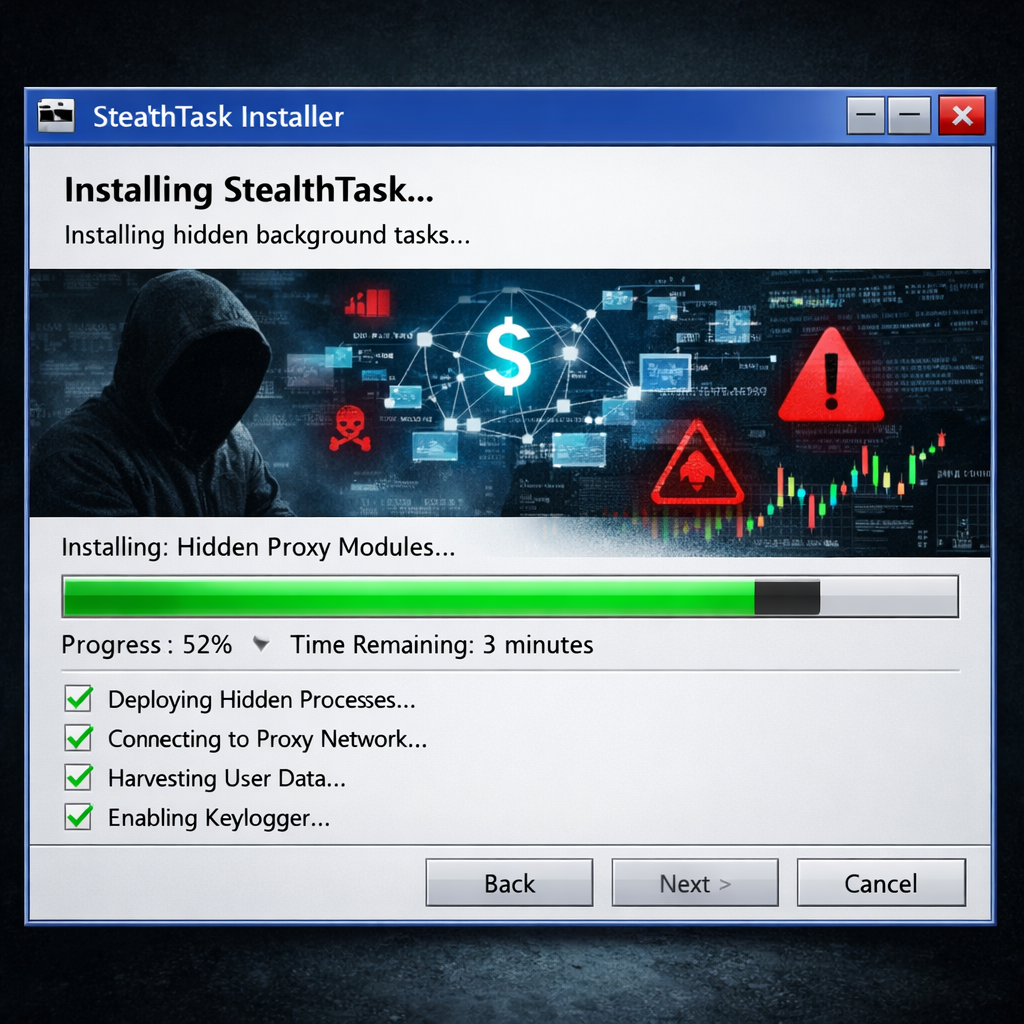
The attack chain starts when the user launches a fake installer, which mimics familiar installers like Inno Setup. Once started, it executes auxiliary payloads—referred to as “offers”—which may contact rotating callback domains to select what to install. The process can include independent branches: one that installs proxyware to route traffic through the compromised PC; another that uses computing resources for distributed work with tools like BOINC or CharityEngine; and a third that installs utilities such as Advanced Windows Manager.
The proxyware branch sets up scheduled tasks at the system level, including agents that run at boot, watchdogs monitoring processes every few minutes, and updaters updating malicious components. The computing resource branch checks machine eligibility and reaches out to infrastructure tied to distributed computing platforms. Meanwhile, the utility branch layers additional software that often looks like legitimate utilities but serves to further monetize or take control of the device.
Detection, Mitigation, and Indicators
Because offenders employ multiple domains and obfuscate activity across installer sessions, relying on single-file or single-domain detection isn’t enough. Indicators include scheduled tasks running as SYSTEM, unknown software appearing on the system, or processes executing without clear consent. Examples of IoCs (indicators of compromise) observed include callback domains like “beliefdesk.xyz” or “signalpane[.]cfd”, typical file paths under %TEMP% matching certain patterns, and hashes associated with staged payloads.
Mitigation strategies advised include avoiding cracked or pirated software and untrusted sources, enabling protections against potentially unwanted applications (PUAs), keeping antivirus tools up-to-date (including cloud-based protection), and using rules to restrict execution of untrusted executables. Monitoring for unexpected persistence—such as scheduled tasks or services—can reveal ongoing abuse.
This rising threat is part of a broader trend: even tools or platforms originally intended for legitimate uses, like distributed computing software, are being co-opted by threat actors. When legitimate software becomes embedded in an illicit installation framework, it muddies detection efforts and increases risk for everyday users.
What this means is that users and organizations alike now face a stealthier form of threat: not traditional malware alone, but resource hijacking through deceptive installers. The key will be strengthening endpoint protections, sharpening visibility into all installation actions—not just individual files—and improving cyber hygiene around download sources and software authenticity. Staying alert to the subtle signs of compromise can be the difference between a compromised PC and one that’s under your control.