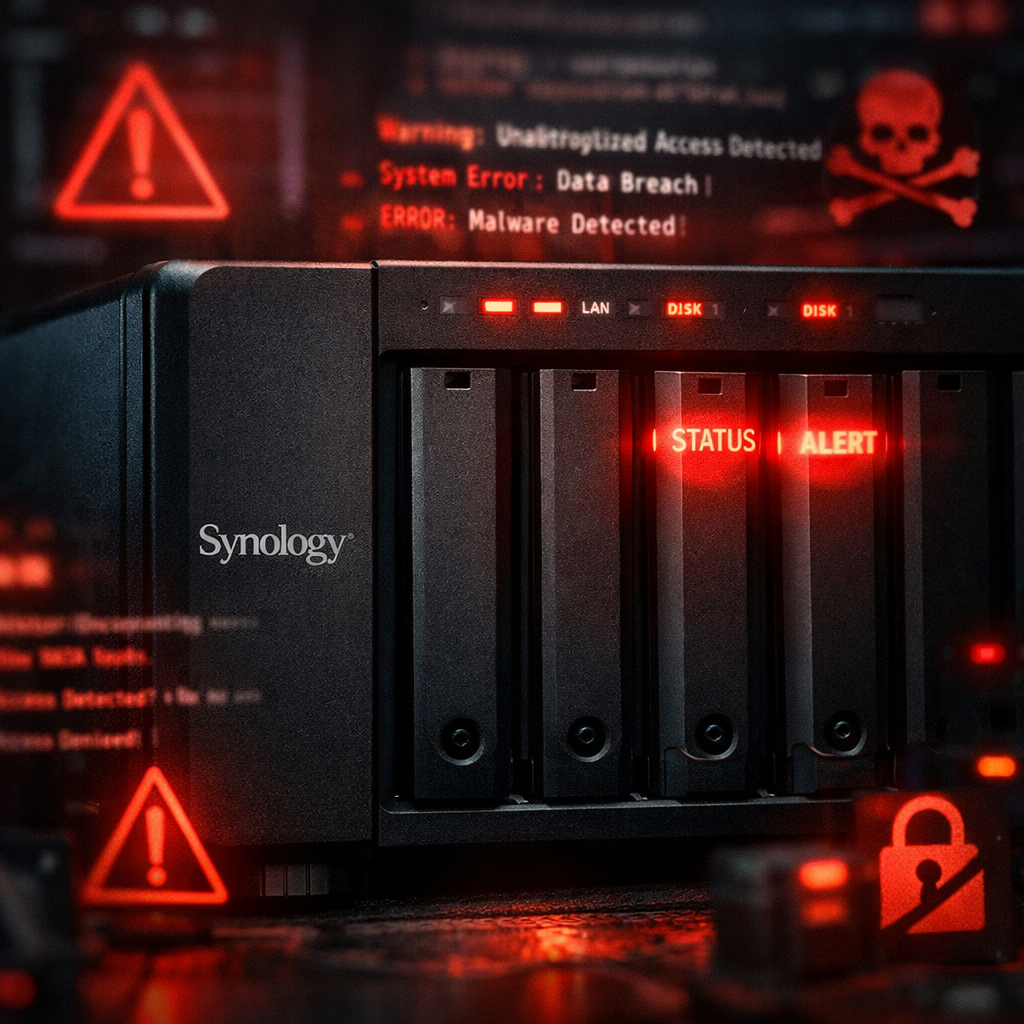
Owners of Synology NAS systems are being urged to manually install the latest firmware immediately—especially if you’re using older models. A recently uncovered PHP vulnerability has enabled ransomware actors to exploit network-attached storage devices, encrypting data and extorting users. The issue affects both smaller home and enterprise units that run services exposed to the internet.
Automatic Patches Aren’t Enough
While Synology and other manufacturers have released security patches, these updates aren’t always applied automatically on older NAS units. Some devices falsely indicate they’re fully up to date, even though essential patches have not been installed—often because auto-updates aren’t enabled by default or are no longer supported for older hardware. The system status may show no available updates when critical fixes are still missing.
Active Attacks and Ransomware Threats
There have already been real-world attacks tied to the PHP vulnerability. In one case, a user of a Synology DS918+ discovered they were infected with ransomware; their backups following a 3-2-1 strategy proved critical to data recovery. Another victim—a DS2422+—lost access to 70TB of data in what one user described as a “C3RB3R” ransomware attack, with attackers demanding roughly $3,000 in Bitcoin. The vulnerability in question was addressed by a firmware update (Update 6) released in November 2024, but many affected devices were running earlier versions.
What’s Necessary Now
You should immediately check whether your Synology unit has the latest firmware installed. If you rely on automatic updates, confirm that functionality is working properly—older units may need manual handling. If your device gives messages like “fully updated” but doesn’t support the latest patches, visit Synology’s support site to download and install the appropriate update manually.
For long-term safety, set a recurring schedule to inspect all networked devices. Don’t assume auto-update functions are functioning—or even existing—on every device in the ecosystem. Regularly verifying updates is just as vital as using them.
This situation underscores a common truth across tech ecosystems: assuming that your hardware is protected isn’t enough. As NAS systems grow more capable and more targeted, keeping firmware current is no longer optional—it’s essential. Overlooking updates can lead to catastrophic data loss. Going forward, watch for notices from Synology about end-of-life hardware, confirm update support before purchasing, and reinforce your backup routine. Don’t wait until a breach hits—be proactive now.