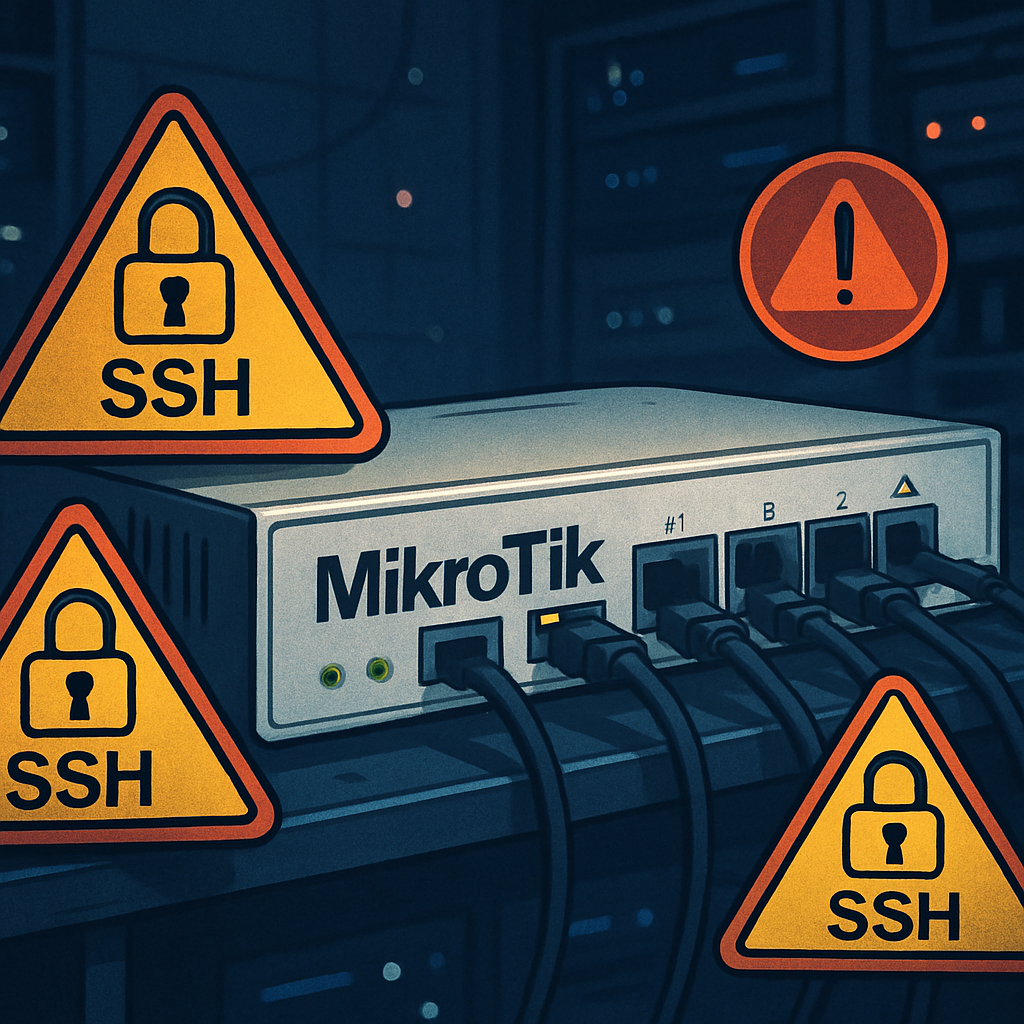
A recent alert has revealed that attackers are gaining full administrative access to MikroTik routers simply by exploiting Secure Shell (SSH) services that are exposed to the internet and lack authentication. The issue affects routers running vulnerable versions of RouterOS and was first flagged by CERT Polska on September 5, 2026. The earliest known attacks date back to September 2, though no specific number of affected devices or details about the adversaries have been publicly confirmed.
Which Versions Are at Risk
CERT Polska’s disclosure identifies several RouterOS versions as vulnerable. Devices running versions from 6.0.0 up to, but not including, 6.49.21 are affected in the 6.x series. In the 7.x branch, all versions from 7.0.0 below 7.23.4 are vulnerable. From 7.24 up to—but not including—7.24.2 in the stable channel are also compromised. MikroTik has released security fixes in versions 6.49.21, 7.23.5 (long-term channel), 7.24.2 (stable), and an updated development release (7.25beta3) that addresses all observed issues.
Steps to Secure Your Device
Until you install the patch, you’re advised to disable or limit access to exposed services, especially SSH, web management (WWW/WWW-SSL), and bandwidth-test interfaces. Do not use RouterOS’s built-in SSH clients or initiate TLS connections from vulnerable routers. These are temporary mitigations and do not replace the need for updating.
Besides patching, you should inspect your router’s settings for signs of compromise: new users or scripts you didn’t add, account creation logs showing “ssh:-2@,” unexpected privileged accounts, or other suspicious configurations. MikroTik provides a flagging system: startup checks will mark a device as ‘‘Flagged’’ if insecure or abnormal entries are detected. Use the command /system/device-mode/print to review this status after updating.
Recovery if You’ve Been Compromised
If you suspect your router has already been breached, isolate it from all networks immediately, preserve configuration files and logs before resetting anything. Restore factory settings, then rebuild using trusted configurations instead of blindly restoring old backups, which may carry over compromises. Finally, change all passwords, private keys, and other security credentials tied to the device.
The issue has been dubbed “MikroTrick” by CERT Polska, referencing an observed attack chain involving two vulnerabilities. The disclosure does not clearly detail which exact flaws were used or how they interact, and it remains undetermined if this was a zero-day exploit based on the timeline of patches versus reported attacks.
The vulnerability aligns with MikroTik’s default firewall policy which, when intact, blocks external access to critical management ports—meaning users who kept default settings arguably had some protection. Even so, the risk remains high for any routers left unpatched or reconfigured in ways that expose SSH or other services to the internet.
Why this matters: MikroTik routers are widely used in both home and business networks. An attack that grants administrative control without requiring authentication essentially hands over the keys to all connected services and data. Because the exploit relies on SSH exposure—a common misconfiguration—it underscores how critical proper network hygiene and timely patching are.