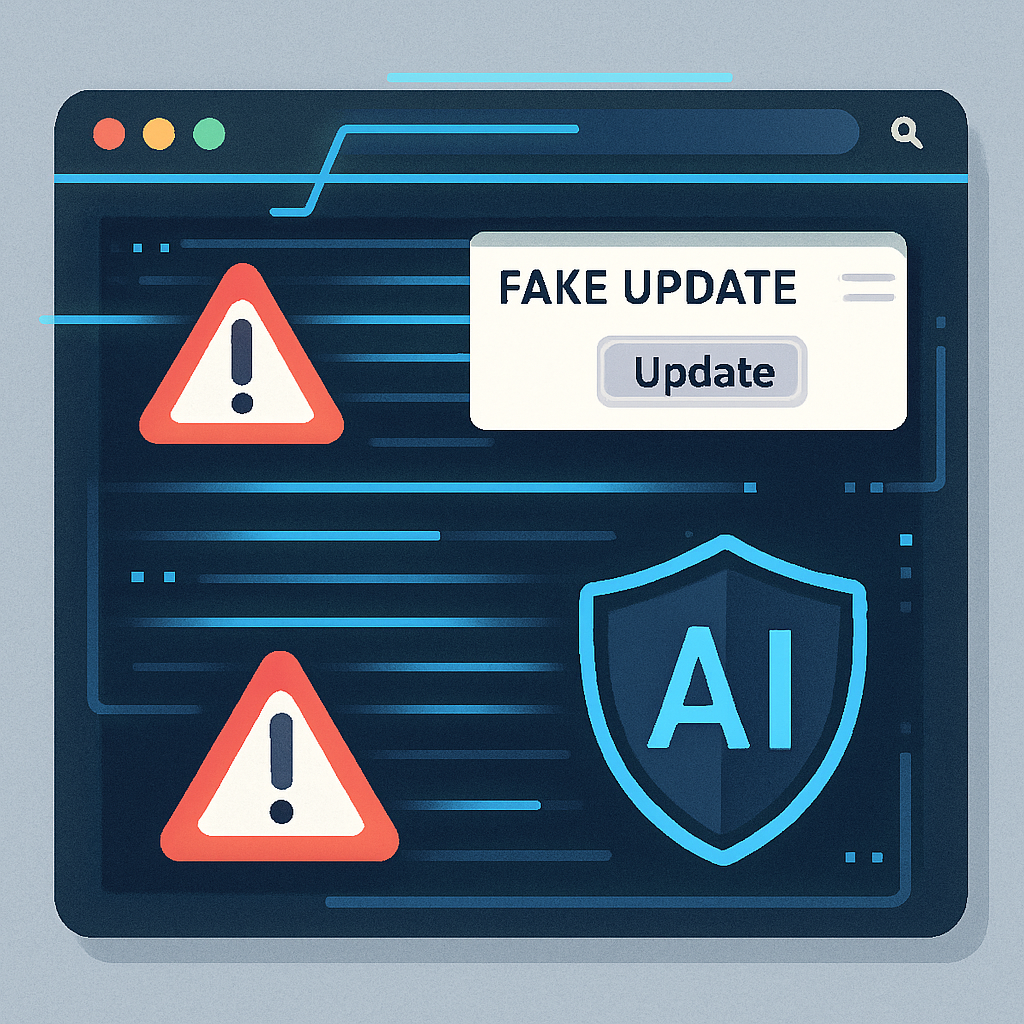
Google is ramping up Chrome’s defenses by integrating its Gemini AI model more deeply into the browser’s Enhanced Protection mode to crack down on fake software update alerts, bogus antivirus prompts, and other deceptive scams. The revamped system, made official on October 20, 2026, also introduces layered site warnings and defenses against “ClickFix” attacks, where users are deceived into running malicious commands.
From Device to Cloud: Expanding Protection
Previously, Chrome relied on an on-device version of Gemini to catch tech support scams—but only on certain compatible devices. Now, the browser shifts toward a server-side model that brings those protections to all users who opt in to Enhanced Protection, regardless of their hardware.
How Gemini AI Dissects Deceptive Web Pages
When encountering indicators of fraud, Gemini analyzes the text of a webpage to figure out which brand it purports to represent and what the page’s intent is, then assigns a score that reflects how likely it is to be a scam. This assessment, combined with domain reputation and additional risk signals via Chrome’s Safe Browsing, contributes to whether a site gets a warning or stays unflagged. Gemini doesn’t make final blocking decisions alone.
Chrome now features two tiers of site warnings for those using Enhanced Protection: “Suspicious site” warnings signal lower-confidence risks with softer visual cues, while sites confirmed as dangerous trigger the more severe red interstitial warnings. This dual-layer approach helps distinguish between suspected threats and confirmed malicious pages.
Shielding Against ClickFix Tricks
ClickFix attacks involve convincing users to copy commands from a website—ones that may execute harmful code when run. These often escape Chrome’s regular download safety checks by leveraging command-line tools like PowerShell or cmd.exe. Under the new setup, Chrome monitors clipboard content for suspicious commands during potential ClickFix scenarios. If the content looks dangerous, a warning is issued. To respect legitimate workflows (especially for developers), Chrome removes any personally identifiable information from the copied content before sending it for review.
Importantly, these protections are active only when Enhanced Protection is enabled. Google also emphasizes that Chrome will never prompt users to repair the browser by copying and running commands from a website. That advice comes with the security guide for Safe Browsing.
This update represents a meaningful leap in defending users from high-sophistication web scams. The fusion of AI scoring, reputation signals, and tiered warnings can catch threats earlier and more accurately. These protections tighten the feedback loop between user behavior and web threat detection.
What It Means & What to Watch
For users, the upgrade enhances protection especially against deceptive browser-based frauds that rely on trusted UI cues. For Google, it shows AI is becoming central not just to flashy features, but to the very fabric of browser security. Going forward, how well Gemini balances privacy with effectiveness—especially around processing user content—and how Chrome avoids overwarning legitimate sites will be critical. Observing user feedback and threat detection accuracy in the coming months will matter more than ever.