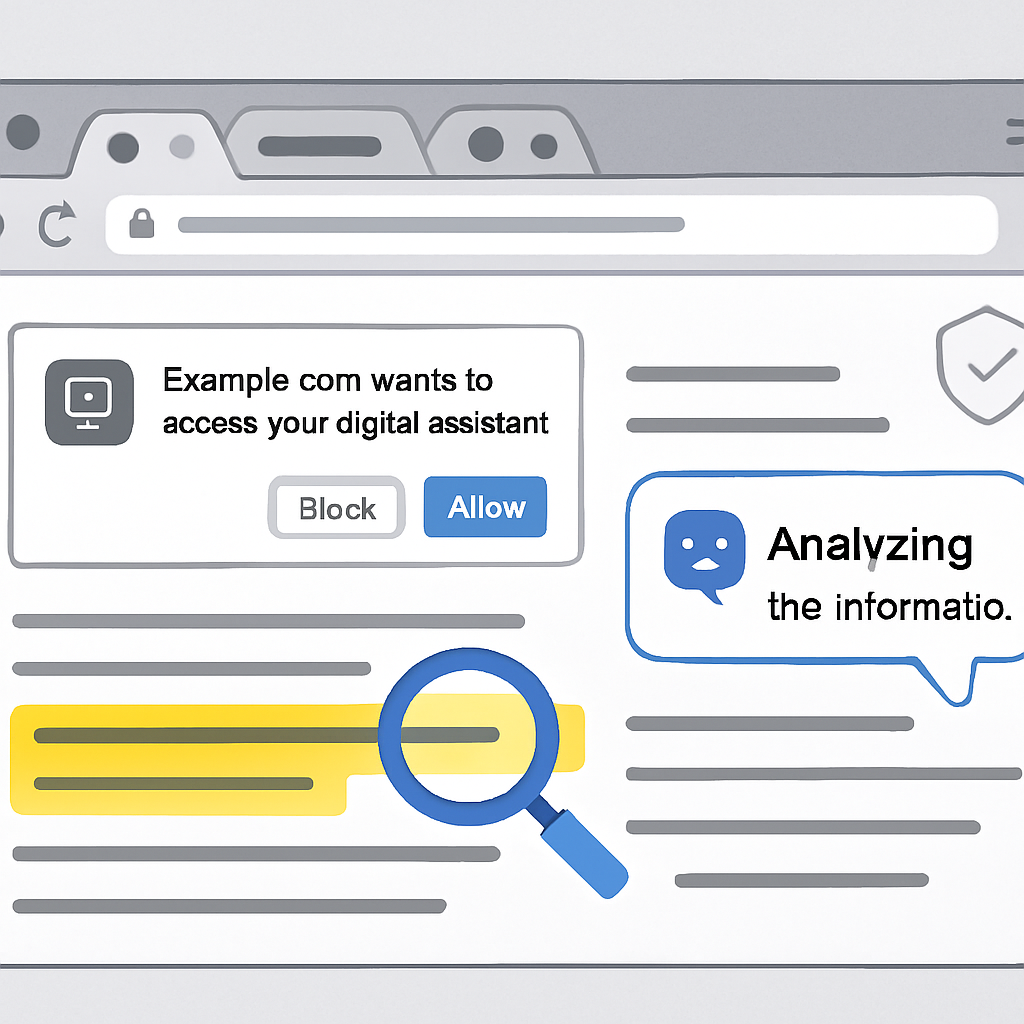
OpenAI has significantly upgraded the ChatGPT Chrome extension: it can now access content across all open browser tabs and perform browser-backed tasks, not just respond based on a single page. This update adds smarter features like content comparison, form-filling, messaging, and organizing tabs directly through the extension. The rollout, revealed in India on October 16, 2026, is available for all users with ChatGPT accounts—across free and paid plans alike.
New Modes & Task Capabilities
The extension introduces two new modes—Chat and Work—which enable users to analyze open tabs, group web pages, and manage files without leaving their browser. Real-world examples in the release include comparing products (by size, material, delivery time, and returns policy), simplifying article content into easy-to-understand summaries, or evaluating pricing pages. Tasks like document editing, spreadsheet work, data entry, website testing, and bulk file downloads are supported. Users can run these operations in the background without interrupting their active browsing session. The extension also works with Microsoft Edge, Brave, and Opera—not just Chrome.
Privacy, Permissions & Risks
There are privacy implications to this enhanced functionality. Because the assistant gains access to content from signed-in websites, sensitive information—such as private messages, financial records, or personal or business data—could be exposed. OpenAI’s privacy disclosures mention handling of browsing history, user activity, personal communications, health, financial info, and authentication data. But those are “categories of data handled,” not proof that everything is collected in every instance.
Permissions play a key role in how far access goes. OpenAI says the tool will ask for consent before accessing browsing history or uploading/downloading files. However, it’s not guaranteed that every task or browser interaction triggers a separate prompt. Another concern is prompt injection—when websites embed instructions to mislead the assistant or alter its behavior. Past incidents involving malicious Chrome extensions stealing ChatGPT conversations highlight the need to double-check extension sources and publishers.
For corporate use especially, the recommendation is to keep task requests as narrow as possible, limit use on signed-in accounts where private or customer data could be involved, and scrutinize confirmation prompts. Ensuring tight controls around permissions is especially important now that the extension can both read page content and act upon it.
This update brings ChatGPT’s browser capabilities to a much more powerful level—blurring the lines between assistive AI and browser automation. While these tools boost productivity, they also amplify security and privacy risks. Watch for how access permissions are implemented in practice; expect scrutiny from regulators and security teams on how user consent is obtained and enforced.