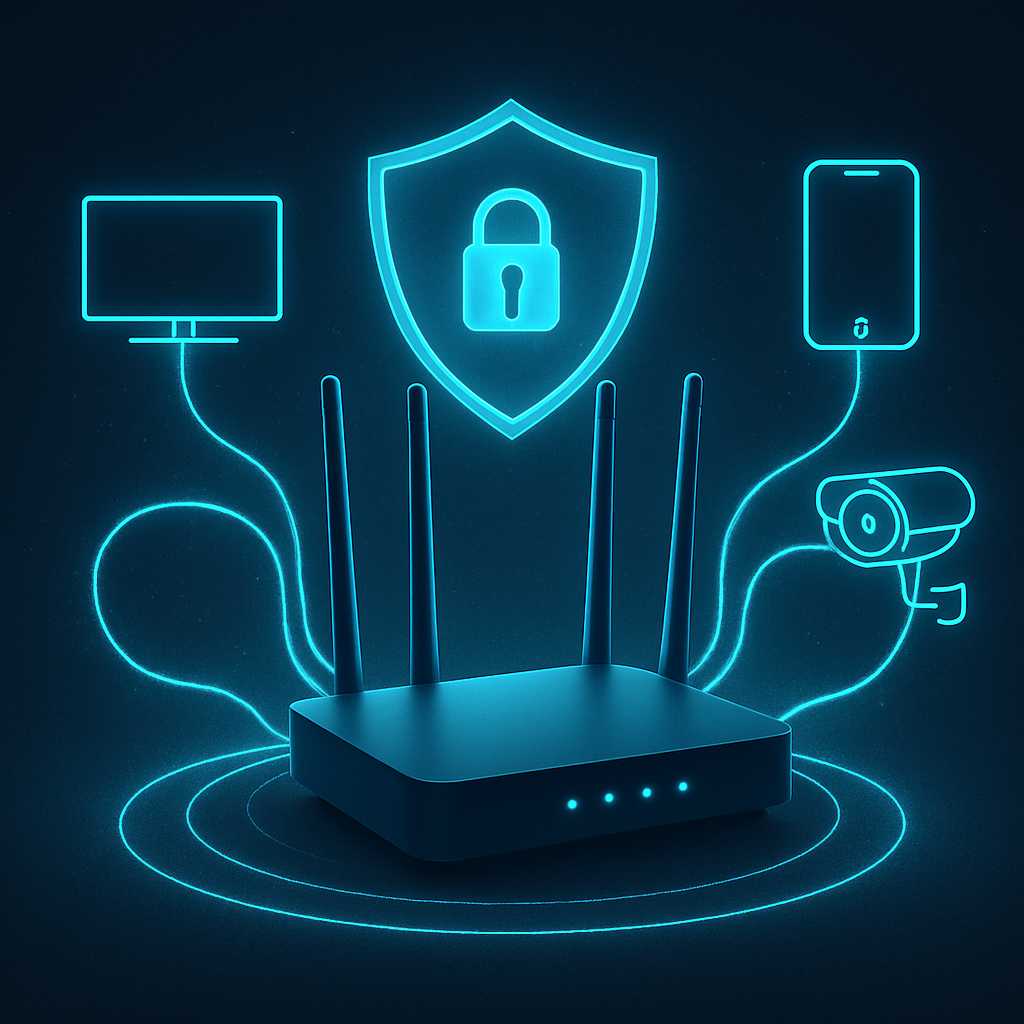
Security experts are recommending an easy router tweak that helps block access to malware and phishing sites across every device in your home network. Instead of using your ISP’s default DNS, replacing it with Cloudflare’s filtered DNS addresses—1.1.1.2 as primary and 1.0.0.2 as secondary—can prevent devices from reaching dangerous domains. This change doesn’t replace antivirus tools but stops many threats at the network level before they hit your PC, phone, or smart TV.
How filtered DNS protects your home
DNS (Domain Name System) acts like the internet’s address book, converting web addresses into IPs devices use to reach websites. Cloudflare’s “1.1.1.1 for Families” takes every DNS request and checks it against known threat lists. If a domain is flagged for phishing or malware, the resolver returns 0.0.0.0 instead of the true address—stopping the connection in its tracks. For families who want extra control, there’s also Cloudflare’s addresses 1.1.1.3 and 1.0.0.3, which add adult content filtering to the protection set.
Setup and limitations
To enable this, you’ll usually go into your router’s settings under sections labeled DNS, WAN, LAN, or DHCP. Before making changes, note your existing settings so you can revert if needed. After entering the new addresses, it’s smart to test that websites load properly. Cloudflare also supplies versions for those using IPv6 and supports encrypted DNS and DNS-over-HTTPS/HTTPS for more privacy and security.
However, this method isn’t foolproof. Devices set with their own DNS settings, VPN connections, or mobile internet may sidestep the router’s DNS filter. Also, this doesn’t clean up infections already on a device, protect against all types of credential theft, or replace foundational security practices like patching, two-factor authentication, or using strong passwords. Depending on your ISP and the apps or services you use—especially if they rely on your perceived location—some content may be inadvertently blocked or DNS behavior altered.
Overall, applying filtered DNS at the router level offers a strong, cost-free shield against many everyday online threats—like phishing campaigns or malicious websites—without needing software on each device. It raises the bar for attackers trying web-based attacks across your home network.
For households looking to boost security without extra subscriptions or apps, using Cloudflare’s filtered DNS is a smart move. Just know where its boundary lies, stay current with patches and firmware updates, use multi-factor authentication, and keep good device hygiene. When combined, these practices create a far more resilient defense than any single tool alone.
What it means: This tweak illustrates how subtle shifts—changing a few numbers in your router settings—can yield major protection gains. As phishing and web-delivered malware remain top threat vectors, methods that operate at the network edge are becoming more valuable. Watch for broader adoption from device manufacturers and ISPs, and for users, it’s low-risk to try: backup your settings, make the change, and see firsthand how many threats you may never have to touch.