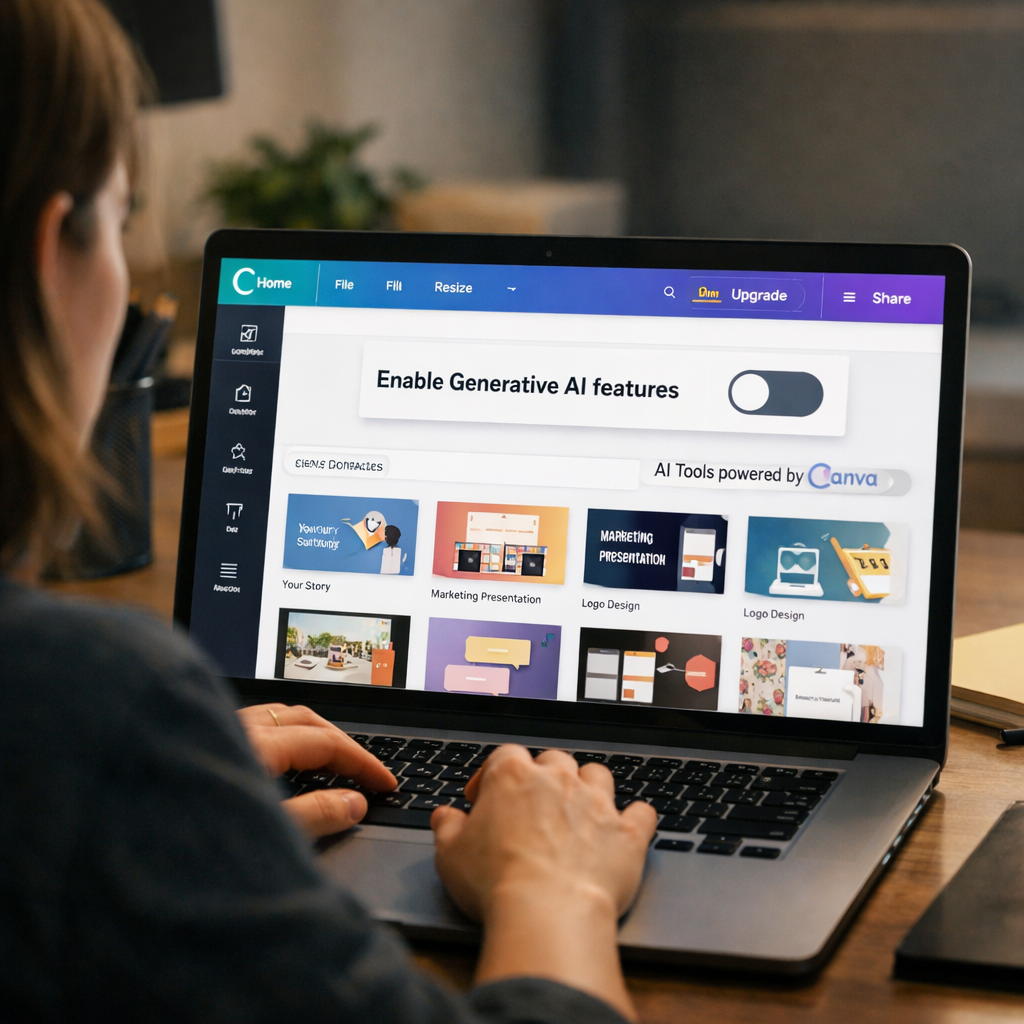
Canva has introduced a new “AI Controls” toggle that allows users to turn off all generative AI features in its editing app. This move puts control in users’ hands, letting them disable capabilities like Magic Write and Magic Edit. There’s also a setting to reduce the amount of AI-generated imagery surfaced in Canva’s asset library.
Why this matters
Generative AI has become embedded in many creative tools, often assumed to be desirable by default. But not everyone wants these features baked in—some prefer full creative control or simply want simpler tools without AI. Canva’s toggle recognizes that spectrum of preference and builds in flexibility.
Located in the Permissions menu, the toggle for “Enable Generative AI features” can be switched off at any time. Disabling it removes features such as writing assistance and automated edits, and limits automatically generated art in the library. For users who enjoy only parts of AI assistance, Canva’s controls allow mixing—using AI sparingly, rather than full-on AI mode.
How this fits into the broader trend
While most software vendors are rapidly expanding AI into every feature—sometimes overloading users with auto-generated content or claims of “AI inside”—few have made it simple to opt out entirely. Canva’s approach contrasts with services that force or default to AI usage, offering a case study in user choice.
Beyond Canva, certain platforms already allow toggling or limiting AI-driven features, but those options often hide deep in settings or only affect specific tools. Canva’s new toggle is more expansive, covering core writing tools, image editing, and library content.
For creators, this gives peace of mind. It means that someone who finds generative AI unwieldy, distracting, or mismatched with their workflow can disable it without losing access to Canva’s non-AI tools. For the company, it signals a shift toward more inclusive design—balancing AI innovation with respect for differing user comfort levels.
Seeing Canva offer a global toggle for generative AI spotlights what users have been asking for: the ability to choose when and how AI shows up. As AI becomes more ubiquitous in creativity tools, consumers will likely expect similar controls elsewhere. Watch for competitors in the design and content space to adopt toggles, or face questions around forced AI integration. In the end, this is about power—empowering users to decide whether they want AI as a collaborator, a tool, or entirely turned off.