Cybersecurity researchers are sounding the alarm over a new web scam using counterfeit “Microsoft security scans” that falsely claim third-party antivirus tools are no longer supported—pushing users to uninstall critical protection. The operation aims to scare users into thinking their devices are vulnerable, then coax them into a so-called refund process that gives attackers a foothold.
How the Scam Works
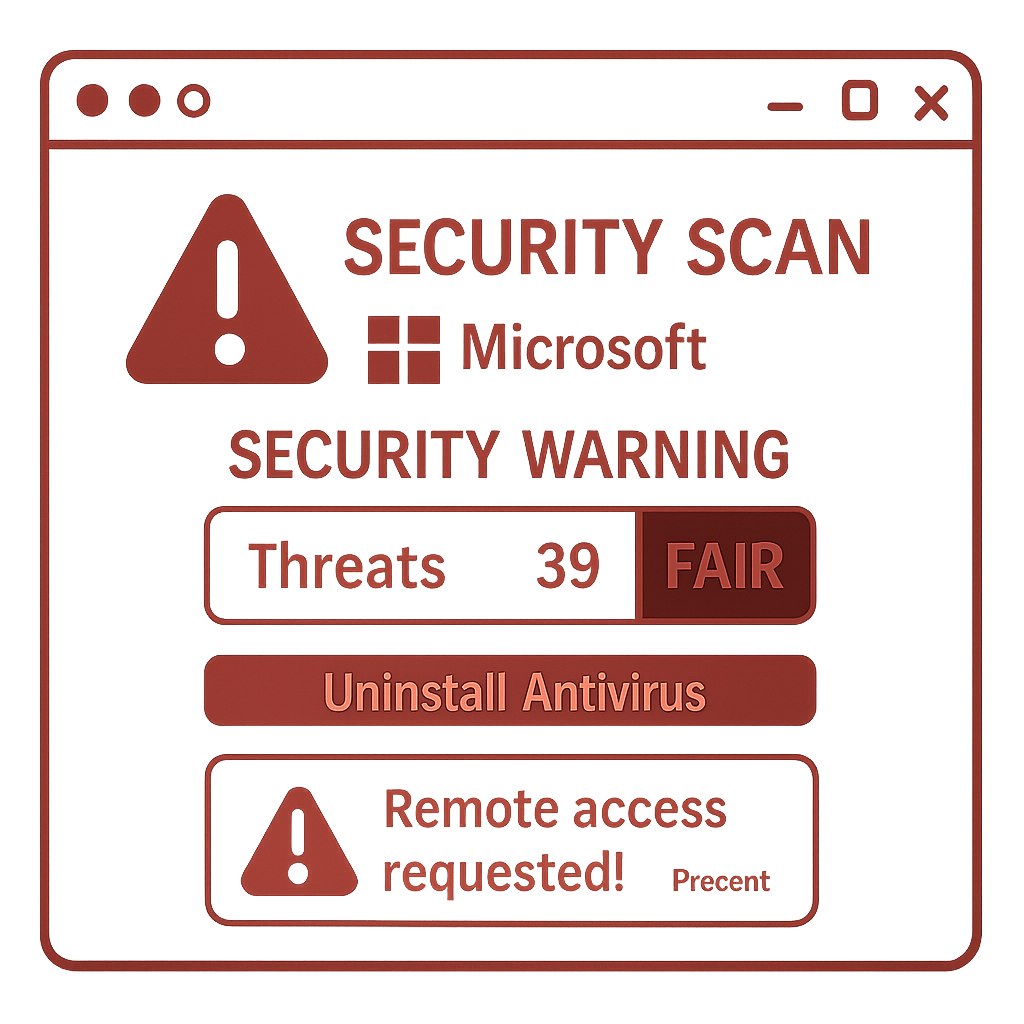
The scam sites display what appears to be a legitimate Microsoft-style security check. They harvest browser-available details like screen resolution, OS type, processor count, and device permissions to generate realistic-seeming “scan results.” In reality, the technical flaws they report—such as missing Windows patches, firmware and memory vulnerabilities, or lack of browser isolation—are fake; many findings are hardcoded ahead of time. The so-called “security score” is always abysmally low, typically between 13 and 30 out of 100, to create urgency. These sites wrongly instruct users to remove antivirus software, falsely claiming Windows no longer supports them. While Windows Defender can enter passive mode when compatible third-party tools are installed, that never means Microsoft drops support.
The Refund Hook & Remote Access Trap
Once the phony scan is complete, the user is directed to fill out a form demanding personal data—including addresses, banking details, antivirus info, remote-access login credentials, agent name or ID, and more. From there, the scam offers a choice of remote-access tools, claiming an agent will call within minutes to facilitate a refund. Behind the scenes, the information is packaged and sent to attackers via Telegram bots. Videos and looping media further fabricate legitimacy while the scam culminates in giving criminals remote control over the user’s device.
Red Flags & Recovery Steps
Users should be wary of web pages demanding that antivirus tools be removed or offering “full system scans” from just a browser. Legitimate services do not require removal of protection software, demand remote access via unknown tools, or insist on banking or device credentials over unverifiable channels.
If you’ve already fallen victim: disconnect from the internet, uninstall any remote-access software installed during the scam, reinstall and update your antivirus over a trusted source, run a full scan, and change banking passwords using another secure device. For any shared financial information, contact your bank directly via verified phone numbers.
Indicators to Watch For
Security experts have identified domains associated with this scheme—names like detectsysscanner[.]com/.de/in[.]net, detsysscanner[.]com/.de, techsysscanner[.]com, and tlcscanner[.]com—as well as an IP address tied to the scam hosting server: 157.230.180.90. These are defanged in advisories to prevent unintentional access.
This kind of operational pattern—fake alerts, trusted branding, fear tactics—isn’t new, but the scale and sophistication continue to rise. Remote monitoring software has been abused in similar scams to open paths into bank accounts or hold onto devices under false pretenses.
What to Watch Moving Forward: The use of branding, looping proof-of-legitimacy multimedia, and multi-step refund/fake support workflows are becoming standard in the arsenal of online fraud. Being able to spot the model early—falling “score,” impossible scan depth in-browser, demands for sensitive information—can help stop damage before it starts.
Analysis: This scam is a textbook example of how attackers borrow the trappings of trust to induce panic. By misusing Microsoft branding and technical buzzwords, they prey on security anxiety and ignorance. It’s a reminder that awareness remains the first line of defense. Organizations and individuals alike should sharpen training, verify support channels, and treat any browser-based scan demanding extreme action with deep suspicion. The next evolution of remote-access fraud will likely hide behind even more polished designs—and may seek tighter integration with tools users already trust. Stay alert, and never remove protections at someone else’s urging without proof.