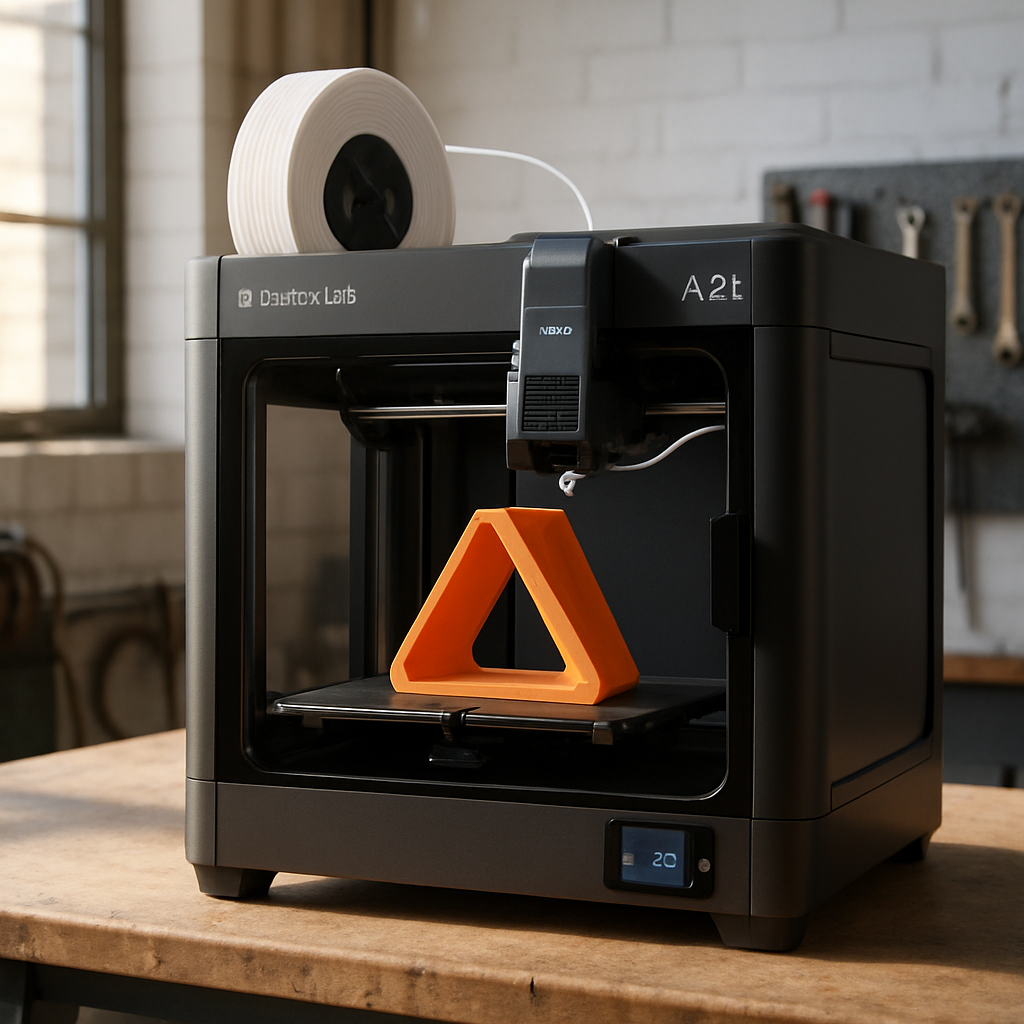
The Bambu Lab A2L emerges as a compelling option for those stepping into 3D printing, especially if they want something more capable than entry-level machines without committing to industrial-scale setups. Designed with home crafters in mind, this filament-based FDM printer brings together a generous build volume, automatic bed leveling, and even cutting and scoring tools—features rarely bundled into this price range. After two months hands-on, it’s clear the A2L delivers impressive utility for both beginners and hobbyists who want room to grow.
Basics & Build Volume: What You Get
The A2L is a bedslinger-style printer, meaning the print bed moves in one axis, and the gantry handles the others. That can make prints noisier and places greater demands on the setup, but the A2L adds auto-bed leveling—which solves one of the chief complaints of bedslingers. Its build volume measures 330 × 320 × 325 mm, which actually beats Bambu Lab’s H2C model in raw size, though not in speed or multi-material capacity. Still, that’s significantly larger than the P2S, and it costs around $80 less—making it one of the best-valued mid-size filament printers on the market.
Speed, Sound & Multicolor Trade-Offs
Speed-wise, the A2L won’t match high-end machines. If you print single-color items with basic layer heights, it’s fast enough—but layer visibility and slower multicolor work expose its limits compared to machines like the H2C or filament printers with multi-hotend toolheads. One downfall in multicolor printing is purge waste: switching filament colors with a single hotend leads to large amounts of discarded plastic—sometimes 30% to 100% of print material in waste alone—depending on how many color changes occur.
Noise is another trade-off. The A2L is noticeably louder than enclosed CoreXY models like the H2C. It’s manageable if you run prints overnight in a home office or basement; but its audible mechanical motion can be disruptive in living areas, bedrooms, or close quarters—especially with kids around.
Software, Accessories & Multi-Hobby Functionality
Bambu Studio remains a highlight: transparent and intuitive for new users. Features like cost and filament-use estimates, and easy mode switching in setup tools, make printing less daunting. The A2L also supports three AMS (Automatic Material System) models—AMS Lite, AMS 2, and AMS 2 Pro—which allow you to feed multiple filament reels into the printer at once, with the AMS 2 and AMS 2 Pro being sealed units. If your usage grows, these accessories help keep material dry, organized, and ready.
The A2L also serves multi-hobbyists thanks to optional modules: a fine-point cutting blade module supports paper, various leathers, vinyl, and more. There’s even a pen attach-on for drawing or sketching. These capabilities broaden its appeal beyond 3D printing into crafting and mixed media work.
Set-Up & Real-World Use
Assembly takes around 45 minutes for one person, including relocating the unit and finding a suitable workspace; two people can likely cut that down to 30 minutes. Once built, linking it to a Bambu account, running initial calibration, and slicing your first model are smooth steps. The reviewer was printing a standard Benchy model within an hour of unboxing.
There are pointed recommendations for making sure the printer delivers. Because bedslinger beds move, a solid, stable surface is essential: avoid flimsy furniture or anything that will vibrate. Also, starting with simpler, reliable filament like PLA and only gradually expanding to more exotic materials helps avoid frustration. Investing in AMS accessories becomes more worthwhile after you’re certain you’ll print often—if not from day one.
Is It the Right Pick?
For its price, the A2L offers substantial upside. If your main goals are large prints, ease of use, and work in single-color PLA or similarly forgiving material, it’s hard to beat. But it has limitations: absent an enclosure, it won’t work well with styrenic plastics like ABS; it’s noisier than enclosed printers; and the single-hotend design means less efficiency for multicolor work. If you have very limited space, or want to avoid bed-movement entirely, smaller or enclosed options may make more sense.
Overall rating: 4.5 out of 5 stars.
Pros: Easy setup, auto-leveling, integrated software and apps, large build volume.
Cons: Noisy, bedslinger design—even riskier for kids/pets around, less ideal for multicolor purging or open-system purists.
Price starts at $469, with AMS add-ons and cutter/pen modules priced separately.
The A2L earns a strong recommendation as perhaps the best value for beginners who want strong performance without stepping up to the price and complexity of something like the H2C. It feels built to grow with your needs—extra filament capability, cut-and-pen tools, meaningful build space—all add up.
What this means: In a 3D printing market crowded with either bare-bones entry machines or high-cost high-feature models, the A2L slots neatly in the middle. It shows that consumers no longer have to choose between “cheap but limited” and “feature-rich but expensive.” The main things to watch moving forward are how open future firmware becomes if you want to tinker, and how companies balance noise and heat control in bedslinger-style machines. If you value usability and scale over perfection in every print, this might be your first “keeper” printer.