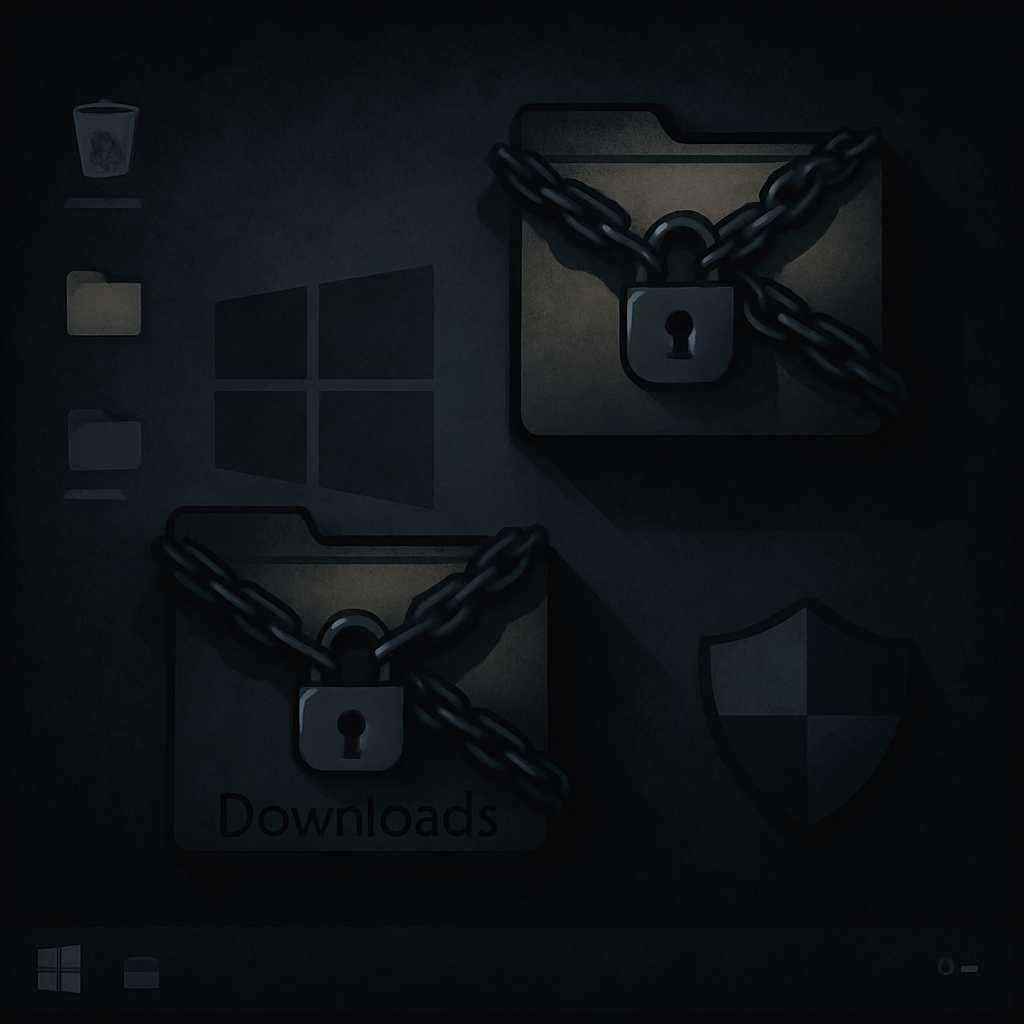
Microsoft Defender’s exclusions feature—a tool meant to prevent false positives—is being abused by attackers to hide malware from scans. Rather than disabling Defender entirely, hackers are crafting paths, extensions, and certain process exclusions so malicious files slip through scheduled, real-time, and on-demand scans. The abuse requires administrator-level access, making it a stealthy step taken after attackers compromise a system.
How the Abuse Works
Defender allows exclusions based on file paths, file extensions, processes, and even network traffic. Attackers have been identified using path and extension exclusions to conceal entire directories or groups of files sharing a suffix—shielding malware stored there from detection. These exclusion types disable scanning for matching files across all scan types.
To make these changes, attackers use tools already present in Windows—PowerShell, Windows Management Instrumentation (WMI), Group Policy, or direct edits to the registry. Though Defender’s own exclusion registry key is protected, its Group Policy namespace is not, allowing modifications that take effect after a system reboot.
Hidden Exclusions & Incident Response Challenges
Security researchers also found a setting that conceals exclusions from local admins or even SYSTEM users when they query via PowerShell. This doesn’t remove the exclusion—it only hides it. Since registry data still contains the changes, digital forensics must include registry monitoring to uncover hidden exclusions.
The misuse of exclusions has surfaced alongside other evasion techniques. In some intrusions, attackers first hide malware via exclusions and then disable Defender entirely if needed. In those cases, exclusion abuse acts as a low-risk fallback to avoid immediate detection.
Examples of suspicious items include wide directory paths such as “C:\Temp”, or even whole drives, and standard registry keys under both local and policy-managed locations, like the ones controlling path and extension exclusions or hiding exclusions from administrators. These indicators aren’t definite proof of compromise, but they raise red flags for incident investigations.
Why This Matters
From attacks involving GootKit in 2019 through WhisperGate in 2022 to Muddled Libra in 2024, exclusion abuse has been a recurring theme. These cases underscore how legitimate security features can be repurposed when attackers gain privileged access.
For defenders and SOCs, that means awareness alone isn’t enough. Continuous monitoring of Defender’s exclusions, including concealed ones, along with auditing of administrative tools and registry changes, is critical. An apparently pristine antivirus status may conceal dangerous gaps.
This issue doesn’t just expose technical vulnerabilities—it highlights a deeper blind spot in security culture. Organizations often trust default security tools to act as a last line of defense, but when those tools can be quietly undermined, security governance, policy, and monitoring become just as important. What to watch: changes in exclusion policies made outside standard workflows, broad exclusions covering entire drives, and settings that hide exclusions from privileged users. Those are the warning signs that malware might already be hiding in plain sight.