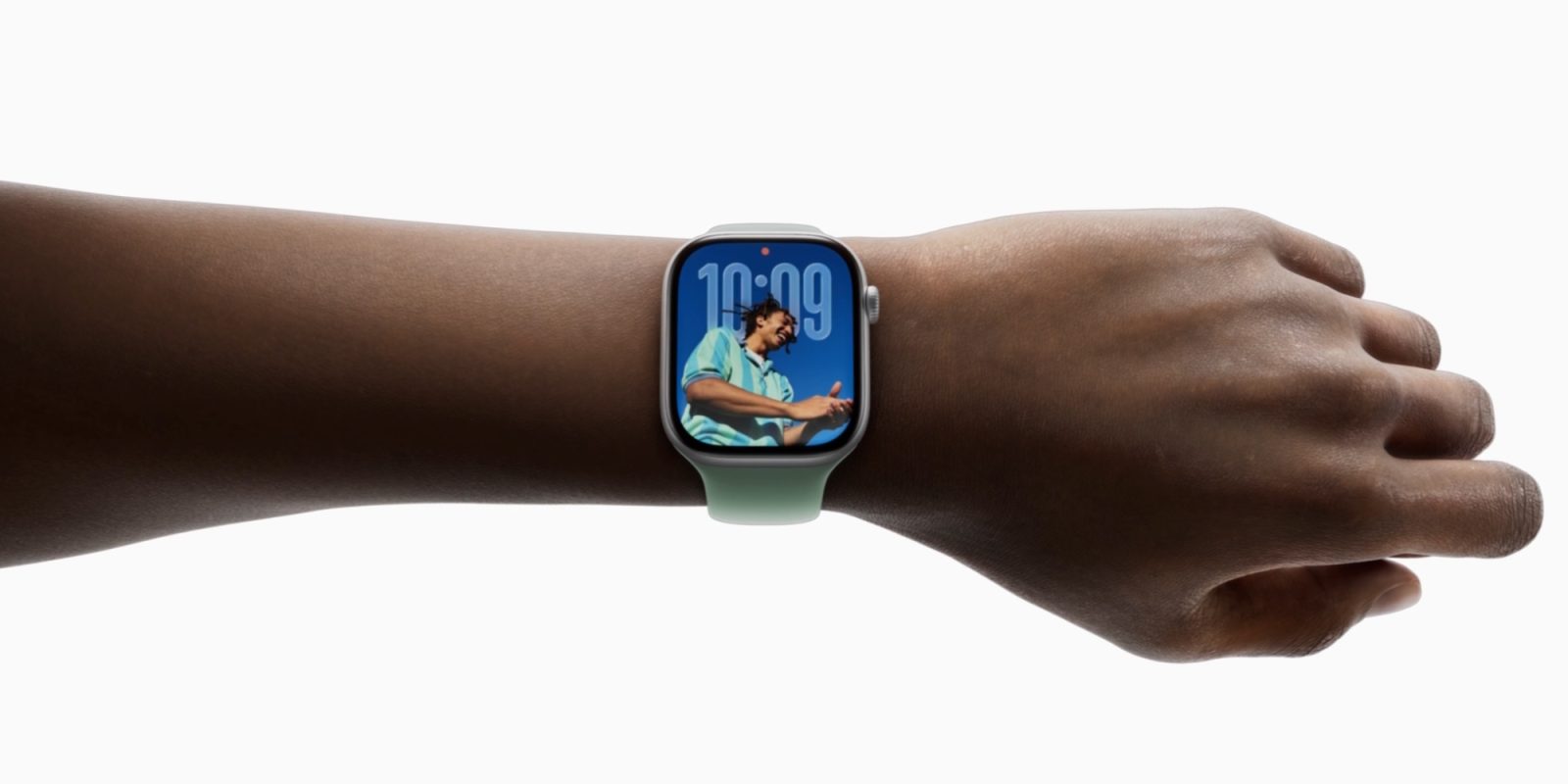
Apple’s Apple Watch has evolved into a sophisticated wearable device, offering a range of features that cater to various user needs. Among its lineup, the Apple Watch Ultra stands out with its distinctive Action Button, a hardware addition that enhances user interaction by providing quick access to specific functions. This feature has been particularly appreciated by users who frequently engage with certain apps, such as the Workouts app, allowing for immediate access without navigating through menus.
However, this convenience is exclusive to the Apple Watch Ultra, leaving users of other models without a comparable shortcut. Given the sleek and compact design of models like the Series 11, incorporating an additional physical button may not be feasible. Nonetheless, a software-based solution could bridge this gap, offering all Apple Watch users a customizable shortcut akin to the Action Button.
Current Button Functionalities on Apple Watch
The Apple Watch is equipped with two primary physical controls: the Digital Crown and the Side Button. Each has predefined functions:
– Digital Crown:
– Single press: Opens the app launcher.
– Double press: Activates the app switcher.
– Long press: Summons Siri.
– Side Button:
– Single press: Opens the Control Center.
– Double press: Launches Apple Pay.
– Long press: Displays the power-off menu.
These functions are integral to the user experience, but they also limit the potential for customization without altering existing behaviors.
Proposed Enhancement for watchOS 27
To introduce a customizable shortcut without adding hardware, a reconfiguration of the Side Button’s long-press function is proposed. This adjustment draws inspiration from the iPhone’s evolution, where holding the Side Button now activates Siri, and powering off requires a combination of the Side Button and a volume button.
Applying a similar approach to the Apple Watch:
– Power Off Functionality:
– Redefine the power-off action to require a simultaneous long press of both the Side Button and the Digital Crown.
– Extend the duration required for a force reset (currently 10 seconds) to 20 seconds to accommodate this change.
– Customizable Action:
– Repurpose the Side Button’s long-press action to serve as a customizable shortcut.
– Allow users to assign this action to frequently used apps or functions, such as launching the Workouts app, initiating a specific Shortcut, or controlling media playback.
This modification would provide all Apple Watch users with a functionality similar to the Action Button, enhancing accessibility and personalization without compromising existing features.
Alternative Consideration
Recognizing that some users may find the above changes complex, an alternative solution could involve allowing the double-click action of the Side Button to be user-configurable. Currently dedicated to Apple Pay, this function could be reassigned to a user-preferred action, offering flexibility while maintaining the simplicity of the interface.
Conclusion
Introducing a customizable shortcut through software adjustments in watchOS 27 would democratize the convenience of the Action Button across all Apple Watch models. By reimagining existing button functionalities, Apple can enhance user experience, offering personalized interactions without the need for additional hardware.
Twitter Post:
Imagine having a customizable Action Button on your Apple Watch, regardless of the model. A proposed watchOS 27 feature could make this a reality, enhancing user experience for all. #AppleWatch #watchOS27 #ActionButton
Focus Key Phrase:
Customizable Action Button on Apple Watch
Article X Post:
Hashtags:
Article Key Phrase:
Category: Apple News