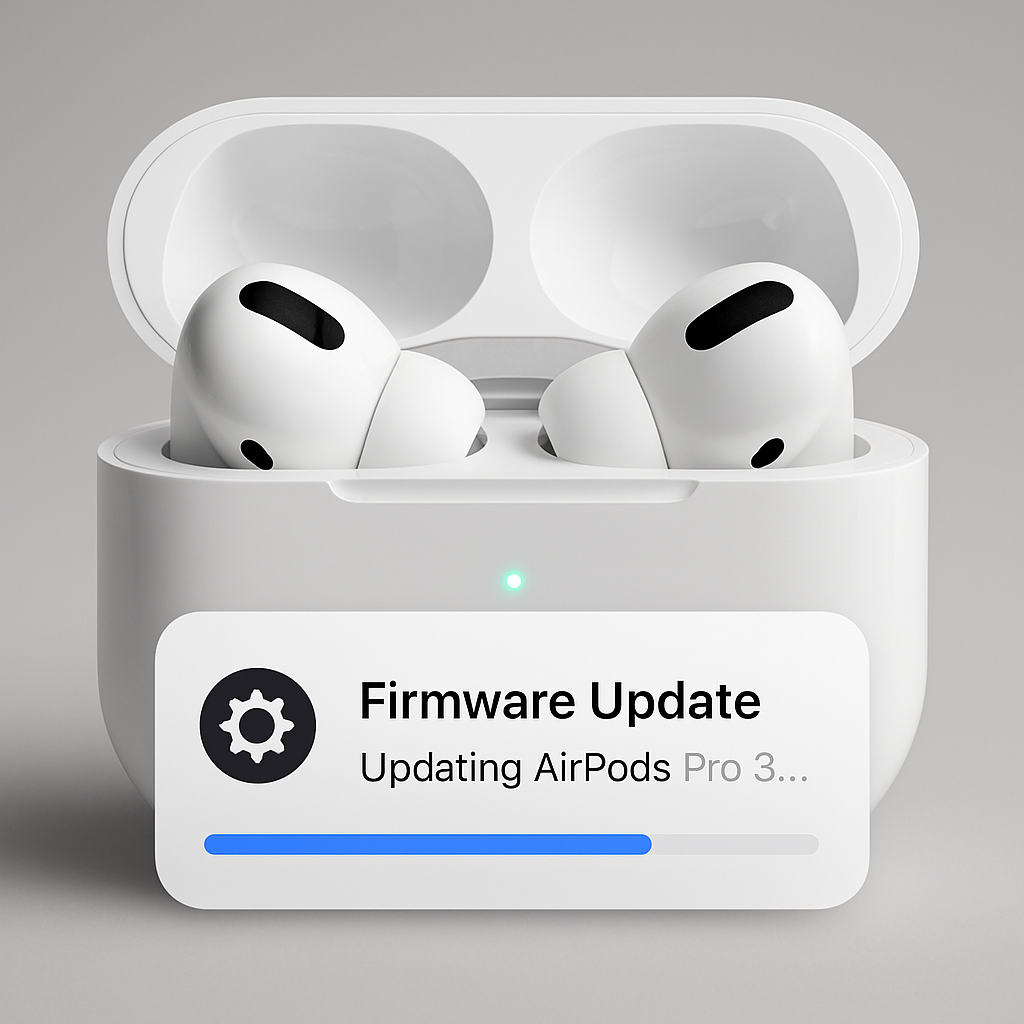
Apple has rolled out a new firmware update for its AirPods lineup, including the AirPods Pro 3, AirPods Pro 2, and AirPods 4. This latest release, identified as build number 8B41, follows the previous 8B40 version that was exclusive to the AirPods Pro 3.
While Apple has yet to provide detailed release notes for this update, it is anticipated to focus on bug fixes and performance enhancements, as is customary with such firmware releases. Users can expect improvements in stability and functionality across their devices.
To ensure your AirPods are updated to the latest firmware, follow these steps:
- Ensure your iPhone, iPad, or Mac is running the latest version of its operating system and that Bluetooth is enabled.
- Connect your AirPods to your device via Bluetooth.
- Connect your device to Wi-Fi.
- Place your AirPods in their charging case and connect the case to power.
- Close the lid of the charging case and keep it near your device.
- Wait at least 30 minutes to allow the firmware update to install.
- Open the lid of the charging case to reconnect your AirPods to your device.
- Check the firmware version to confirm the update.
It’s important to note that firmware updates for AirPods are installed automatically when the devices are connected to a paired device and charging. There is no manual method to initiate the update process.
Regular firmware updates are crucial for maintaining optimal performance and ensuring compatibility with the latest features and security protocols. Users are encouraged to keep their devices updated to benefit from these improvements.
As Apple continues to refine its ecosystem, these updates play a vital role in enhancing user experience and device longevity. Staying informed about such releases ensures that users can take full advantage of their devices’ capabilities.