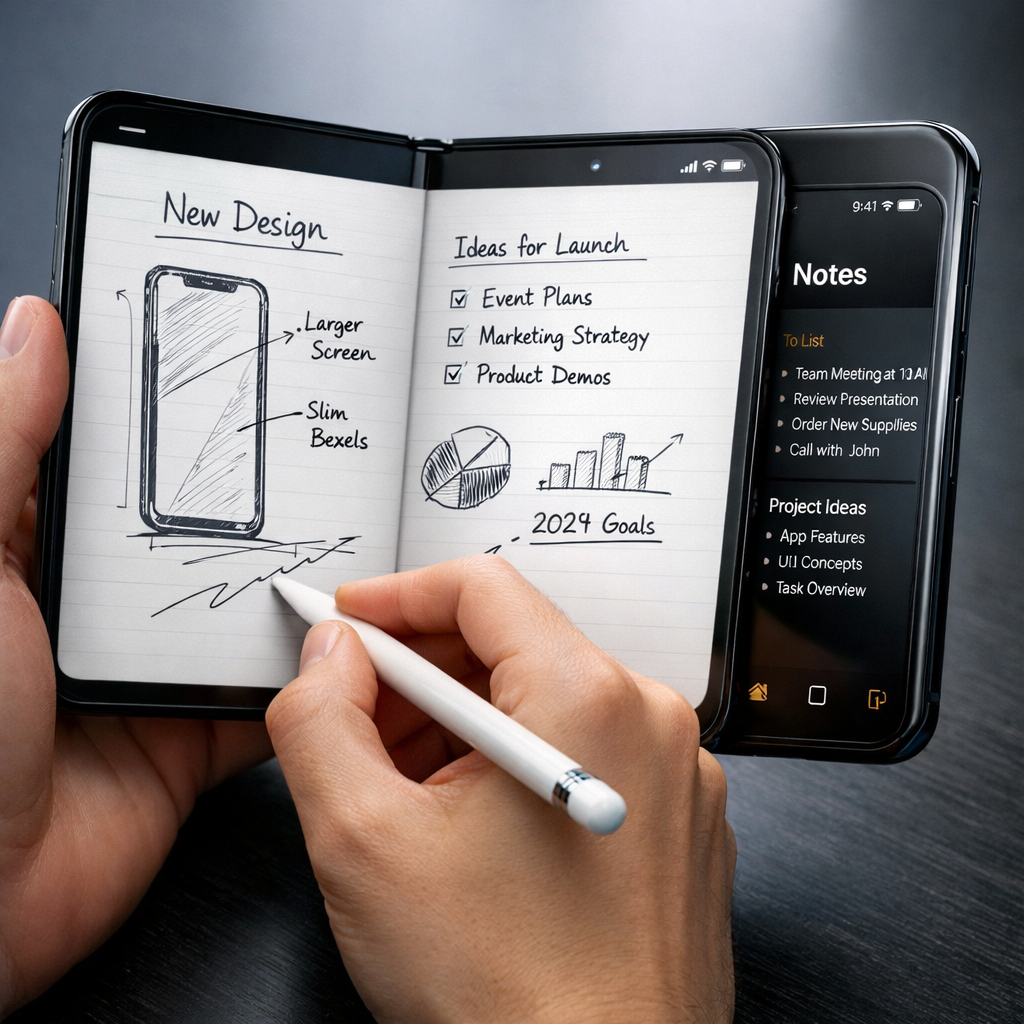
Apple’s recent decision to support the Apple Pencil with USB-C on the new foldable iPhone Duo marks a milestone — but it’s far from ideal. While this marks the first time an iPhone can work with Apple Pencil, the functionality is minimal. Pairing requires the Pencil to be plugged in via cable, many premium features are missing, and there’s no place to store the stylus on the device when you’re not using it. For casual note-taking or sketching, it works, but the details reveal the limitations.
What it actually does
With the Apple Pencil USB-C model, users can write and draw on both displays of the iPhone Duo. The outer screen functions like a handy notepad, while opening the foldable reveals the larger inner canvas. Apps such as Notes, Freeform, Apple Journal, and Books accept inputs for handwriting, highlighting, and sketch annotations. Basic text entry with Scribble also works. The outer display, however, is rigid and glossy, lacking the tactile feedback found on iPads or more sophisticated stylus-enabled devices. The inner display is plastic and flexible, granting some “give,” but its durability remains untested beyond light usage.
What’s missing — and what’s annoying
Major functional trade-offs accompany this limited compatibility. The USB-C Pencil lacks pressure sensitivity, haptics, hover detection, double-tap gestures, barrel roll actions, squeeze inputs, and Find My support. Users report that the Pencil doesn’t always wake reliably — sometimes requiring a USB-C connection or charging to reawaken. Also, there’s no magnetic side or built-in storage to dock the Pencil or keep it charged when not in use, making it easy to lose or misplace. The camera bump also complicates drawing or writing when the device is open or closed — flat surfaces are off the table without accessories or stands.
Functionally, it’s usable. For highlights in eBooks, sketches in Freeform, or quick notes, the tool delivers at a basic level. But when compared to iPads or Samsung’s foldables with built-in stylus support, the experience falls short in refinement.
The top complaint may be the stylus’s length combined with the absence of mounting. The Pencil feels long and unwieldy when carried around without a holder, and its proportions are mismatched for the Duo’s hinge side. Users and reviewers are calling for a dedicated stylus — one with magnetic mounting, shorter body, and better ergonomics tailored for a folding iPhone. A “second-generation model” with such features seems increasingly desirable as the Duo matures.
Still, this first iteration of Apple Pencil on iPhone shows the company trying to expand its stylus ecosystem. It’s proof of concept more than a refined tool. But for users wondering whether they can finally ditch paper notebooks in favor of stylus input, the answer is: maybe — but with notable compromises.
Looking ahead, Apple has room to improve. Better hardware integration (like magnetic attachment and built-in storage), adding back missing features such as pressure sensitivity and haptics, and ensuring more reliable wake-up behavior would strengthen the offering. Accessory makers should also pivot to helping fill the gaps — cases designed for pencil mounting, protective elements for inner screen durability, and stands for more traditional drawing layouts could make a big difference.
What this means: The addition of Apple Pencil support to iPhone Duo is a promising step in merging stylus capabilities with phones, but this release feels like a “just enough to be useable” version. Apple has laid the groundwork, but the polish is still missing. Watch for future versions or accessories to address these shortfalls — because for stylus users, the devil is in the details.