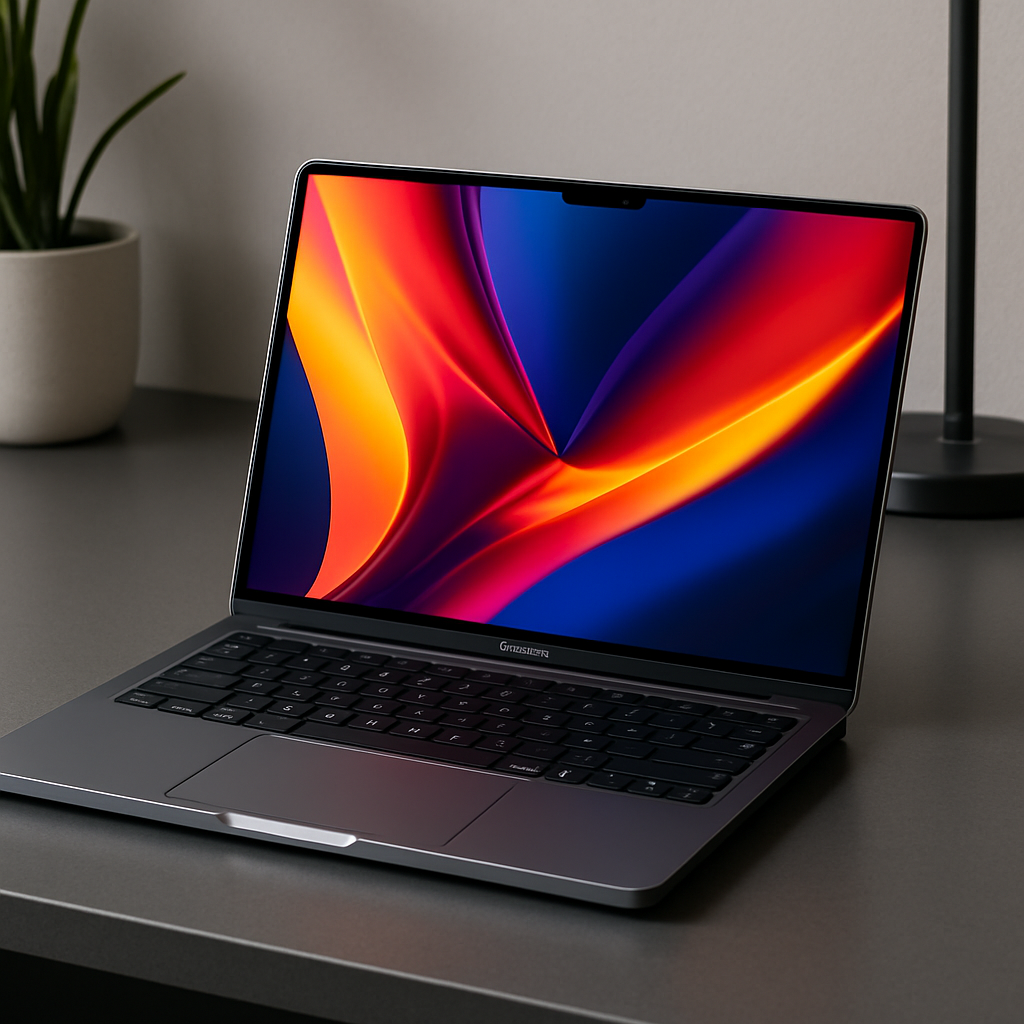
Apple’s newly released HomeView positions itself as a compact yet full-featured smart display, balancing aesthetic appeal with practical utility. With a 7-inch square screen perched on an aluminum speaker base and available in four colorways—Starlight, Rose Pink, Silver, and Space Gray—it seeks to blend into homes without commandeering the countertop. The display offers 1088×1088 resolution (~220 pixels per inch), brightness up to 500 nits, minimal dimming down to 0.3 nits, and True Tone for adaptive lighting. These specs make it usable in bright kitchens yet gentle enough in bedrooms.
Design-wise, the square form factor avoids the iPad-on-a-stand feel, feeling more like a purpose-built Apple Watch for the home. Tilting via its polished metal arm gives flexibility, especially in tight spaces, though viewing recipes or more detailed content sometimes demands more scrolling than desired. The compact build buys space and convenience over screen real estate.
Sound, Interface & Features
Internally, HomeView houses two full-range drivers, a down-firing woofer, and passive radiators built into the base, delivering sound quality between the HomePod mini and the larger second-generation HomePod. While it won’t unseat high-end audio setups, it surprises for its size. As an AirPlay target, it lets you cast from your iPhone or Mac, and likewise send HomeView’s audio to other compatible devices. One key frustration: there are no physical buttons, meaning adjusting volume requires voice commands or tapping the display.
The software leans heavily on interfaces familiar to Apple Watch and iPhone users. You navigate via “faces”—clock showings, Photos, Modular app-widget combinations, Home Camera feeds, Weather, Snoopy animations, Shared Albums, and more. Customizing faces involves long-press actions, color or widget tweaks, and importing widgets via nearby iPhone. Faces like Modular offer four square widgets for glanceable info without overwhelming the display, while Photos or Shared Albums turns the device into a charming picture frame. The design philosophy favors glanceability, not constant interaction.
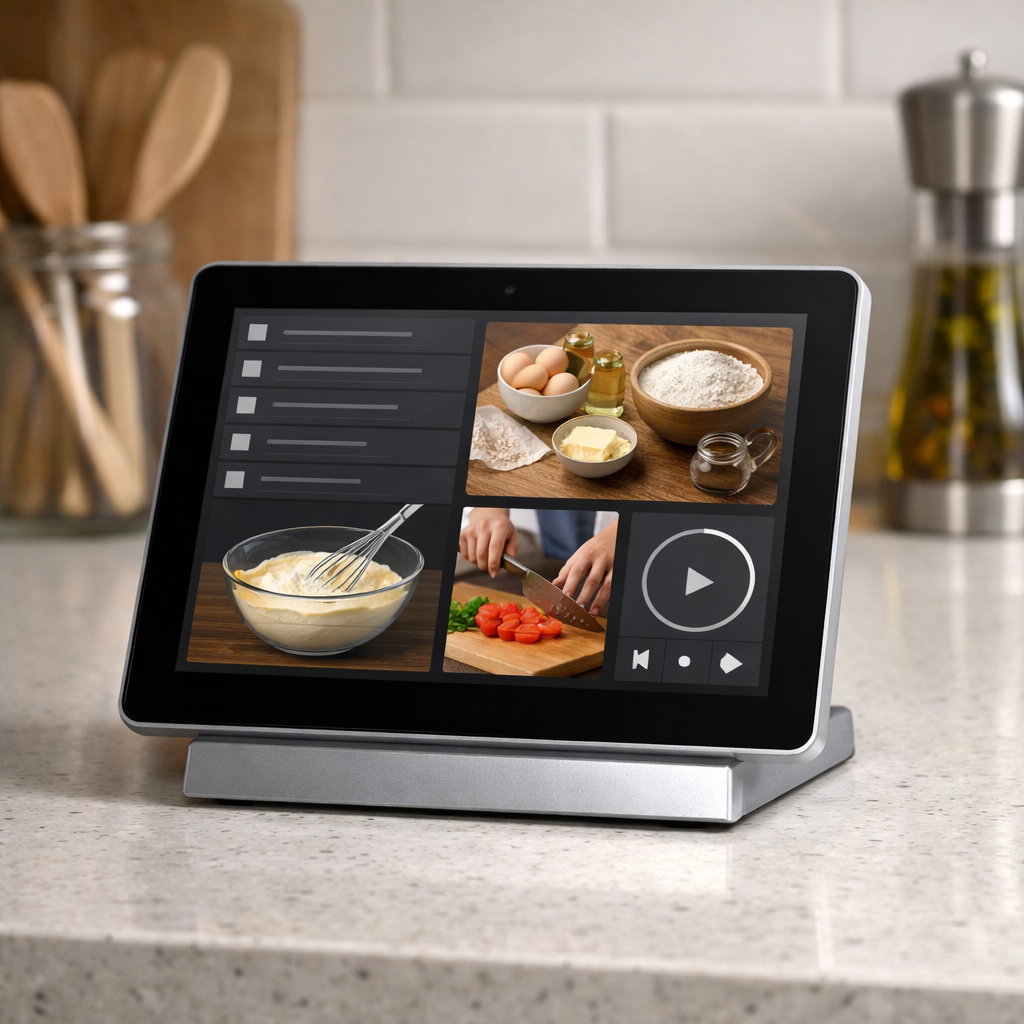
A standout: the recipe mode. Browsing recipes in Safari, HomeView lets you convert them into an optimized cooking view with ingredients, measurements, step-by-step instructions, and even a built-in timer. Recipes load reliably across sites, though pages split across multiple web pages can cause hiccups. A larger screen would help reduce scrolling, but this cooking setup is very much what this device shines at.
User Support & Siri AI
Supporting up to six users, HomeView delivers multi-user functionality through facial and voice recognition. Facial recognition is enabled via the built-in camera (not Face ID), and initial setup involves moving your head around so the device memorizes different angles. In tests, it successfully distinguished two adults and presented each their tailored set of data—calendar, messages, reminders—though identifying who’s in front sometimes takes a few seconds. Misidentification locks some personal apps until verification via the owner’s iPhone, adding a layer of security where needed.
At its core, HomeView runs Apple’s A18 chip, powering an improved Siri AI that responds to world knowledge, often with visual enhancements. It also utilizes personal context—when an Apple Intelligence-enabled iPhone or iPad on the same Wi-Fi and recently unlocked are present—to answer more personalized questions. Responses are generally solid, though queries that require personal context are slightly slower than on a phone. Occasionally Siri AI fails to answer or gives vague messages. But voice remains the primary interaction mode, which makes these slip-ups more irksome.
Smart Home Centrality & Verdict
HomeView doubles as a hub for HomeKit accessories. The dedicated Home app, Home-focused faces, voice control for scenes and accessories, plus glanceable status—such as lock status or thermostats—in one central location offer clear benefits. While it’s not reinventing smart home control, it consolidates it in a more immediate and visually rich form.
Priced at $299, HomeView landed lower than many rumors had speculated. It leans into being a niche product: not everyone needs it, but those who do will arguably grow to lean on it daily. Initially a “cute extra,” it becomes a habit—something you reach for in the kitchen, rely on at the home dock, or miss when it’s not nearby. It’s versatile in its appeal: visual, voice, utility all wrapped in one small package.
What this device means is that Apple continues pushing the idea of ambient, always-on smart surfaces—devices that act as assistants without demanding centrestage. The biggest challenge will be convincing mainstream users that a device like HomeView is more than a luxury decoration. For Apple, expanding app support, refining Siri AI reliability, and possibly tweaking screen size or interaction methods will be key areas to watch. HomeView earns its place, but its long-term staying power depends on ongoing software iteration and user integration.