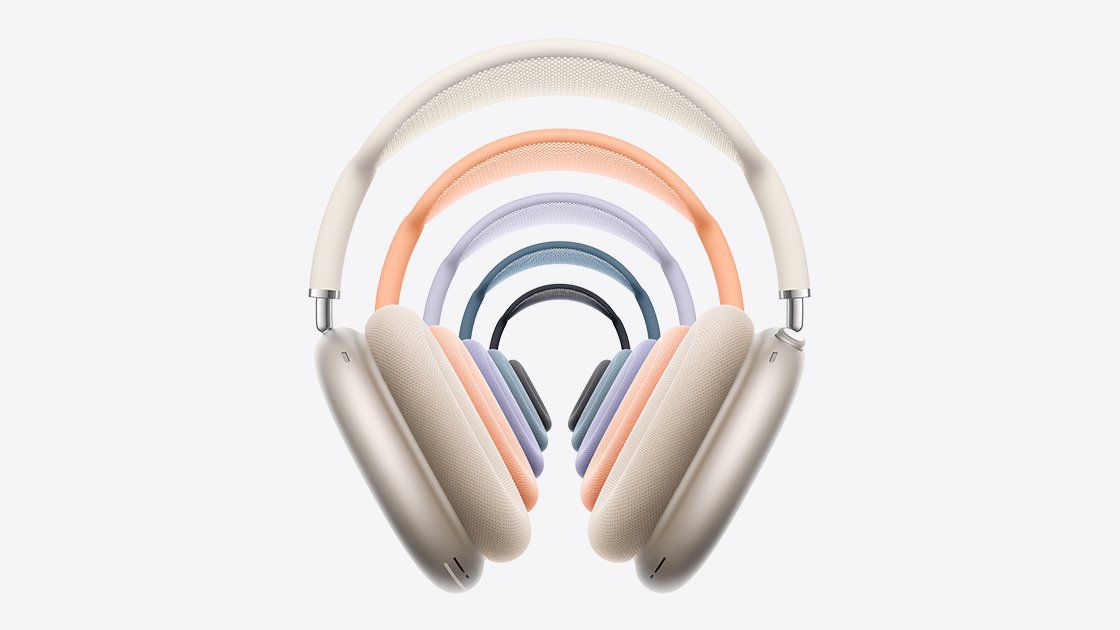
Apple Releases Firmware Update 8E251 for AirPods Max 2 Enhancing H2 Chip Features
Apple has rolled out firmware version 8E251 for the AirPods Max 2, aiming to optimize the performance of the H2 chip and introduce new functionalities. This update is designed to enhance features such as Live Translation, Adaptive Audio, Loud Sound Reduction, and Voice Isolation, providing users with a more immersive and personalized audio experience.
Key Features Enhanced by Firmware 8E251:
1. Live Translation: This feature offers real-time translation of spoken language, facilitating seamless communication across different languages.
2. Adaptive Audio: Adaptive Audio intelligently adjusts sound settings based on the user’s environment, ensuring optimal audio quality whether in a quiet room or a noisy street.
3. Loud Sound Reduction: This function protects users’ hearing by automatically reducing the volume of unexpectedly loud noises.
4. Voice Isolation: Voice Isolation enhances call quality by filtering out background noise, ensuring that the user’s voice is clear and prominent during conversations.
Steps to Install Firmware 8E251:
To ensure your AirPods Max 2 are updated to the latest firmware, follow these steps:
1. Connect to a Compatible Device: Ensure your AirPods Max 2 are within Bluetooth range of an iPhone, iPad, or Mac.
2. Establish a Wi-Fi Connection: Connect your Apple device to a stable Wi-Fi network.
3. Charge Your AirPods Max 2: Use a USB-C cable to connect your AirPods Max 2 to a power source.
4. Wait for the Update: Keep the AirPods Max 2 in Bluetooth range of your Apple device and allow at least 30 minutes for the firmware to update automatically.
5. Verify the Update: After the update period, reconnect your AirPods Max 2 to your Apple device and check the firmware version to confirm the update.
Troubleshooting:
If the firmware does not update as expected, restart your AirPods Max 2 and repeat the installation steps.
Conclusion:
The release of firmware 8E251 underscores Apple’s commitment to enhancing user experience through continuous improvements. By updating to this latest firmware, AirPods Max 2 users can enjoy advanced features that adapt to their needs and environments, ensuring a superior audio experience.