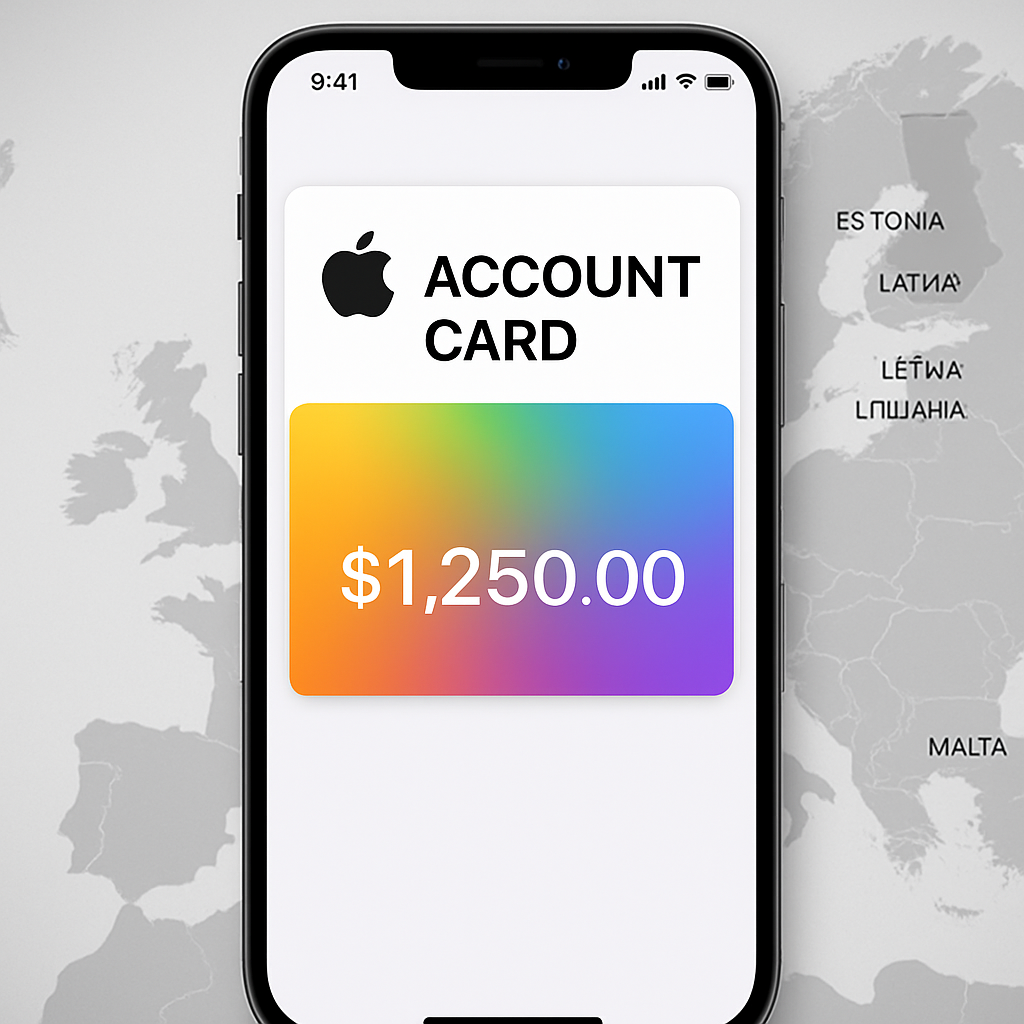
Apple has recently expanded the availability of its Apple Account Card in the Wallet app to include Estonia, Latvia, Lithuania, and Malta. This expansion is part of Apple’s ongoing efforts to make the feature accessible to more users worldwide.
Understanding the Apple Account Card
The Apple Account Card is a digital card that displays the balance associated with a user’s Apple Account. This balance can be used for purchases at physical Apple Stores, online at Apple.com, and within the App Store for apps, subscriptions, and other Apple services. Additionally, when users redeem an Apple Gift Card, the funds are added to this balance. Users can also add money to their Apple Account Card using a linked debit or credit card through the “Add Money” option in the Wallet app.
Distinguishing from Apple Card
It’s important to note that the Apple Account Card is distinct from the Apple Card. The Apple Card is a credit card that offers a line of credit, interest rates, and rewards, and can be used for a wide range of financial transactions, including those at contactless payment terminals via Apple Pay. In contrast, the Apple Account Card is a digital-only card that reflects the funds available in a user’s Apple Account balance. It does not offer a line of credit, accrue interest, or provide rewards. There is no physical version of the Apple Account Card, and it cannot be used to send money to friends or be cashed out.
Supported Regions
With the recent expansion, the Apple Account Card is now supported in the following countries:
- Australia
- Austria
- Belgium
- Canada
- Czechia
- Denmark
- Estonia
- Finland
- Hong Kong
- Ireland
- Italy
- Japan
- Latvia
- Lithuania
- Luxembourg
- Malta
- Mexico
- Norway
- Poland
- Portugal
- Spain
- Sweden
- Switzerland
- United Arab Emirates
- United Kingdom
- United States
It’s worth noting that certain features of the Apple Account Card, such as using it for in-person payments at Apple Stores, may not be available in all regions. Apple has not specified whether the newly added countries will have access to the full range of features.
Adding the Apple Account Card to Wallet
To add the Apple Account Card to your iPhone’s Wallet app, follow these steps:
- Open the Wallet app.
- Tap the plus (+) button.
- Select “Add Apple Account.”
- Tap “Continue” and wait for the process to complete.
Once added, the Apple Account Card will display your current Apple Account balance, allowing for seamless purchases across Apple’s platforms.
As Apple continues to expand the availability of the Apple Account Card, it enhances the convenience for users to manage and utilize their Apple Account balances. This expansion reflects Apple’s commitment to providing integrated financial tools within its ecosystem, simplifying the purchasing process for its global user base.